H5 Payment Integration Demo Setup Guide: Aggregated Payment Simulation and Encrypted Redirect Solution Analysis
H5 Payment Integration Demo Setup Guide: Aggregated Payment Simulation and Encrypted Redirect Solution Analysis
Disclaimer: This article is for technical education and demonstration purposes only. It is not financial, legal, or business advice. Real payment processing must comply with applicable laws, platform policies, and official payment gateway terms. Always use official APIs and sandbox environments for development and testing.
I recently built a payment integration demo that simulates an aggregated payment workflow with H5 encrypted redirect support. The goal was to understand how a modern payment gateway integration works on the technical side, including H5 pages, backend callback handling, and encrypted parameter passing. This guide records the setup and debugging process for developers who want to build similar integration demos in a test environment.

1. Core Demo Functions and Technical Architecture
This demo simulates a payment aggregation platform for learning purposes. It is designed to run in a sandbox or local test environment and includes the following modules:
- Payment Simulation Flow: Users select an amount and are redirected through an H5 payment page. The demo records the request and simulates a success callback to the merchant backend.
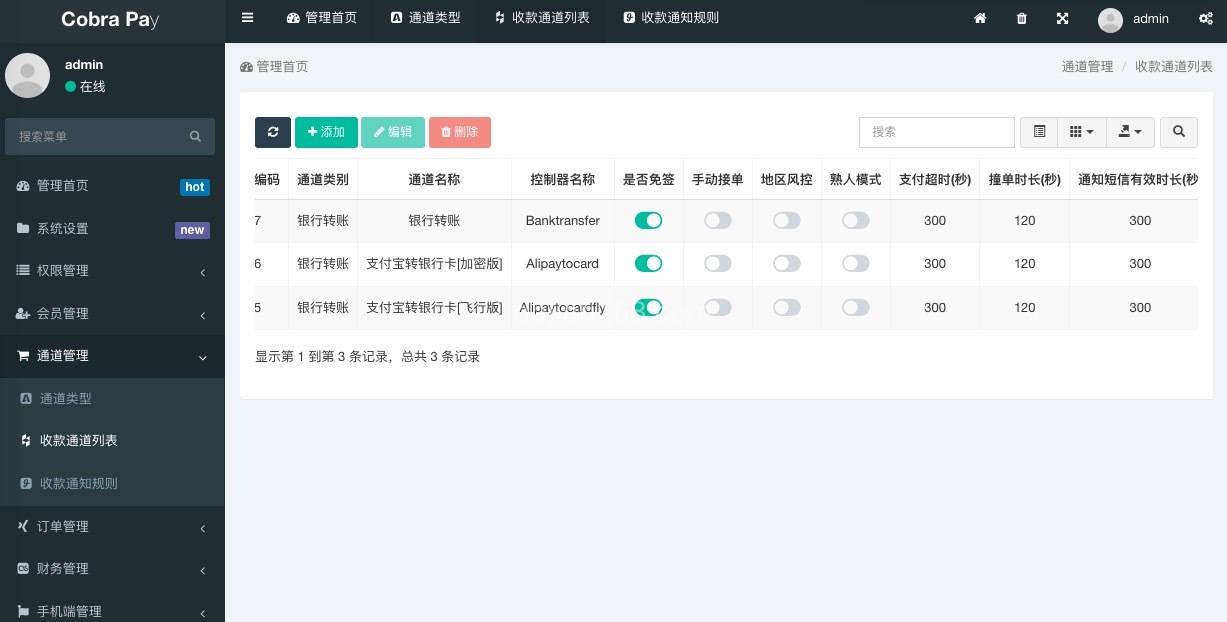
- Aggregated Payment Simulation: The demo integrates multiple simulated payment channels to show how a gateway might route transactions. It does not process real payments.
- Encrypted H5 Redirect: Payment parameters such as amount and simulated recipient data are encrypted before being passed through the URL, preventing tampering in transit.
- Automatic Callback Notification: After a simulated successful payment, the merchant backend receives an HTTP callback with retry logic for reliability testing.

2. Setup Environment Preparation
Before setting up the demo, confirm that the environment meets the following requirements:
- Server: At least 2 cores and 4GB RAM for local or sandbox deployment.
- PHP Version: 7.4 or above, with curl, openssl, and mbstring extensions enabled.
- Database: MySQL 5.7 or higher with utf8mb4 character set.
- Domain: A test domain is sufficient for sandbox development. Use localhost for local testing.
- SSL Certificate: HTTPS is recommended for testing encrypted redirect behavior.
- Monitoring Script: A simulated transaction monitor can be used to trigger callbacks during tests.
3. Key Difficulties During Development
Several technical challenges came up during the demo build. The solutions are shared below.
3.1 Simulated Payment Detection
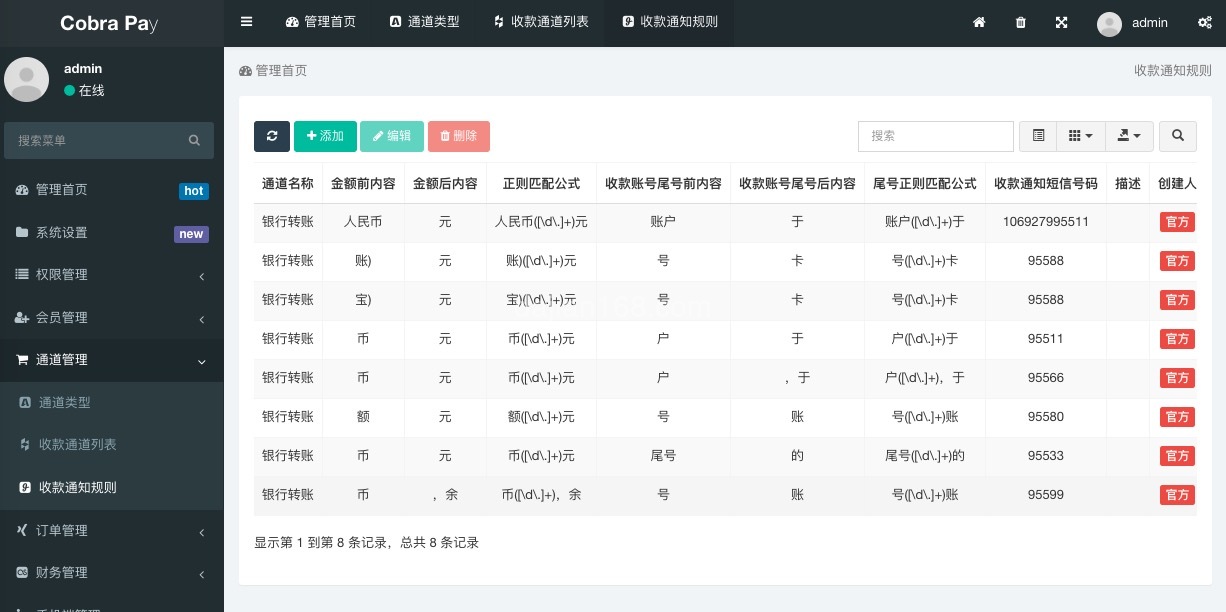
In a production system, transaction status is provided by the official payment gateway through secure webhooks or API polling. In this demo, the monitoring script simulates that behavior by reading from a local transaction log table and triggering callbacks based on predefined test cases. For production use, always use the official platform’s approved notification mechanism.
3.2 Implementation of H5 Encrypted Redirect
The demo requires that redirect links not expose sensitive parameters in plain text. I implemented two layers of encryption: the first layer uses AES to encrypt the amount and simulated recipient data, and the second layer uses RSA to encrypt the AES key. The H5 payment page decrypts the parameters and dynamically renders the simulated payment interface. The encrypted link expires after 5 minutes for testing purposes.
3.3 Reliability of Callback Notifications
Callback notifications should not be lost in a production integration. For testing purposes, I designed a three-level retry mechanism: first callback immediately, retry after 5 minutes if failed, and retry again after 30 minutes if still failed. If all three attempts fail, the event is recorded in an exception log for review.
4. Security and Compliance Notes
Payment-related systems involve strict security and compliance requirements. Keep the following in mind when building real integrations:
- All production interfaces must include signature verification to prevent forged requests.
- Database sensitive fields must be encrypted, especially account and payment-related information.
- Payment pages should include rate limiting and anti-abuse controls for the same IP.
- Encryption keys should be rotated on a regular schedule.
- Logs must be desensitized and must not record user payment information in plain text.
Important Notice: This demo uses simulated data only and does not process real funds or real user payments. For production systems, you must use official payment gateway APIs, complete the required merchant verification, and comply with all applicable laws and platform policies. Processing real payments without authorization may violate platform terms and local regulations.
5. FAQ Frequently Asked Questions
Q1: Does this demo require applying for official payment interfaces?
No. The demo runs with simulated transactions. For production use, you must apply for official payment gateway APIs and follow the platform’s onboarding process.
Q2: How long after a simulated payment can the callback be received?
In the demo, callbacks are triggered immediately after the simulated transaction is recorded. In production, timing depends on the payment provider’s system and network conditions. Always implement loading states and avoid letting users click repeatedly.
Q3: Can the demo support multiple payment channels?
Yes. The source code architecture supports multi-channel expansion. Each additional channel can be configured as a separate module. For production, use the official SDKs and APIs provided by each platform.
Q4: What security measures should be taken for a test environment?
Use isolated test databases, do not expose database ports to the public internet, and keep the demo behind a local or sandbox network. For production deployments, configure WAF protection, close unnecessary ports, restrict database access, and maintain off-site backups.
#H5PaymentDemo #PaymentIntegration #AggregatedPayment #H5Encryption #SandboxTesting