English Random-Code Points Demo System Setup: PHP Source Deployment & Customization Notes
English Random-Code Points Demo System Setup: PHP Source Deployment & Customization Notes
Disclaimer: This article is for technical education and demonstration only. It is not professional or financial advice. Any real-world deployment must comply with applicable laws and regulations.
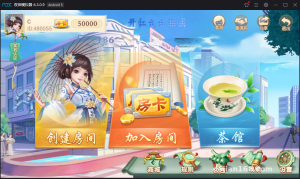
Last month a friend who runs a cross-border e-commerce store came to me asking for an English-interface random-code points demo system, to be hosted on an overseas server for a marketing campaign. I went through the source code I had on hand and settled on an English build of a crowd-purchase points demo script. It actually ships with two programs: a customized mobile version with a fully English interface, and the original desktop version whose interface is still in Chinese but whose logic is untouched. This article documents my deployment process and the pitfalls I ran into.
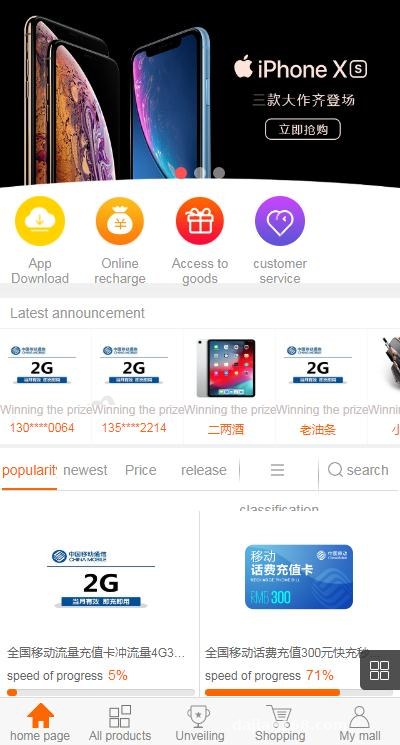
Hands-On Testing: What This Source Code Can Actually Do
Before deploying, I went through every feature locally. Don’t rush to a live server — spin it up on your machine first and see what happens.
Core Gameplay Logic
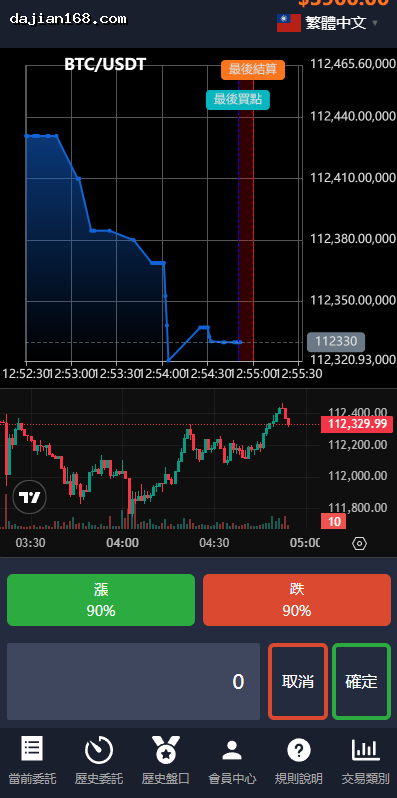
In simple terms, a product is split into a fixed number of shares. When a user joins the campaign, they receive a corresponding number of random codes. Once all shares are filled, the system announces an outcome based on preset rules, and the user holding the matching code receives the product. Under the hood this is essentially probability simulation plus a server-side random outcome announcement, which makes it well suited as a demo for e-commerce marketing campaigns. The backend lets you configure product info, price per share, and the number of participants needed to trigger the outcome announcement. All parameters live in the database and are easy to adjust.
Backend Controls
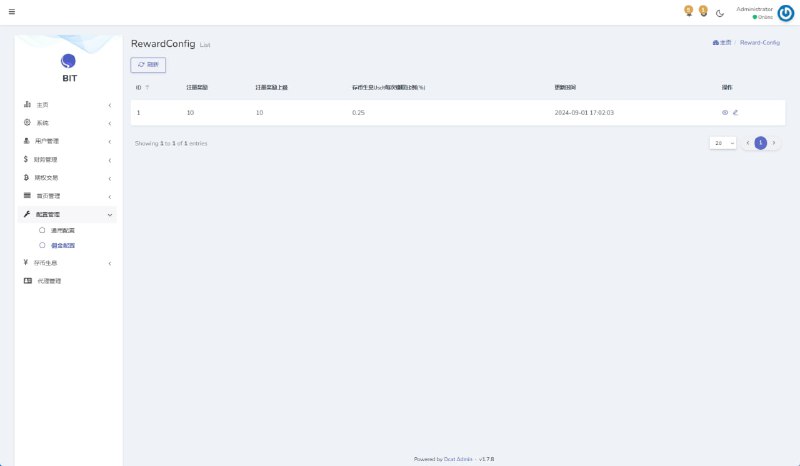
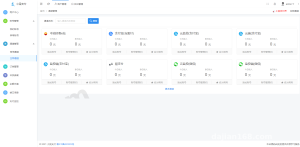
The admin panel is the real highlight of this system. User management, order records, product listing and delisting, and random code distribution logs are all queryable. I focused on the outcome announcement configuration — whether the result comes from a server-side random number or from preset data, since that determines system credibility. In my testing, this build uses PHP’s random functions. I ran it dozens of times in a test environment and the distribution looked reasonably even.
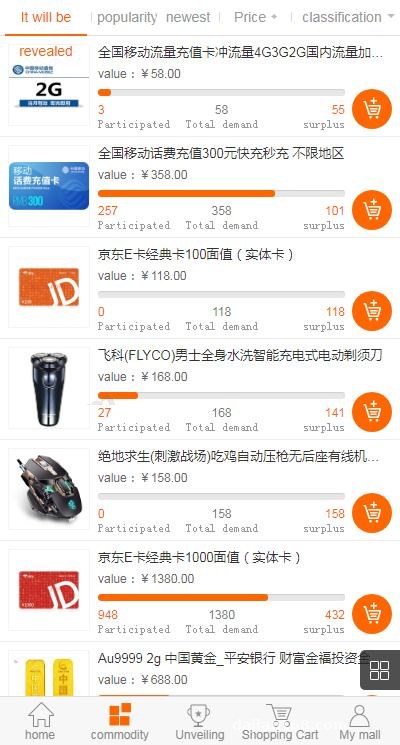
The Two-Language, Two-Version Situation
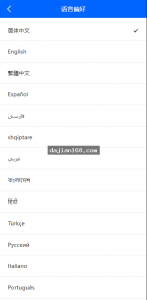
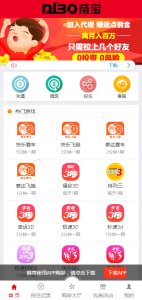
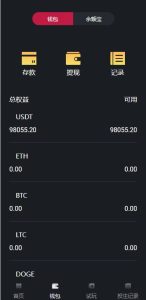
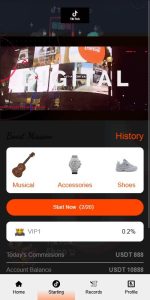
The mobile version is a customized build with hardcoded English text in the template files, so changing any copy means editing templates directly. The desktop version is the original Chinese build, untouched. If your audience is overseas, I’d recommend running the mobile build as the main version. If you want bilingual switching, you’ll need to add your own language-pack logic — the source doesn’t include one.
Deployment Essentials: From Environment to Go-Live
Runtime Environment
This is a classic LAMP/LEMP stack. It runs on PHP 5.6 through 7.2 with MySQL 5.6 or newer. I set up the environment with BaoTa (aaPanel) and had it running in about half an hour. One note: make sure the URL rewrite rules are configured correctly, or some page routes will return 404s. Sample rules for both Nginx and Apache are usually included in the source directory.
Database and Config Files
After importing the SQL file, update the database config with your host, username, and password. Here’s a trap I hit: the config file ships with a default admin path plus default login credentials. Change these before going live, and also delete or rename the install directory so nobody can re-run the installer and overwrite your data.
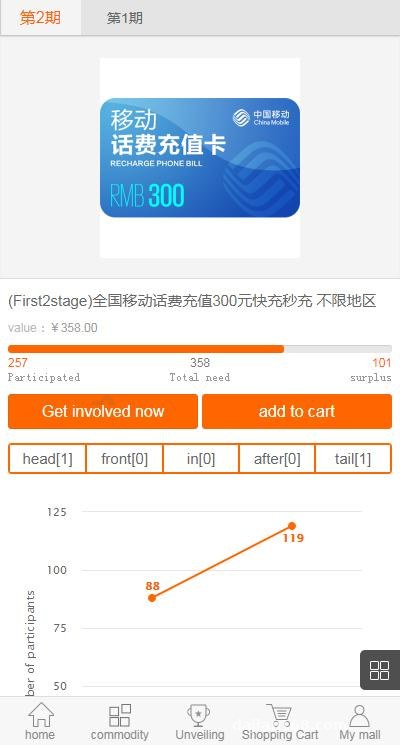
Payment Callback Integration
The source comes with configuration for overseas payment channel gateways, routed through a third-party processor. The integration flow is straightforward: register a merchant account, get your merchant ID and secret key, enter them in the backend payment settings, and configure the callback URL. Test the callback signature verification carefully — I only considered it done after a small test transaction confirmed the callback posted correctly. If you’re building a demo without real payments, just point the pay button at a local mock callback script. That’s exactly what I did for the demo site.
Customization Log: What I Modified
I made a few changes to the mobile build. First, I adjusted some English copy in the templates per the client’s request. Second, I compressed the homepage images and moved them to a CDN, cutting first-screen load time from over four seconds down to 1.8. Third, I added a CSV export feature for participation records in the backend, so the client could review their campaign data. The customization work wasn’t hard — the code structure is straightforward, with Controllers and Views reasonably separated. Anyone comfortable with PHP can get up to speed within half a day.
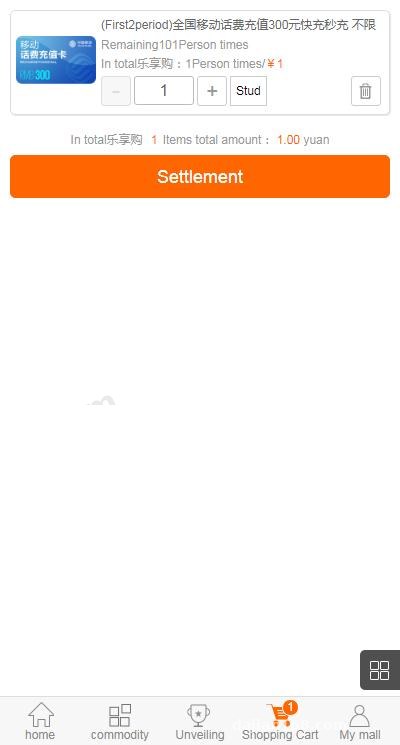
Highlight: The biggest value of this source is that the English mobile version is already a ready-made, overseas-ready build — no internationalization work from scratch. Backend parameters are centralized, the gameplay logic is clear, and it works well as a probability demo system for cross-border e-commerce marketing campaigns, with low deployment cost and plenty of room for customization.
Who This Is For
Three groups come to mind. One: technical teams running cross-border stores who want a viral marketing campaign demo. Two: freelance developers who can take this, customize it, and deliver quickly. Three: PHP learners who want to study how crowd-purchase style systems are structured. Complete beginners shouldn’t deploy it straight to production — at minimum, get the payment callbacks and security settings figured out first.
FAQ
Q: What server specs does this system need?
A: Entry-level specs are plenty. A 2-core, 2GB box with 3M bandwidth handles demos and small campaigns without strain. If traffic grows, look at adding bandwidth and Redis for session caching.
Q: Do the mobile and desktop versions share one database?
A: They can share a single database, or be installed separately. I went with the shared approach: the desktop version served as the admin backend while the mobile version faced users, with data synced between them.
Q: Can the interface be switched to Chinese?
A: Yes. The mobile version’s text lives in the template files — batch-replace it with Chinese. Keep everything UTF-8 encoded and check for garbled characters afterward.
Q: Any compliance considerations after deployment?
A: This article is for technical education only. The system is intended for technical learning and lawful demonstration scenarios. Please follow applicable laws and regulations, and have legal counsel review the compliance of your business model before launch.
Q: How do I troubleshoot a failing payment callback?
A: First check whether the server firewall is blocking the gateway’s callback IPs. Then check the signature verification result in your callback logs — nine times out of ten it’s a mistyped secret key or a callback URL that isn’t publicly accessible.
All in all, this source is in decent shape, and the English mobile version is ready to use for overseas audiences out of the box. From deployment to basic customization, the whole thing took me about three days. If you have a similar project, this workflow should give you a solid reference.
Disclaimer: This article is for technical education and demonstration only. It is not professional or financial advice. Any real-world deployment must comply with applicable laws and regulations.
#source code setup #PHP deployment #points demo system #secondary development #deployment notes
-
 Alipay QR Code Scan
-
 WeChat Scan Pay