Multilingual Lending Demo System Setup: Deployment, Payment Integration & Backend Customization Guide
Multilingual Lending Demo System Setup: From Environment Configuration to Backend Customization
Disclaimer: This article is for technical education and demonstration only. It is not professional or financial advice. Any real-world deployment must comply with applicable laws and regulations.
Last month I took on a freelance project: the client wanted a multilingual fund-lending demo system for overseas users, mainly for showcasing business workflows and user education, with no real money settlement involved. Once I got the source code, I fired it up on a test machine first. The overall architecture isn’t complicated, but there are a few tricky details worth writing down. This post covers the full deployment process, hands-on feature testing, and my customization plan in one place.
1. Hands-On Testing: What This System Can Actually Do
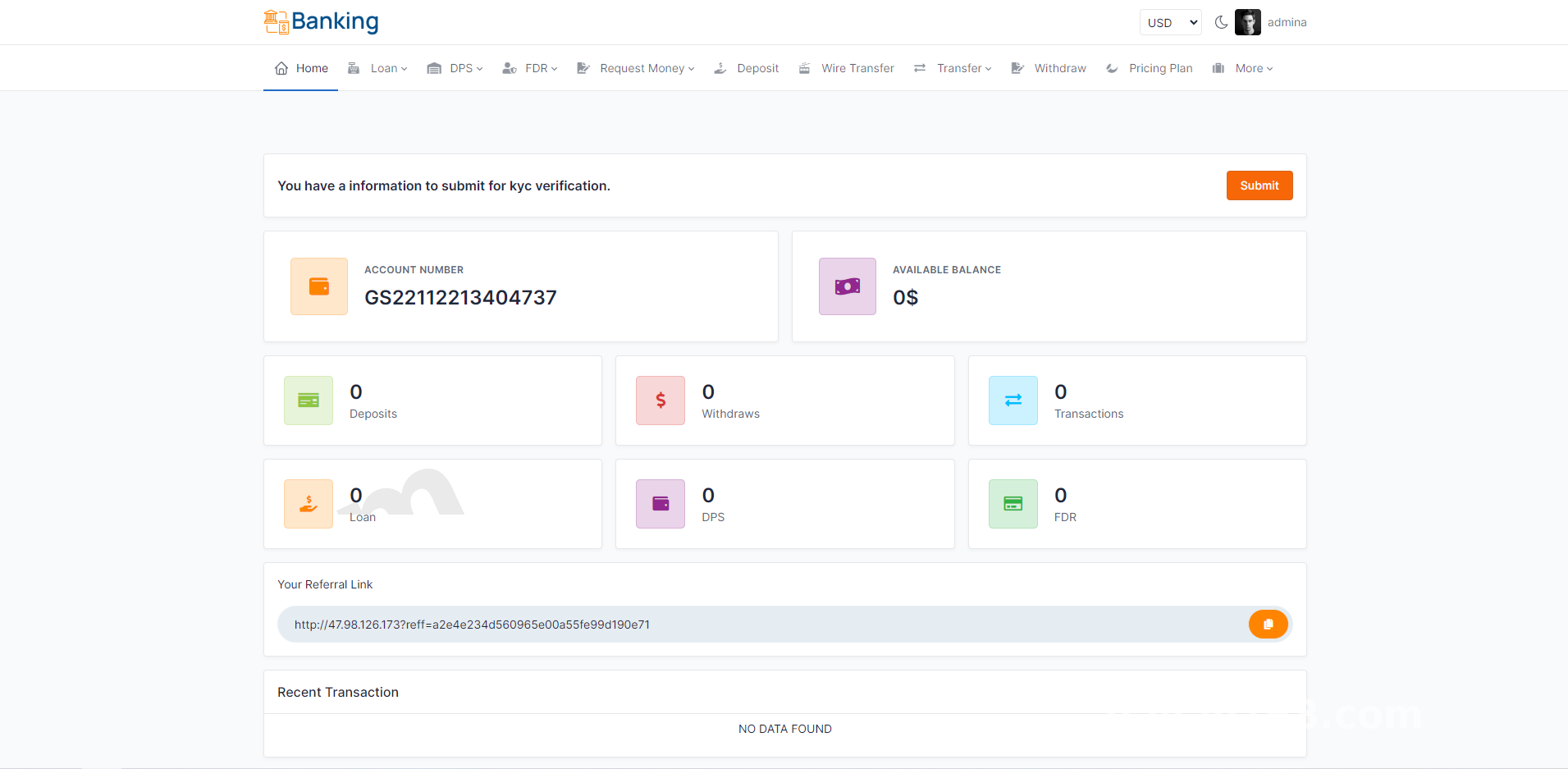
After deployment, I clicked through both the front end and the admin panel. The core features fall into three blocks:
1.1 User-Side Flow
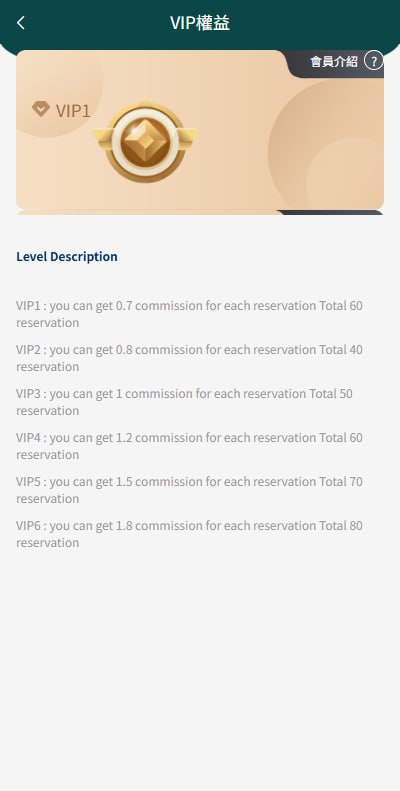
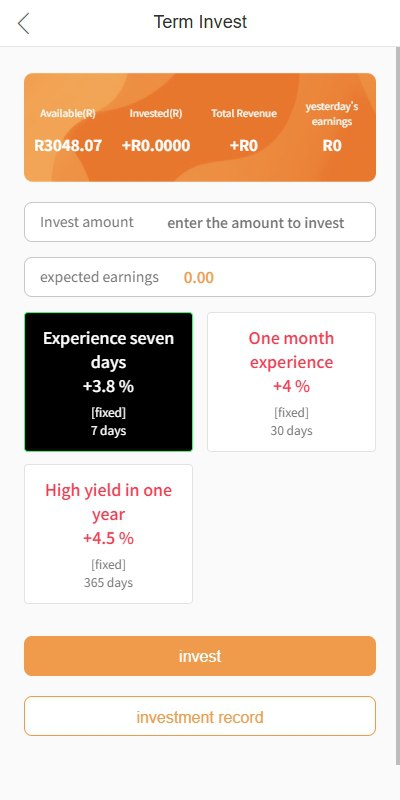
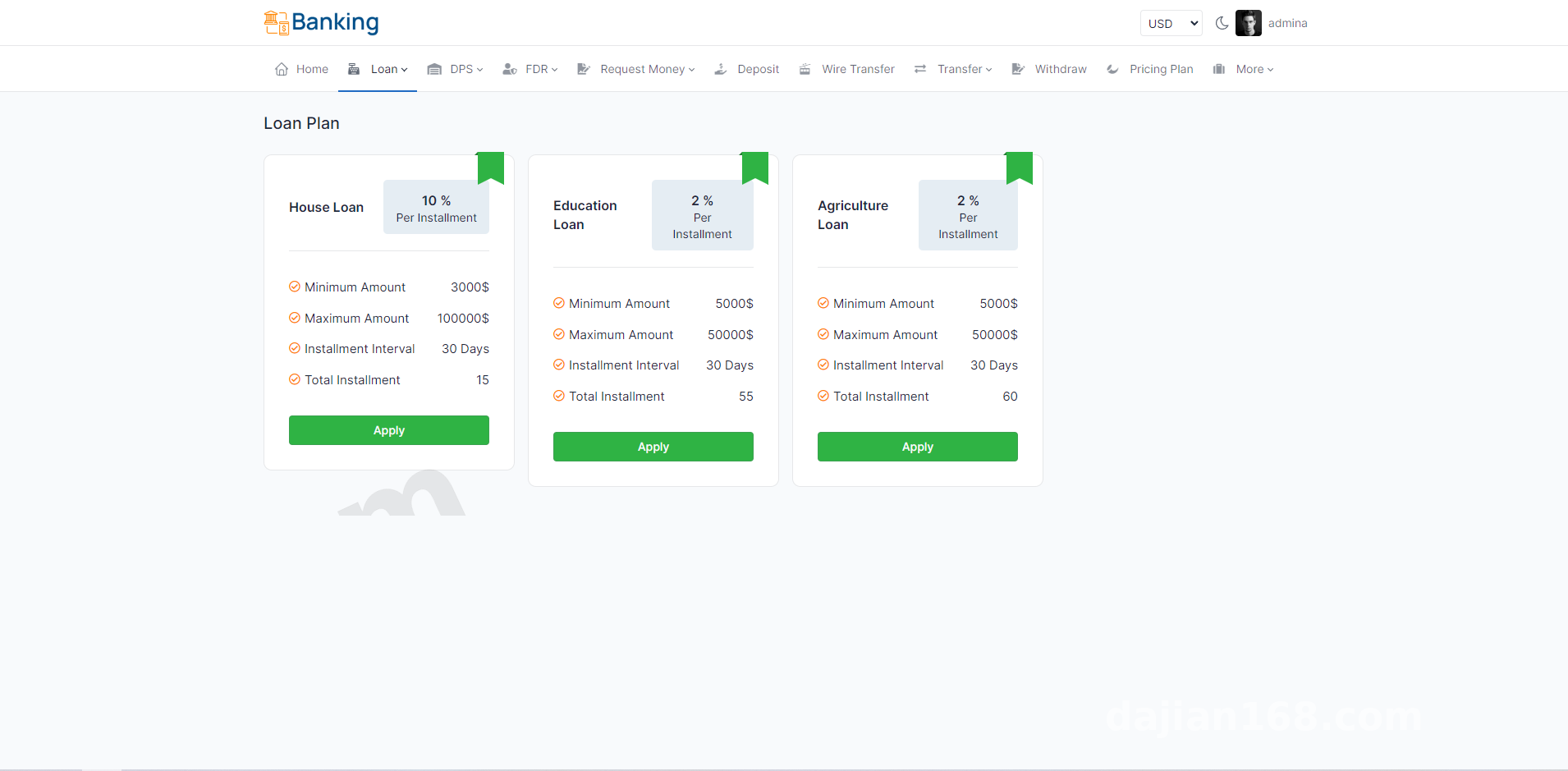
Registration and login, credit limit application, a demo borrowing workflow, repayment schedule display — users also get a simulated finance account that supports points-based top-up and earnings simulation. The front end is fully responsive, and I saw no obvious layout issues on mobile.
1.2 Multilingual Switching
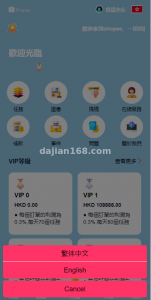
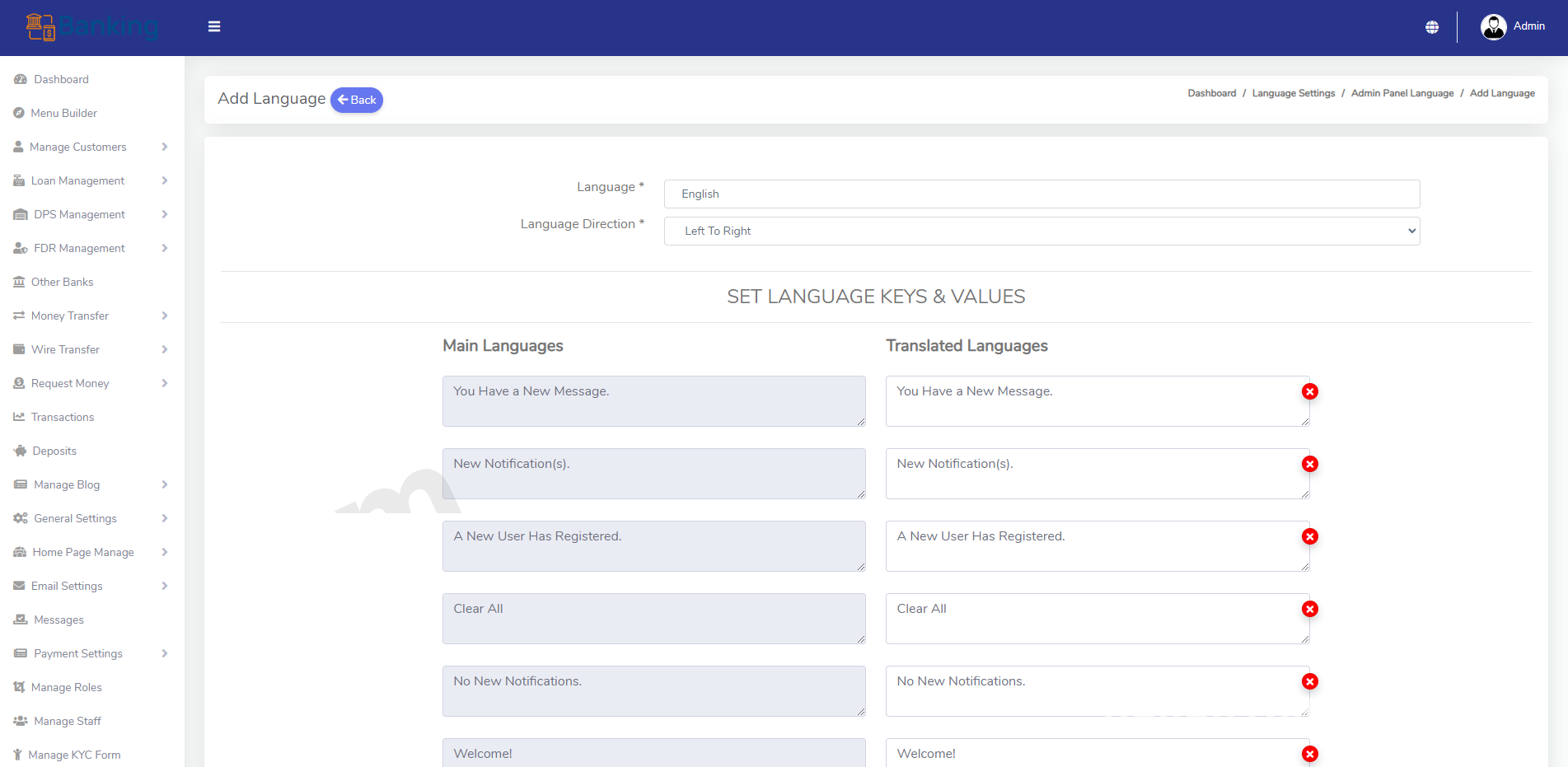
This was the feature I cared about most. The system ships with Chinese and English, and you can add new language packs right from the admin panel. The front end pulls translated strings by language key, and adding a small-language pack takes about ten minutes. One warning: save your language files as UTF-8 without BOM, or you’ll get garbled characters in some environments.
1.3 Admin Panel
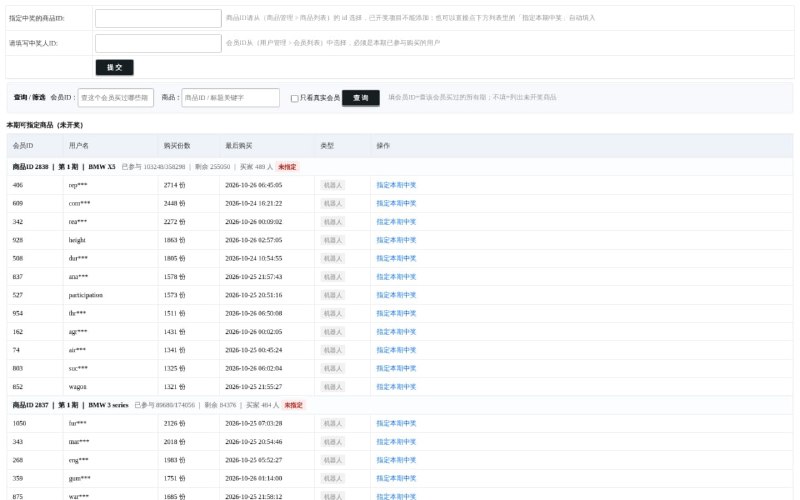
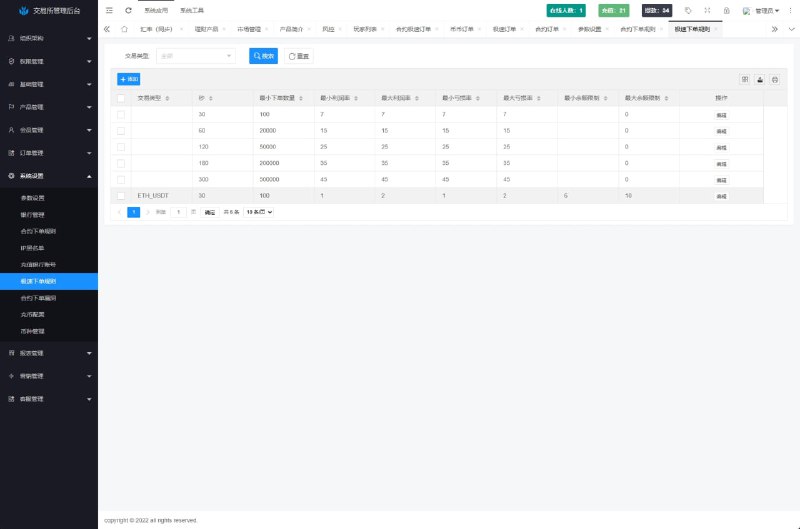
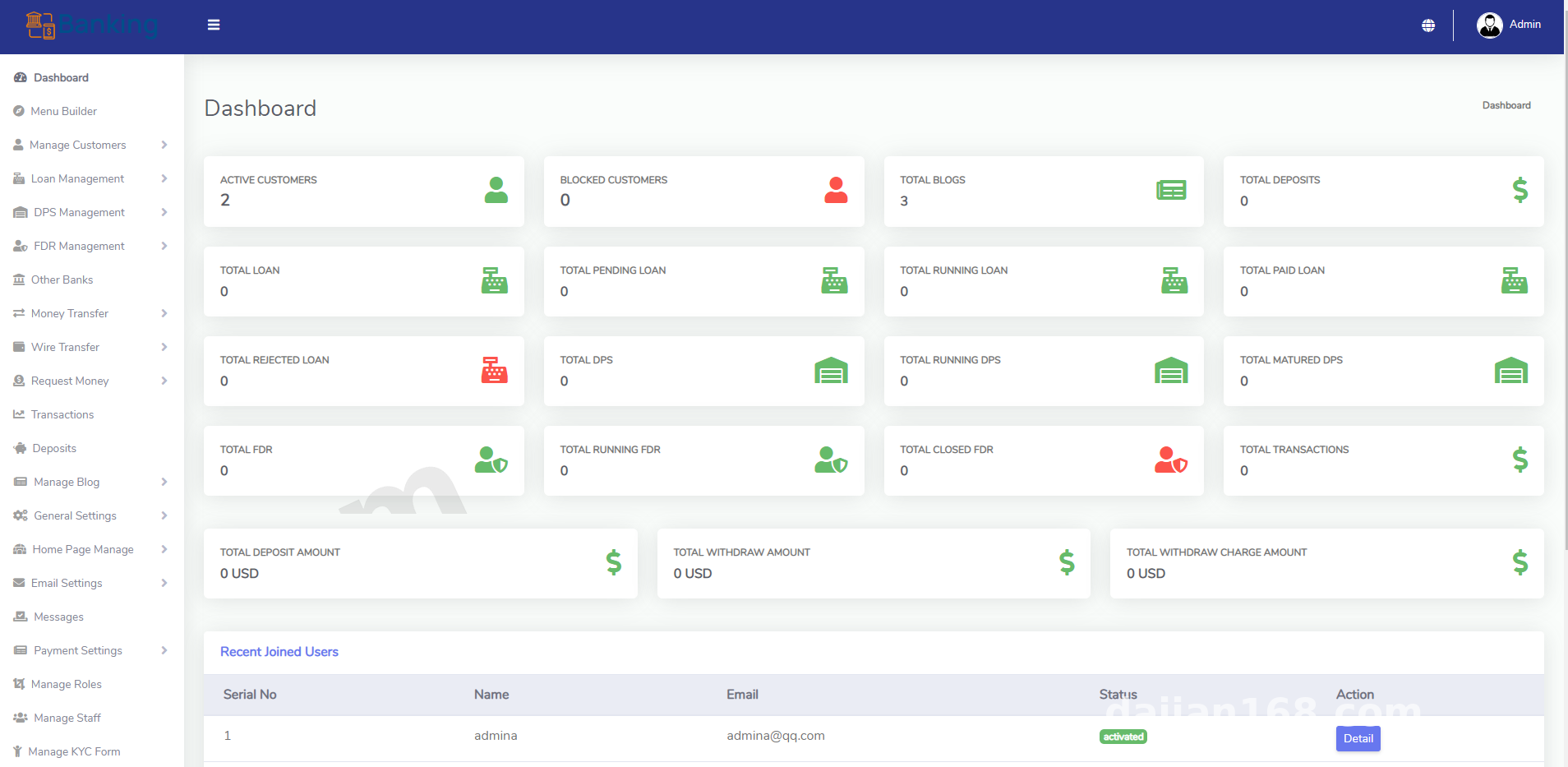
The backend handles user management, credit application review, demo parameter configuration, and transaction record viewing. You can also toggle which front-end modules are visible. Permissions are granular — the super admin and a support account see completely different content.
On the top-up side, multiple integration methods are supported. For testing, I wired in a simulated payment channel. Make absolutely sure the callback URL is configured correctly — otherwise orders get stuck in a pending state.
2. Deployment Essentials: Environment and Configuration Checklist
My server stack was Linux + Nginx + PHP + MySQL. I’d recommend PHP 7.4 or higher, and after importing the database, remember to update the database name, username, and password in the config file.
Two pitfalls I hit, spelled out so you don’t repeat them:
First, get your rewrite rules right. On Nginx, if the rewrite rules aren’t written correctly, some admin pages will return 404. I initially assumed it was a routing problem and burned half a day before realizing the pretty-URL rules simply weren’t taking effect.
Second, grant write permissions to the upload and cache directories. Otherwise, saving translation strings in the admin panel throws permission errors — and only the logs will tell you which directory is the culprit.
Payment Callback Integration
Pay close attention to the signature verification logic in the callback file. During testing, enable debug logging first, and only go live after confirming the full chain — callback parameters, signature string, order status update — works end to end. Also double-check exchange rates and amount units; in a multi-currency setup, being off by one decimal place is a real headache.
Practical advice: before any real deployment, run the complete loop — register, apply, review, top up — on a local or test machine. Verify every flow with test data before switching to the production environment.
3. Customization: Which Parts Are Worth Modifying
The source code is structured cleanly, with controllers and business logic in reasonably standard layers, so it’s not painful to modify. My planned customization work has three items:
First, reskin the front-end theme to match the client’s brand colors. Second, add a statistics dashboard — a visual chart in the admin panel showing user growth and workflow conversion. Third, implement batch import/export for translations, so content operators can maintain language strings more efficiently.
4. Who Is This For
Individual webmasters who want to study how multilingual systems are built, training organizations running workflow demonstrations, or companies conducting internal fund-flow process training — this setup fits all of them. The entry barrier is low: basic PHP deployment skills are enough to get started, while deeper customization calls for some framework experience.
One important reminder: this type of system is intended strictly for legitimate demonstration, teaching, and learning purposes. Please comply with applicable laws and regulations, and do not use it for any unlawful purpose. This article is for technical education only.
FAQ
Q: What’s the minimum server configuration?
A: A 1-core / 2GB entry instance handles a demo environment just fine. If the demo will see real traffic, start at 2-core / 4GB. Pick bandwidth based on expected visits, and if you have many static assets, putting a CDN in front makes things much more stable.
Q: Do I need to touch code to add a new language?
A: No. Just add it in the admin language manager, then fill in the translated text for each key used by the front end. A shortcut: duplicate the English language pack first and edit it entry by entry.
Q: The admin panel won’t load, or shows a blank page after login — how do I troubleshoot?
A: Enable the PHP error log and read the actual error. Nine times out of ten it’s session directory permissions or a PHP version incompatibility. One case I ran into was template parsing failing because short tags were disabled — turning on short_open_tag in php.ini fixed it instantly.
Q: The payment callback succeeded but the order status didn’t update — why?
A: Check three things in order: is the callback URL publicly accessible, did signature verification pass, and is the order status update logic getting short-circuited by an early return. As a temporary measure, write the raw callback parameters to a log file in the callback script and compare them directly.
Q: Can I do secondary development and add new features?
A: Yes. The code follows a standard MVC structure — just follow the route → controller → model path when adding features. One tip: avoid modifying core shared methods, or future upgrades and maintenance will become painful.
Disclaimer: This article is for technical education and demonstration only. It is not professional or financial advice. Any real-world deployment must comply with applicable laws and regulations.
#system deployment log #deployment notes #multilingual development #admin panel #source code customization
-
 Alipay QR Code Scan
-
 WeChat Scan Pay