Smart Customer Service & Ticket System Setup Guide: Three UI Themes and Auto-Reply Bot Development Notes
Smart Customer Service & Ticket System Setup Guide: Three UI Themes and Auto-Reply Bot Development Notes
Disclaimer: This article is for technical education and demonstration only. It is not professional or financial advice. Any real-world deployment must comply with applicable laws and regulations.
I recently helped a client deploy a smart customer service and ticket system that ships with three frontend UI themes — the source package includes three interface styles (Panda, Miracle, and Weile) that can be switched based on client preference. After testing it, the backend has a complete authorization mechanism, registration supports phone numbers, guest mode, and WeChat quick login, and the overall polish was higher than I expected. Here’s a record of the deployment process and the pitfalls I hit, to help anyone following in my footsteps.
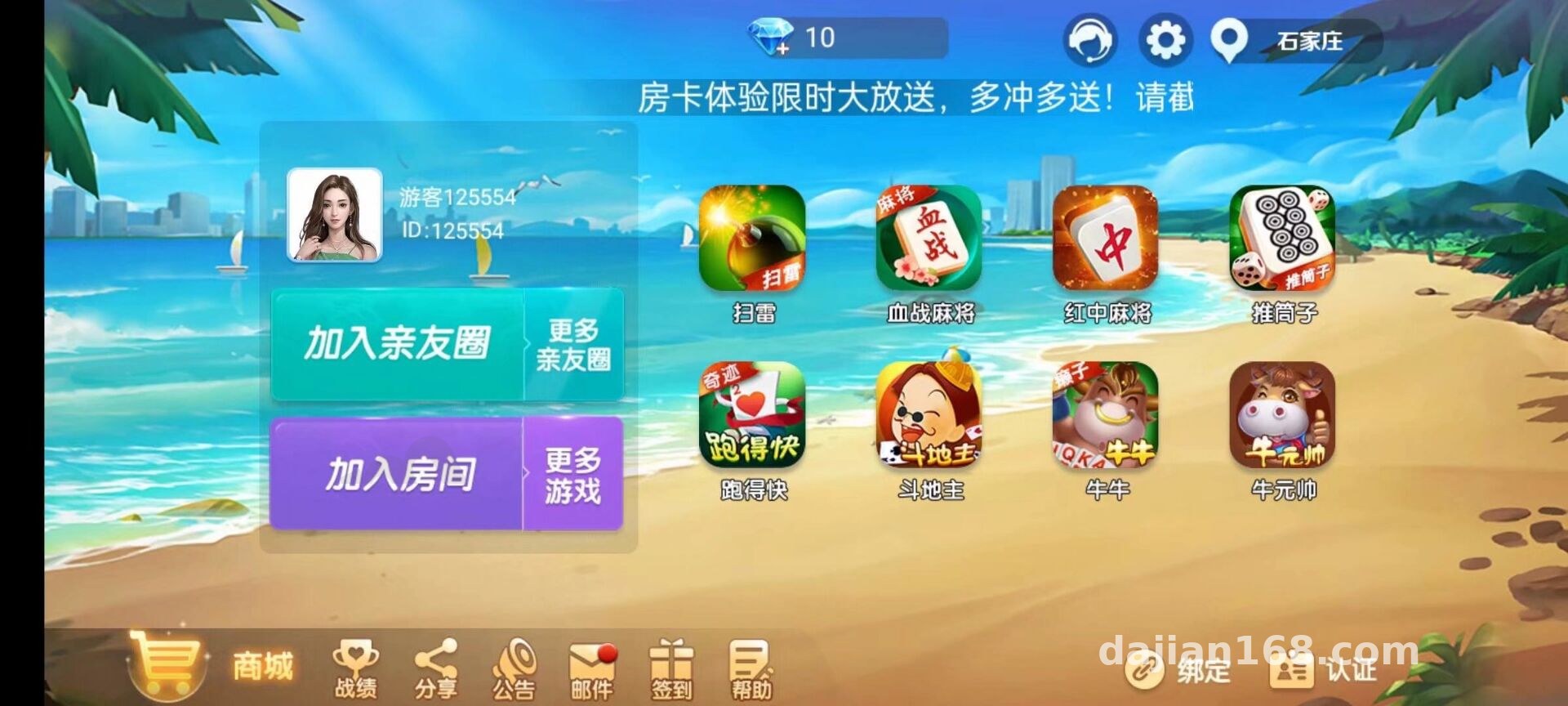
Feature Testing: What Actually Differs Between the Three UIs
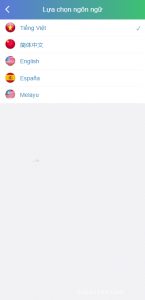
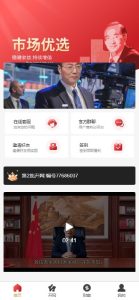
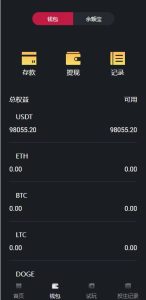
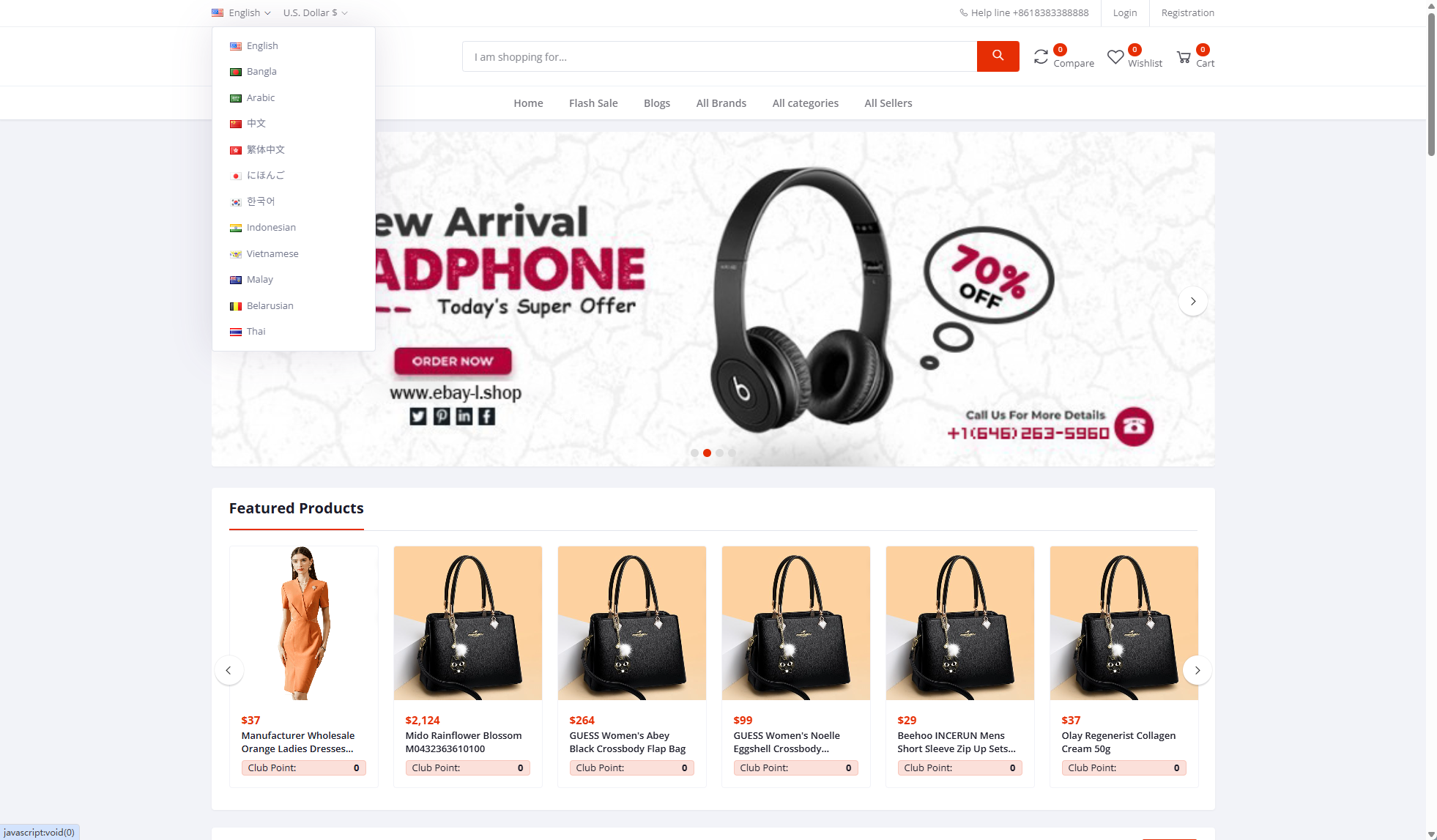
The three UIs aren’t just reskins — the template directories, route configs, and color variables are all independent. Switch the theme with one click in the backend and the frontend automatically loads the corresponding static assets and menu structure. I clicked through each one:
Core Features
1. Smart Q&A module: comes with a built-in FAQ knowledge base supporting keyword matching and fuzzy search; hit rate is around 80%, with the rest routed to manual takeover.
2. Auto-reply bot: supports multi-turn conversation flows — for example, a welcome message when users first arrive, then routing by question type to the appropriate response group.
3. Ticket workflow: user questions generate tickets, which the backend assigns by support group, with timeout reminders and satisfaction ratings.
4. Bot assistant: every chat window includes a demo bot to showcase the auto-response capability — very handy during testing.
Deployment Notes and Pitfalls
My environment: CentOS 7.9 + Nginx 1.22 + PHP 7.4 + MySQL 5.7, installed via the BaoTa panel. A few things to watch out for:
Configuration Details
· URL rewriting must be enabled — just apply the ThinkPHP rules, otherwise all frontend routes return 404.
· WeChat login requires a properly configured callback domain and AppID. I forgot to whitelist the domain in the official platform the first time and got stuck for half an hour.
· Phone registration needs an SMS gateway; the source code includes SDKs for both Alibaba Cloud and Tencent Cloud — just fill in the keys.
· The static assets for the three UIs are fairly large, so a CDN is recommended. In my testing, first paint took over 3 seconds without acceleration and dropped under 1 second with it.
· When importing the database, make sure the charset is uniformly utf8mb4, otherwise emoji in ticket content turn into question marks.
Backend Control and Secondary Development
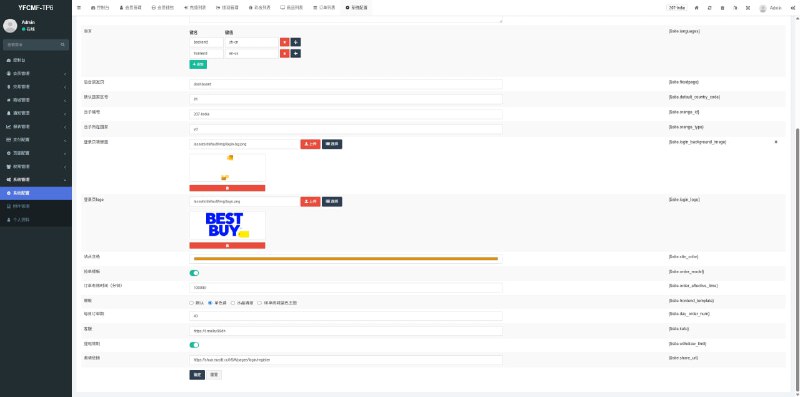
The admin panel is quite complete: response library management, bot on/off toggles, support group management, and analytics reports are all there. For secondary development, the code is commented and the controllers are cleanly layered — adding a custom FAQ category took me about half a day. For localization, it defaults to Chinese, and the language pack structure is standard, so translating it into English isn’t much work. If you want to integrate a payment gateway for value-added services, the source code leaves an integration point — just hook up a standard payment gateway.
Highlight: the biggest value of this system is the combination of switchable UI themes plus automated bot responses. It’s a real time-saver for customer service outsourcing or corporate demo sites — just remember to verify the authorization flow in a test environment before going live.
Who It’s For
First, teams doing customer service outsourcing — the ticket workflow and response library work out of the box. Second, developers looking to practice secondary development — the code structure isn’t hard to read. Third, agencies that need to demo smart customer service to clients — cycling through the three UI themes makes a strong impression. Beginners should be cautious: you’ll need at least basic Linux and database administration skills.
FAQ
Q: Can all three UIs run simultaneously?
A: Yes — just bind different domains to different themes in the backend. They share one database and one admin panel.
Q: Does the auto-reply bot support custom responses?
A: Yes. Add them by category in the backend response library, set trigger keywords and priority, and changes take effect immediately without a restart.
Q: What server specs are needed?
A: 2 cores and 4GB RAM is enough to start; add memory as concurrency grows. Bot responses are matched server-side and don’t consume much CPU.
Q: Are there any authorization restrictions?
A: The source package includes a trial license. Run through the authorization verification process before deployment, confirm everything works, then use it officially. Comply with all applicable laws and regulations; any unlawful use is prohibited.
Overall, this source code offers good value for money — you can go live within a day of deployment, and most of the remaining time goes into tuning the response library. If you run into deployment issues, feel free to discuss in the comments.
Disclaimer: This article is for technical education and demonstration only. It is not professional or financial advice. Any real-world deployment must comply with applicable laws and regulations.
#Smart Customer Service #Ticket System #Auto Reply #Source Code Deployment #Secondary Development
-
 Alipay QR Code Scan
-
 WeChat Scan Pay

![🖼 2026 [WeChat Transfer] [WeChat Red Packet] WeChat Merchant Transfer System, WeChat Card Sharing](https://xz.dajian168.com/wp-content/uploads/2026/09/telegram-img-2026-09-10-6aa2896558813.jpg)