Multi-Channel Payment Gateway & Aggregated Cashier System Deployment Guide: API Integration Notes
Multi-Channel Payment Gateway & Aggregated Cashier System Deployment Guide: API Integration Notes
Disclaimer: This article is for technical education and demonstration only. It is not professional or financial advice. Any real-world deployment must comply with applicable laws and regulations.
Last month I helped an e-commerce SaaS client deploy a multi-channel cashier gateway. Their requirement was simple: consolidate mainstream payment channels into a single admin backend. The whole project took me a little over a week, and I hit plenty of snags along the way. I’m documenting the full deployment process here so anyone with a similar project can avoid the same traps.
First, a quick note on what this system actually is: it’s essentially a payment API integration middleware layer. The frontend connects to merchants’ cashier pages, while the backend splits into channel-specific subsystems covering official payment, mobile top-up channels, e-commerce marketing payments, a digital asset demo platform, and task distribution settlement modules. All fund flows run through properly licensed channels — I only handle the technical integration side and don’t touch anything outside compliance boundaries.
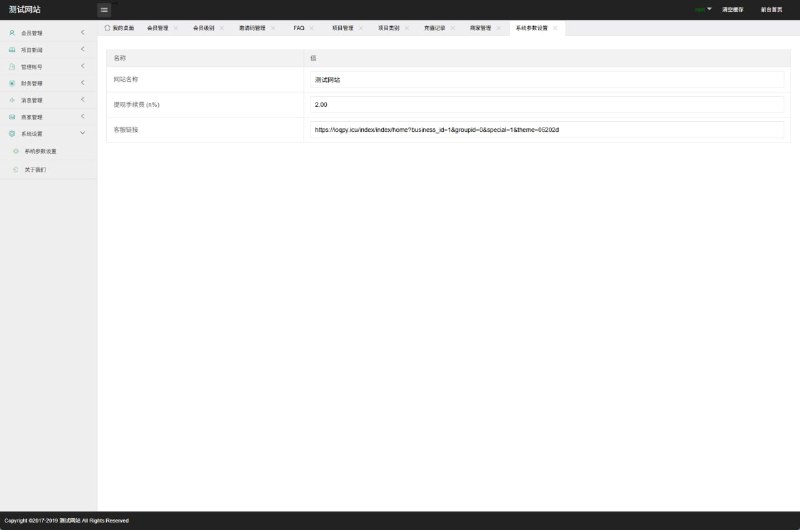
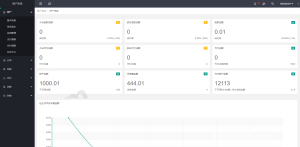
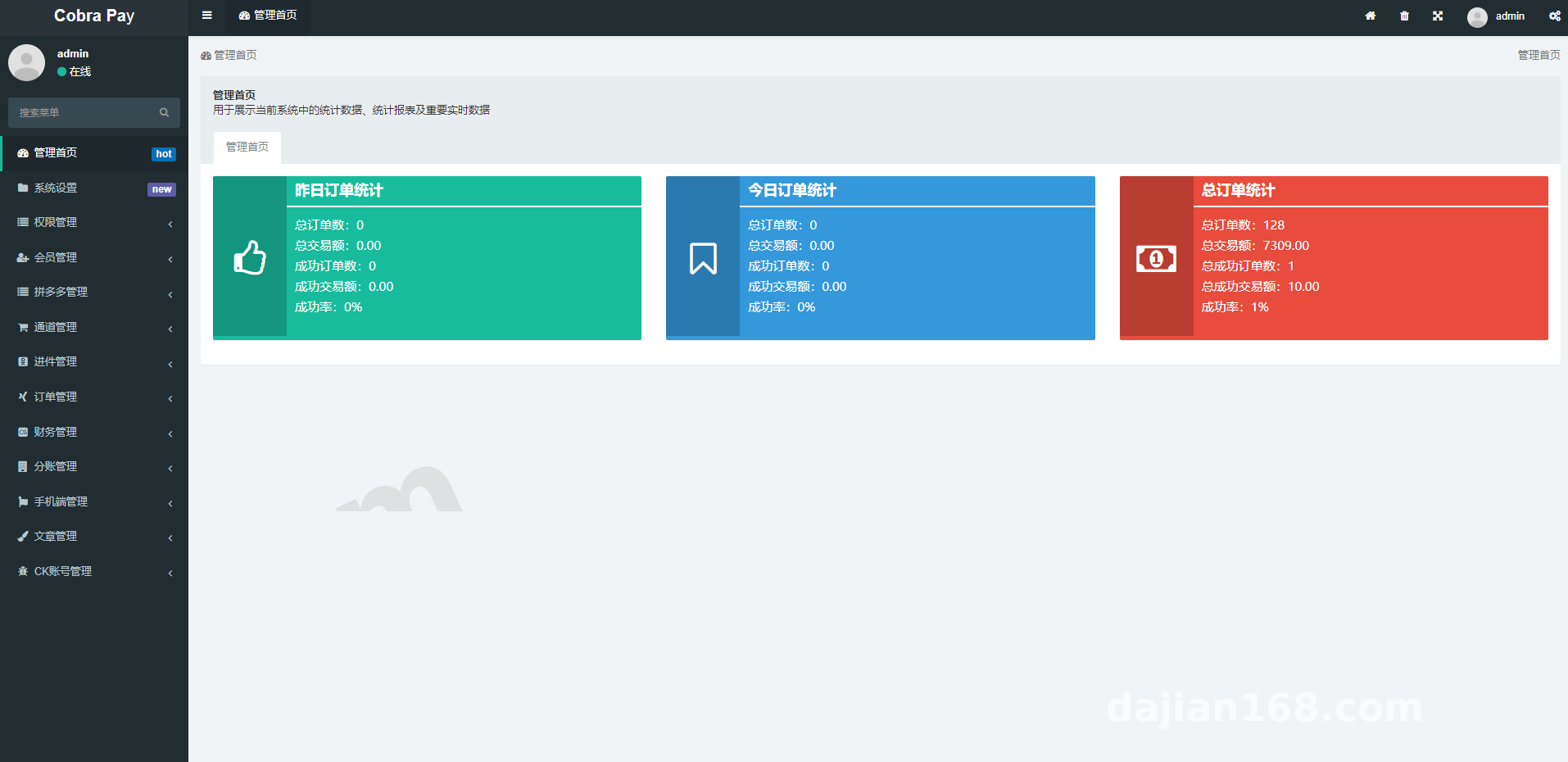
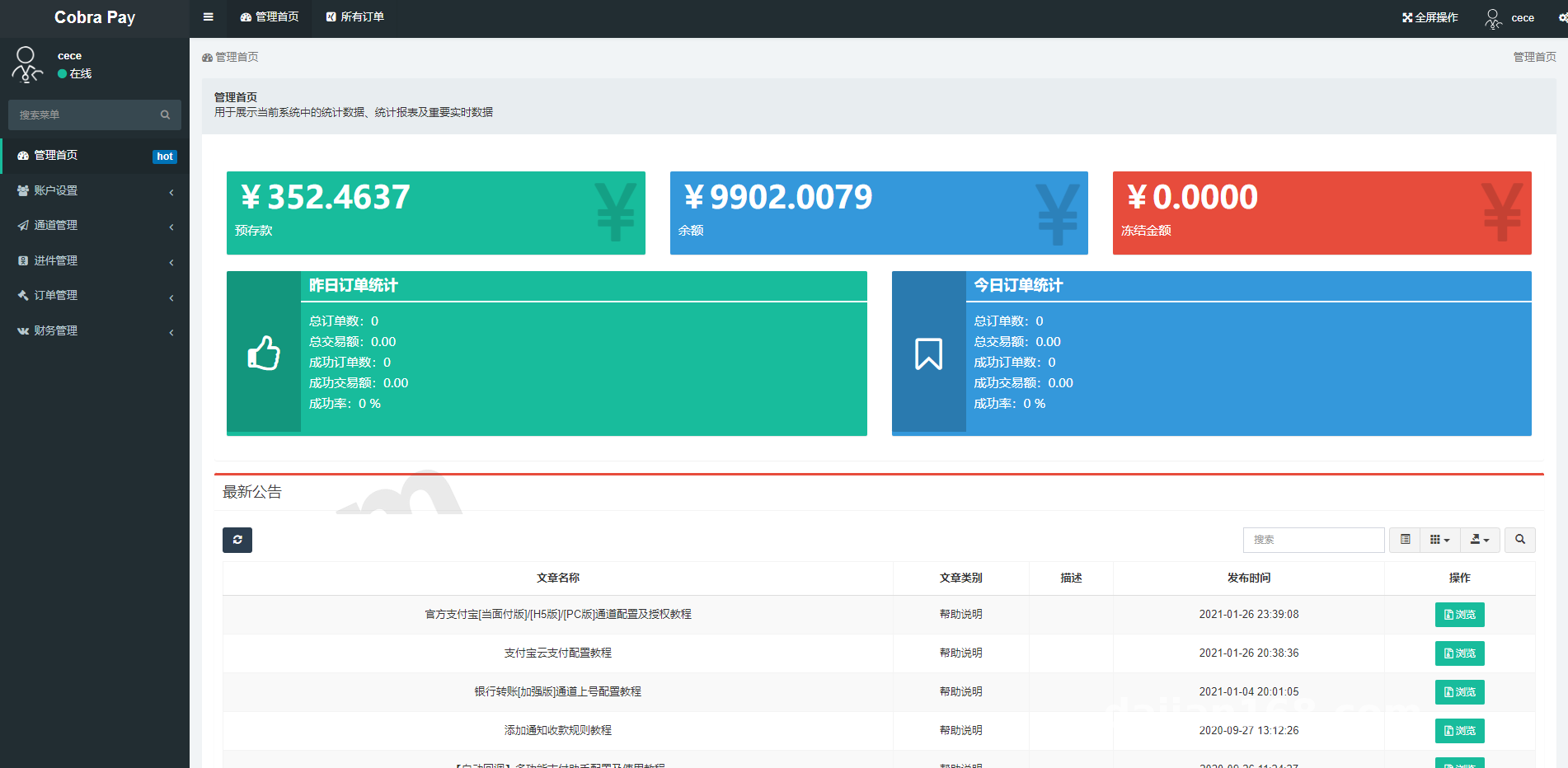
Hands-On Testing: What the Admin Backend Actually Does
After deployment, I clicked through every module myself. Here’s my honest take on the core features.
Unified Routing Across Multiple Channels
The backend lets you assign channel priority per merchant. For example, official payments go through Channel A while mobile top-up orders automatically switch to Channel B. Rules support routing by amount ranges and order types. In my tests, channel switching responded in under 200ms — consistently stable.
Small Business Onboarding
Individual businesses can submit their documents online for onboarding, with automatic connection to the channel provider’s review API. One heads-up: the business license OCR recognition occasionally glitches, and images over 2MB need compressing — I’ll get into that later.
Cashier Page and Reconciliation
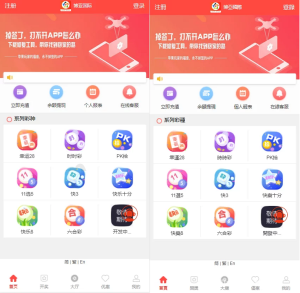
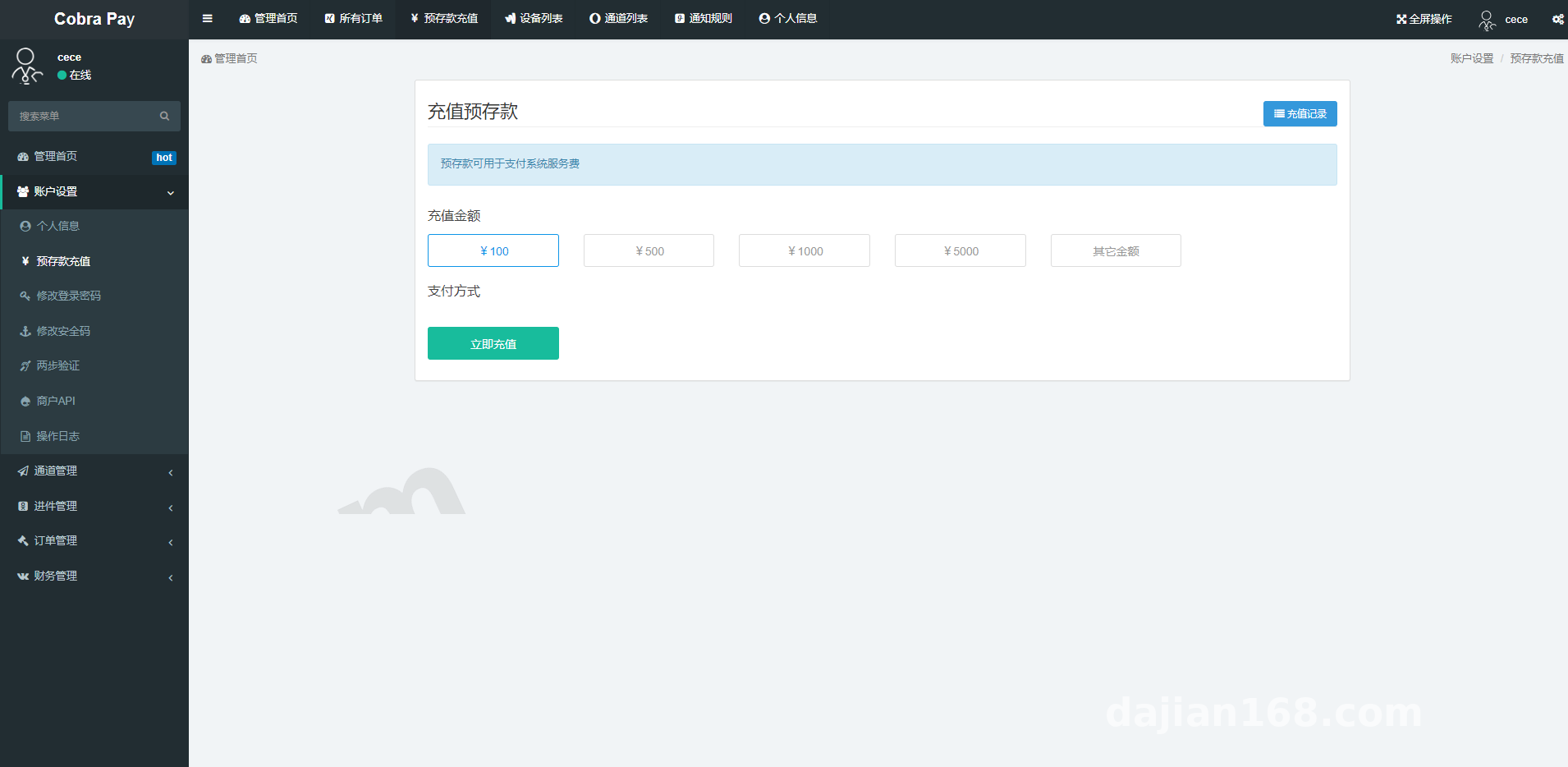
The frontend cashier is an H5 responsive page supporting both QR code scanning and redirect-based invocation. Reconciliation reports generate daily, export to CSV, and automatically flag overages and shortages. The finance team told me this saved them half the time compared to manual reconciliation.
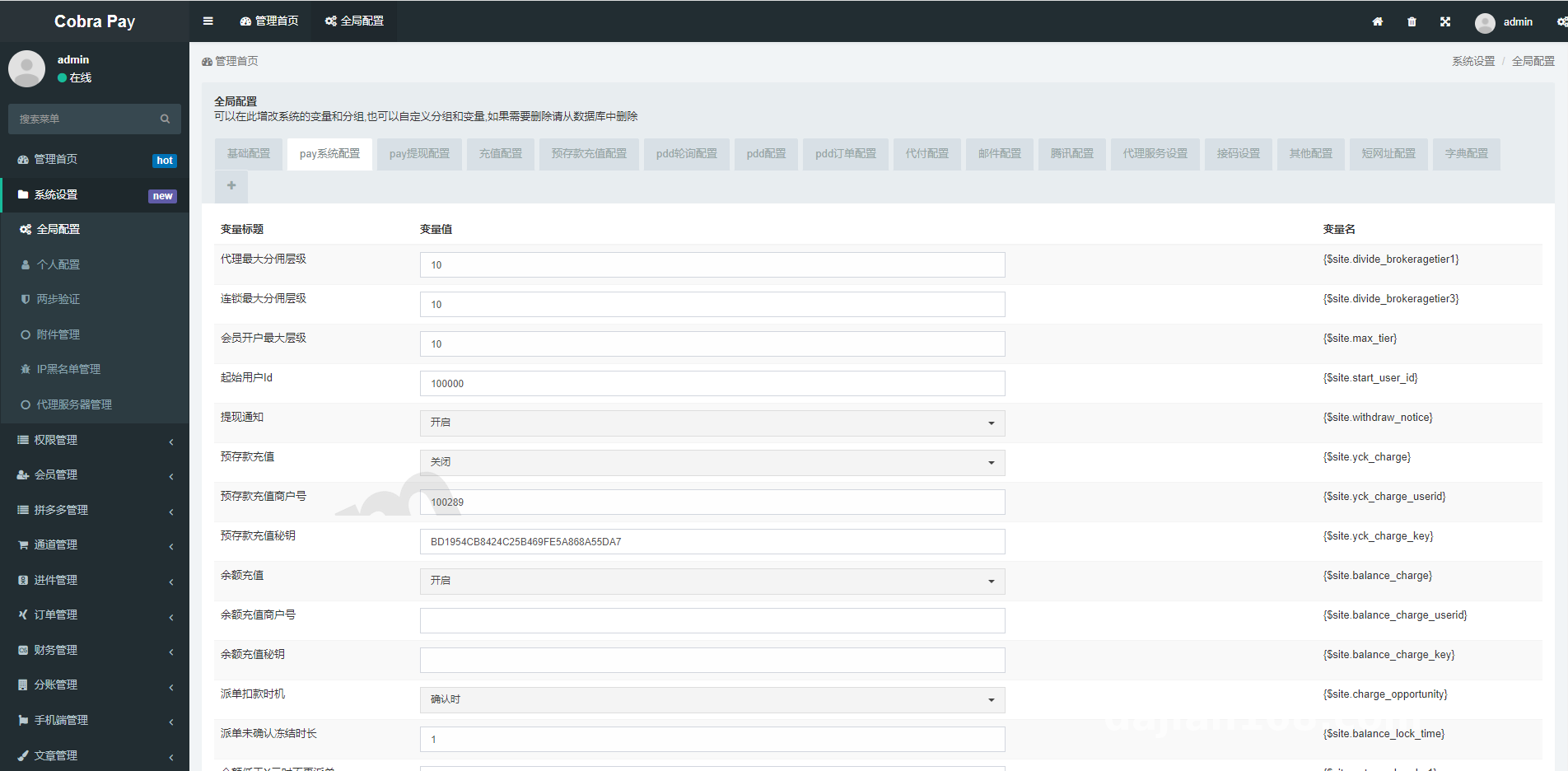
Highlight: The channel routing engine in this system is impressively granular. A single merchant can attach multiple channels with automatic round-robin failover, so once order volume picks up, you barely need anyone watching it manually.
Deployment Essentials: Environment Setup and Pitfalls
For the server, I went with CentOS 7.9, an LNMP stack, PHP 7.4 + MySQL 5.7. Here are the practical points worth noting from my testing.
Extensions and Scheduled Tasks
PHP needs the Redis extension installed. Callback notifications and the order state machine all run through the queue, and the supervisor daemon is absolutely mandatory — if the queue crashes, orders get stuck at “processing” and never update.
Callback Signature Verification
Each channel’s callback signature verification logic is encapsulated independently. During testing, I wrote my own sandbox simulation script and ran it repeatedly. Requests with failed verification get rejected outright and logged — the security handling here is fairly well done.
Common Errors
If onboarding file uploads throw a 413 error, it’s because Nginx’s client_max_body_size defaults to just 1M — bump it to 10M and the problem goes away. Another trap: the backend timezone. If PHP and MySQL timezones don’t match, your reconciliation times drift by 8 hours. Make sure both are set to Asia/Shanghai.
Secondary Development and Use Cases
The code structure is clean, with controllers and business logic properly layered. For custom development, you only need to modify the interface adapter layer — the core routing stays untouched. I added an order risk-flagging API for the client in just a day and a half. On languages, it currently supports Chinese and English with independent language files, so adding a new language is as simple as copying a file and editing it.
Who is this for? Self-operated e-commerce businesses needing unified checkout, SaaS providers that want to offer payment collection to their merchants, or teams running top-up services that need to connect to mobile billing channels. It’s also more than sufficient for individuals learning payment gateway architecture.
FAQ
Q: Can I deploy this system without any payment industry experience?
A: Yes. Once your LNMP environment is ready, following the deployment docs gets it running in about 30 minutes. However, the API integration phase involves applying for channel keys and joint debugging, so budget 2-3 days to get familiar with the process. Best practice: run everything through the sandbox before going live.
Q: When using multiple channels simultaneously, what if order callbacks don’t reconcile?
A: The system has a built-in order number mapping table that’s independent per channel — callbacks get mapped first, then recorded. I simulated 400 concurrent callbacks in the sandbox and saw zero order mix-ups. If something does go wrong in production, check the Redis queue logs first — nine times out of ten it’s a signature verification failure or a timeout.
Q: If I want to add a new channel later, how much rework is involved?
A: Not much. Copy an existing channel adapter following the same format, fill in the request parameters, signature method, and callback parsing, then attach it to a routing rule in the backend. From my testing, someone experienced can complete integration and joint debugging for an entirely new channel in a single day.
Q: What businesses can this system be used for?
A: Only in legitimate, compliant scenarios such as e-commerce collection, top-up and bill payment services, and SaaS merchant checkout. The system itself provides technical integration capabilities only, and users must comply with applicable laws and regulations. This article is for technical education only.
Disclaimer: This article is for technical education and demonstration only. It is not professional or financial advice. Any real-world deployment must comply with applicable laws and regulations.
#payment gateway #aggregated cashier #API integration #deployment notes #system setup
-
 Alipay QR Code Scan
-
 WeChat Scan Pay