Short Video Content Distribution Platform Setup: Vue Frontend + PHP Backend + Queue Lock + Multi-language
Short Video Content Distribution Platform Setup: Vue Frontend + PHP Backend + Queue Lock + Multi-language
Disclaimer: This article is for technical education and demonstration only. It is not professional or financial advice. Any real-world deployment must comply with applicable laws and regulations.
I recently helped a client deploy a multi-language short-video content distribution platform. The frontend uses Vue, the backend uses PHP, and the whole stack is open-source. The core logic covers video dispatching, queue locks, and admin scheduling configuration — mostly a technical demo. I’m writing down the deployment headaches and feature tests from environment setup to final checks, as a reference for anyone who wants to customize it.
Tech Stack and Runtime Environment
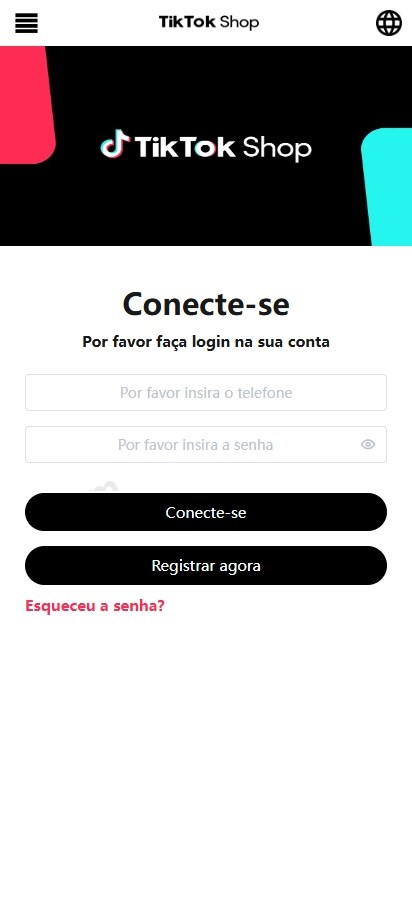
The frontend is built on Vue 2 + Element UI. The backend runs PHP 7.4/8.0 + MySQL 5.7. I used Nginx as a reverse proxy and php-fpm for PHP. Make sure the database uses utf8mb4, or multi-language text will turn into gibberish.
1.1 Frontend-Backend Separation
After building, drop the Vue dist folder into Nginx and point API calls to the PHP backend domain. Remember to handle CORS. In development, set up devServer.proxy for /api; in production, let Nginx forward it. One pitfall I hit: the build used absolute asset paths, so I had to set publicPath to ‘./’ in vue.config.js.
1.2 Multi-language Implementation
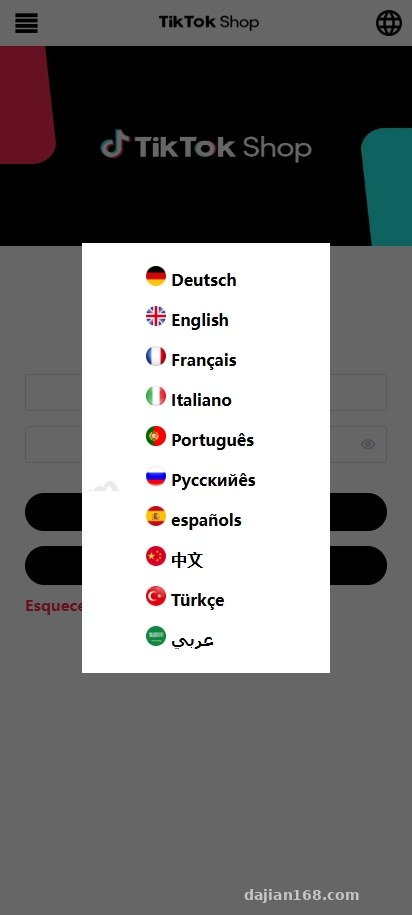
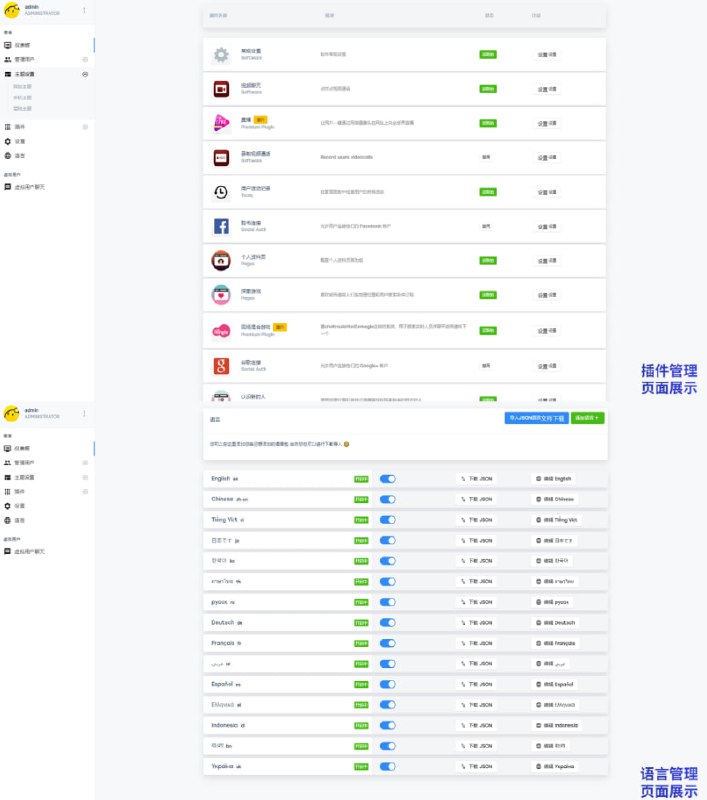
The system ships with ten languages, managed by vue-i18n on the frontend. Language packs live in src/lang/ and follow a key naming convention. The backend also returns language fields, and the admin panel can switch language templates. When adding a new language, you must fill in the matching keys on both sides, or the frontend will display raw keys.
Feature Test: Admin Scheduling and Queue Lock
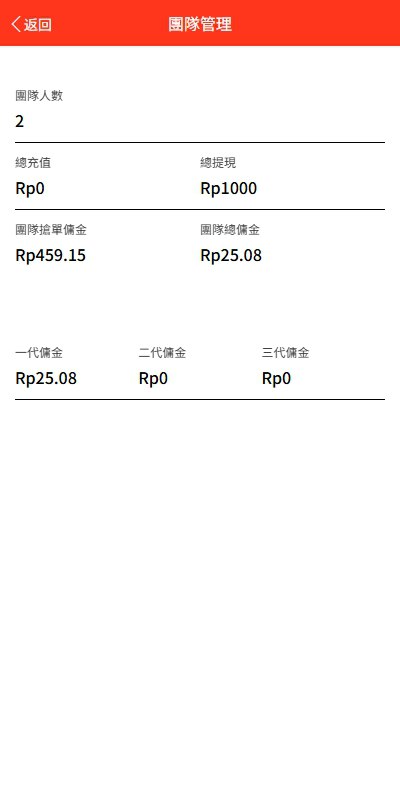
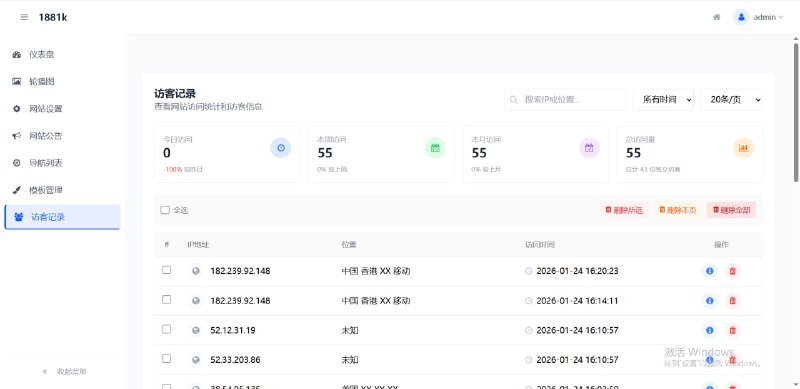
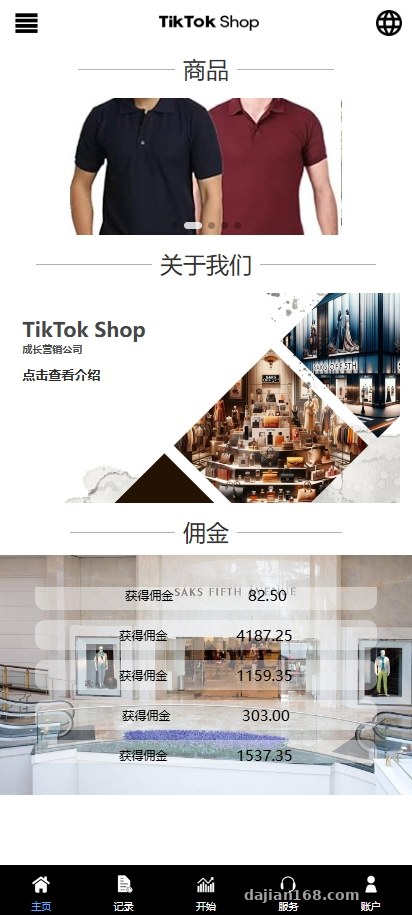
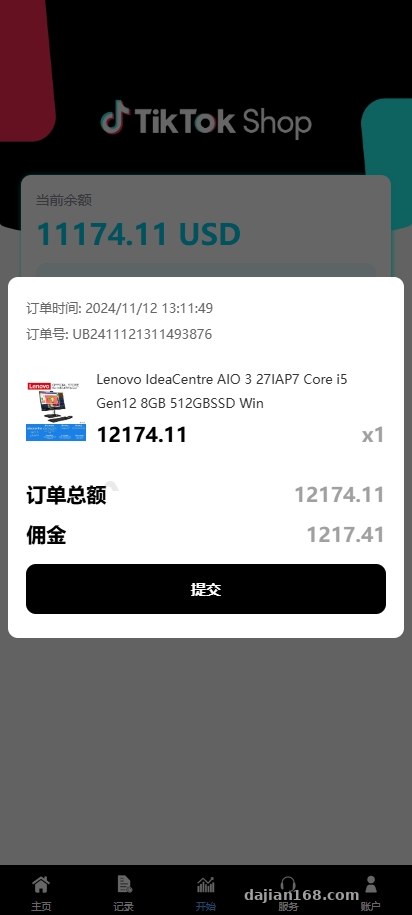
The admin center revolves around content dispatch and queue control. You can create distribution plans, assign a content weight and reward ratio to each item, and batch-configure 1 to 40 distribution nodes. I treat this as a load simulation inside a test environment, not real production traffic.
2.1 Content Weight and Credit Balance Check
If a content item’s weight exceeds the user’s demo credit balance, the frontend pops a notice: add X demo credits to unlock reward X. The wording is editable in the admin panel, and the balance check can also be disabled. During testing I kept the weights low so the top-up flow would not trigger.
2.2 User Reputation Score and Permission Control
The admin panel lets you set a reputation score for each user; new accounts get a default starting score. You can also freeze a specific account or disable its settlement. A sub-admin dashboard has its own menu and can view distribution data by tier. Before going live, I recommend adding operation logs to sensitive actions to prevent accidental misuse by internal staff.
2.3 Wallet and Settlement Callback Interfaces
The system reserves wallet endpoints and settlement callbacks, but in the demo environment I left them disconnected from real channels. For commercial use, integrate a third-party settlement provider or an internal enterprise finance system and run full sandbox tests first. This article is for technical education only; any live feature must comply with applicable laws and platform policies.
Deployment tip: use Redis for caching and queue locking. Otherwise, high-concurrency dispatch requests can lock MySQL tables. Splitting the admin dispatch API and the frontend content list onto separate domains reduces mutual impact.
Deployment Notes and Customization Suggestions
3.1 Key Configuration
Update database, domain, and Redis settings in the config directory. The admin panel default path is /admin; change it or add an IP allowlist before launch. Also raise PHP’s upload_max_filesize so language packs or avatar uploads do not fail.
3.2 Customization Directions
This project works well as a content distribution scheduler demo, survey delivery system, or internal work-order dispatcher. Replace amount fields with points and rewards with performance credits to keep everything in demo territory. The multi-language architecture is also a good fit for overseas tool projects.
Common Questions
Q: The frontend shows a blank page after build.
A: Check publicPath and the router mode in vue.config.js. If you use history mode, Nginx needs try_files to fall back to index.html.
Q: Some fields stay untranslated after switching languages.
A: The frontend language pack is missing keys, or the backend returns hard-coded text. Sync both sides, clear the cache, and refresh.
Q: The admin panel says dispatch failed and the log shows insufficient balance.
A: The balance check is working. Adjust the content weight or reward ratio in the admin panel, or turn off the check switch. In a test environment, use the default test account with enough demo credits.
Q: Can it be used commercially out of the box?
A: The source code is only a technical demonstration and learning reference. Before launch, complete compliance review, security hardening, and real settlement authorization. This article is for technical education only.
Overall, the system has solid multi-language support and admin permissions, making it a good playground or base for a compliant content distribution platform. If you plan to deploy it yourself, run it locally first, then move to a staging environment.
Disclaimer: This article is for technical education and demonstration only. It is not professional or financial advice. Any real-world deployment must comply with applicable laws and regulations.
#short video platform #Vue #PHP #multi-language deployment #queue lock
-
 Alipay QR Code Scan
-
 WeChat Scan Pay
![[Exposing Scammers] Warning everyone to beware of being deceived!](https://xz.dajian168.net/wp-content/uploads/2026/07/dajian168_thumb-300x200.jpg)