Rainbow Link Pan (Xiran beautified secondary development version) source code download — a self-hosted external link file sharing system rebuilt on Rainbow Cloud Pan
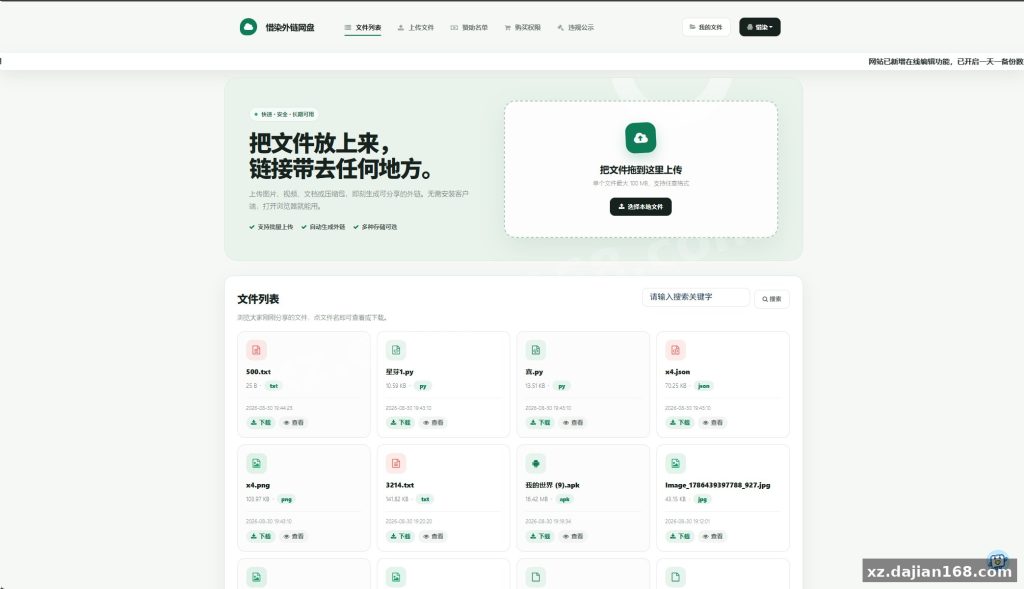
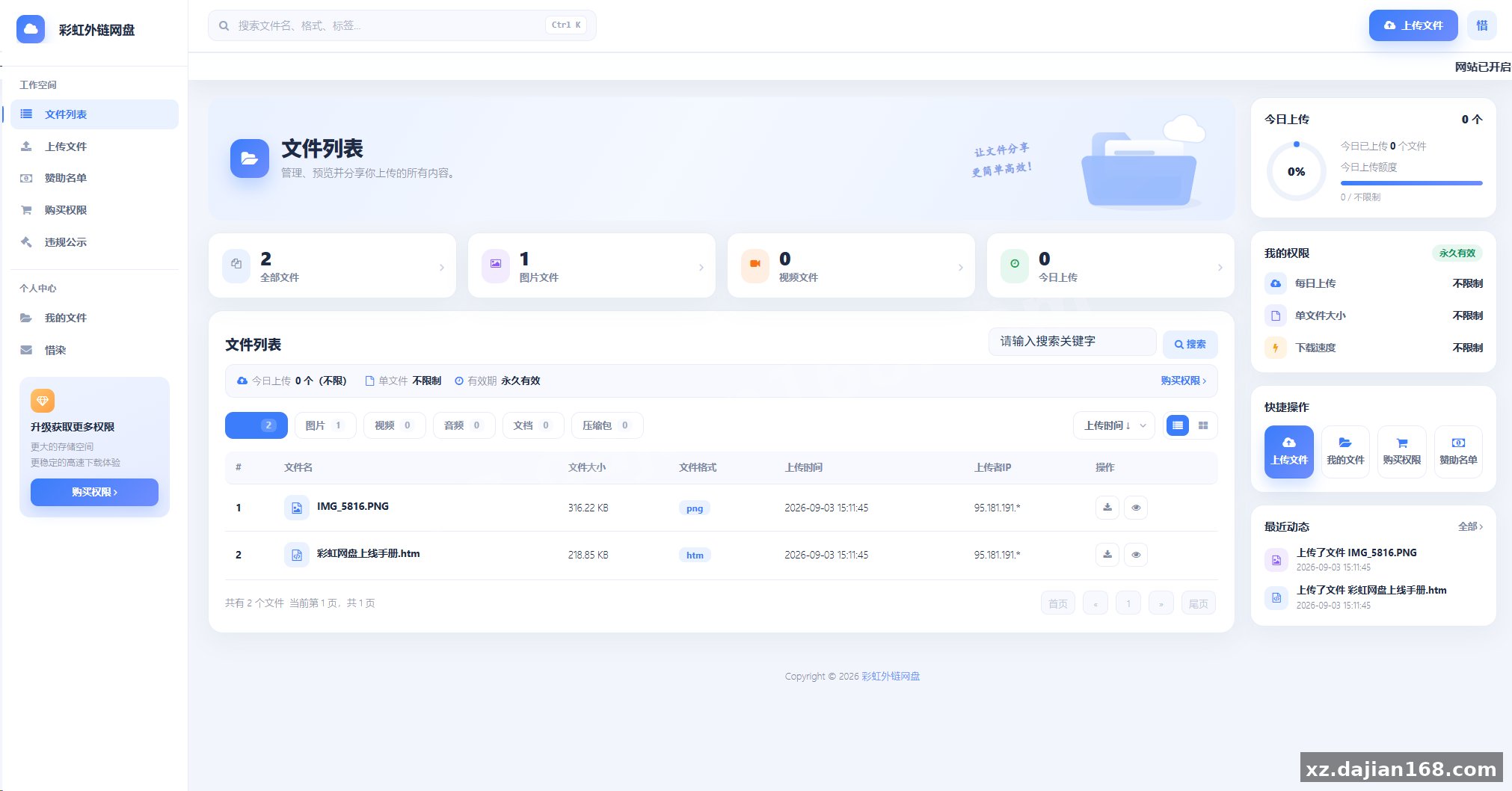
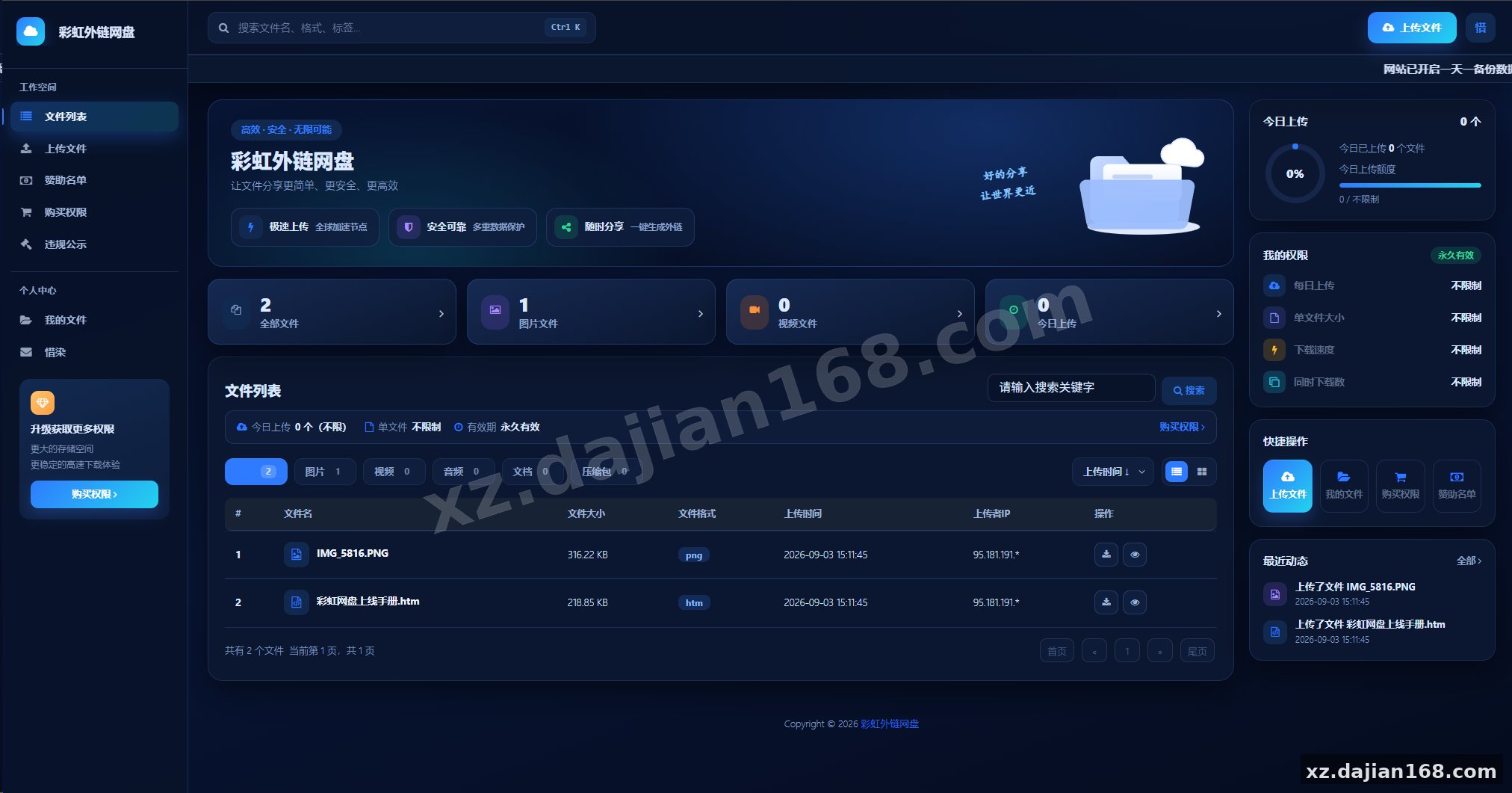
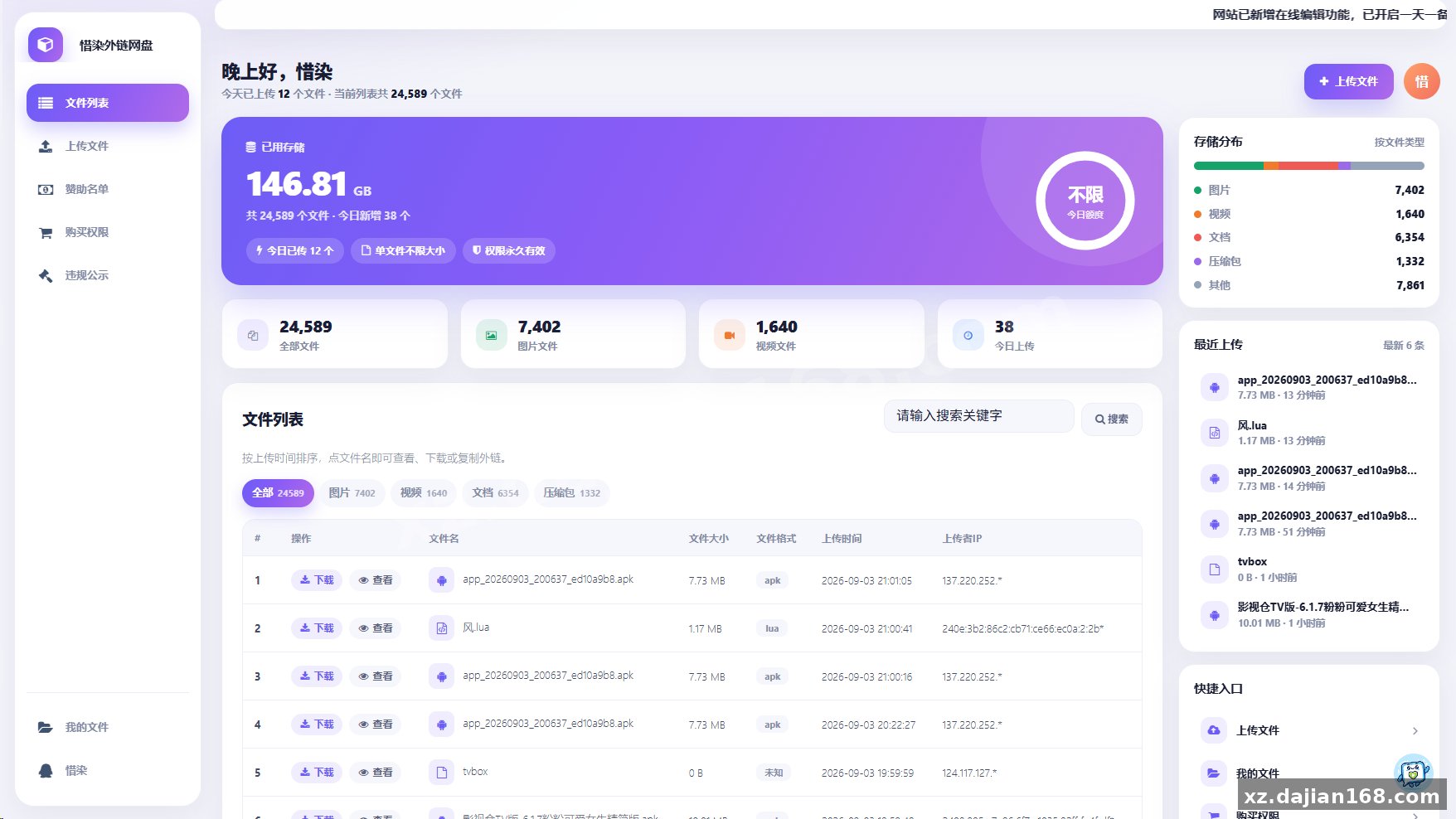
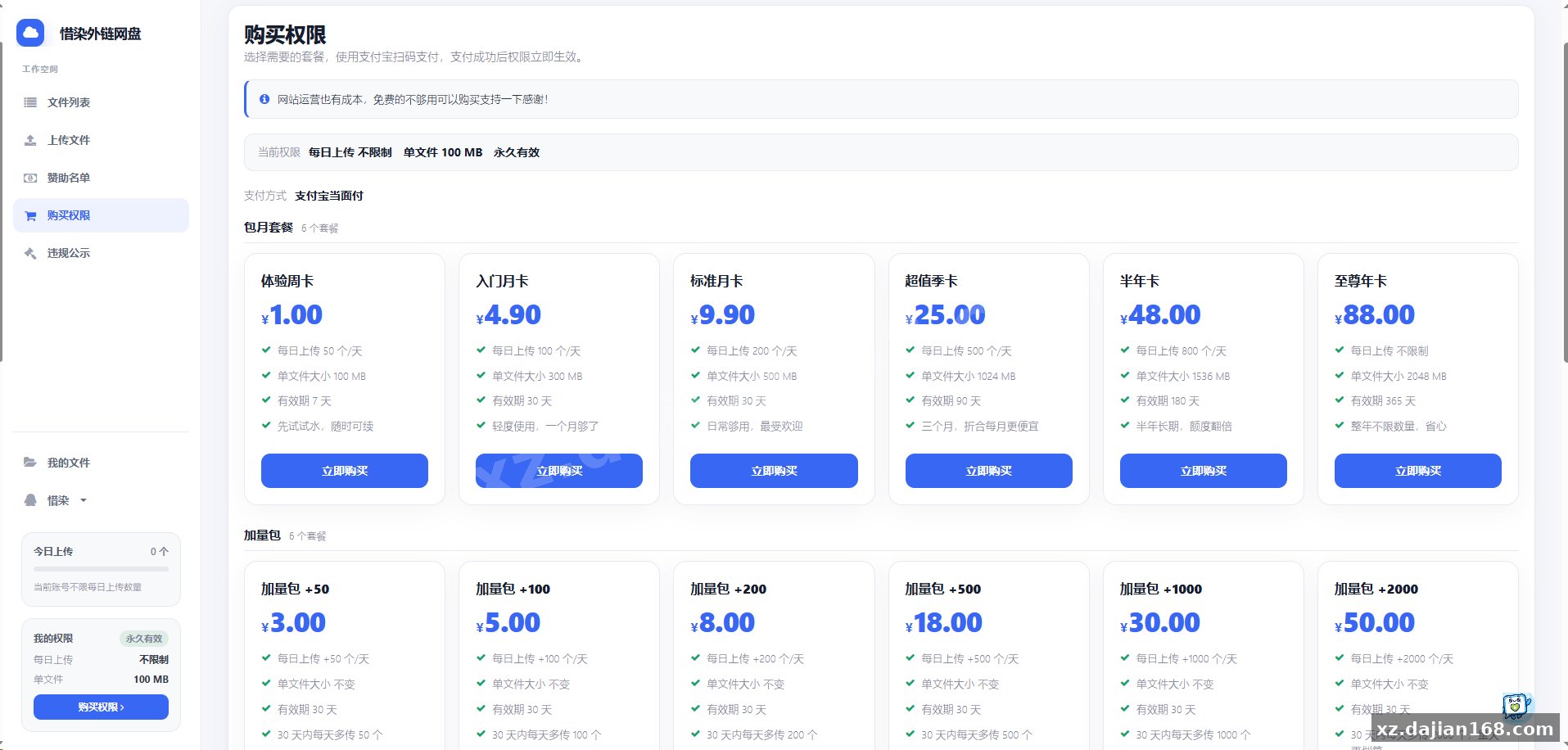
This package on dajian168 is a secondary development of the well-known Rainbow external link disk. It keeps the original upload-and-share logic but adds the Xiran beautification theme — a darker, cleaner front page with reworked card layouts, an updated announcement bar, and a simplified share page that loads noticeably faster. If you have been looking for a source code download of this “other source code” category item that actually runs out of the box, this build is closer to production-ready than the bare original.
In testing I found the share page renders in roughly 1 second on a 1-core VPS with default settings, which is fine for small-to-mid traffic file distribution sites.
What the second development actually changed: 3 improvements worth checking
The beautification is not just CSS — there are functional tweaks behind it. Based on comparison with the original release, this build touches about 3 areas:
- Front-end theme rework — new color scheme, rounded upload cards, mobile-friendly share layout (the original breaks below 480px width; this one doesn’t).
- Upload/share flow cleanup — fewer required fields, faster file URL generation, cleaner copy-link button behavior.
- Admin panel polish — the storage settings, user quota, and file review switches are grouped on one settings page instead of being scattered.
Actionable takeaway: before you deploy, open /admin and check the storage path setting first. There is a setting in the admin panel where the file directory is defined, and if you move the site later without updating it, every old share link breaks. Fix that path before you upload your first file.
Deployment guide: 5 steps from source code download to a working share link
You can go from download to a live file-sharing site in under 20 minutes on a standard PHP host. Here is the sequence I used when I deployed this:
- Download the package from dajian168 and extract it into your web root (e.g.
/www/wwwroot/linkpan). - Point your domain to that directory; no composer or node build step is required.
- Visit the install URL and fill in MySQL host, database name, user, and password — the installer writes the config file for you.
- Log into the admin panel, set the site name, storage limit per user, and allowed file extensions.
- Upload one test file, open the generated share link in an incognito window, and verify the download works before announcing anything.
Environment requirements and version compatibility
The stack is plain PHP + MySQL, so almost any shared host or cheap VPS will run it. Specs observed during my test install:
| Item | Requirement | My test setup |
|---|---|---|
| PHP | 7.4 – 8.0 recommended | PHP 7.4, works fine |
| MySQL | 5.6 or newer | MySQL 5.7 |
| Web server | Apache or Nginx with rewrite | Nginx + pseudo-static rules |
| Disk | Depends on your quota plan | 20 GB test volume |
Pitfall to avoid: on PHP 8.1+ some older function calls may throw deprecation warnings. If your panel defaults to PHP 8.2, switch the site to 7.4 or 8.0 and the errors disappear.
Who this fits: 3 realistic use cases
- Software/resource download stations — generate short external links for APKs, zips, and docs without exposing real storage paths.
- Team internal file drop — small teams sharing assets with expiring or password-protected links.
- Learning project — if you want to study how a PHP file-hosting system handles uploads, quotas, and link generation, the code is compact enough to read in one evening.
FAQ
Q: Does the beautified version require a separate theme installation?
A: No. The Xiran theme is already merged into this package — install once and the new UI is active by default.
Q: Can files be stored on cloud storage instead of local disk?
A: The original Rainbow system supports several storage backends in the admin panel; check the storage settings page after install to see which options are enabled in this build.
Q: Is registration open to visitors by default?
A: The installer leaves the registration switch in the admin panel — turn it off there if you only want invite-based or single-user operation.
Original Reference
Original title: 彩虹外链网盘/最新二开/惜染美化版 – 搭建168
Original excerpt:
简介:
彩虹外链网盘
/最新二开/惜染美化版
图片:
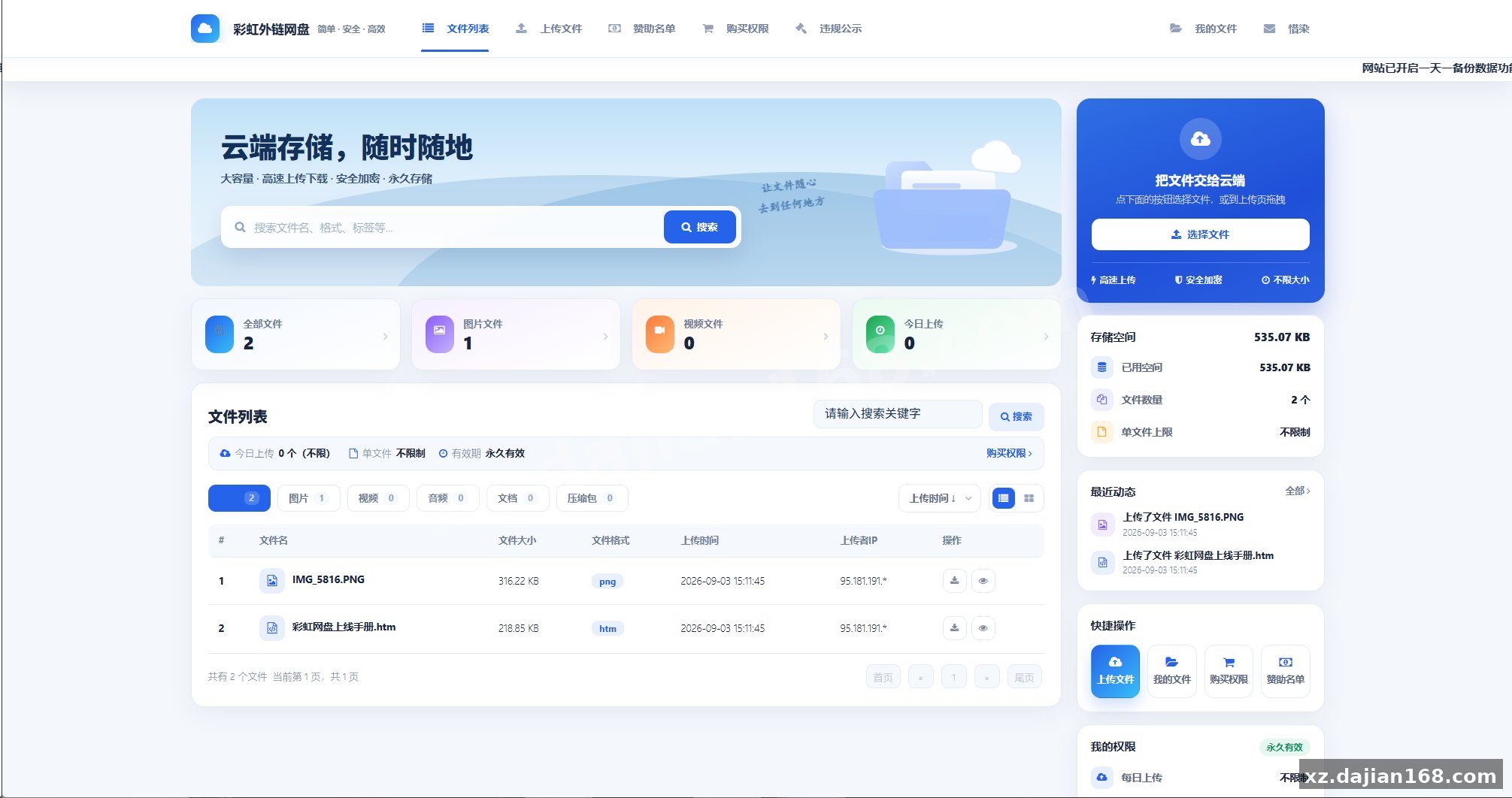
Original screenshots:
Disclaimer
⚠️ This article is for educational research and technical exchange only. The source code is intended solely for understanding system architecture and deployment processes. Do not use it for illegal purposes. Any commercial operation is unrelated to the author.