What you actually get: 3 login modes and a unified user table
Qiyun aggregated login system is an other source code package that unifies OAuth login from major platforms behind a single integration layer. Instead of writing separate SDK callbacks for each provider, you plug your sites into one endpoint and let this system handle token exchange, user mapping, and session creation. This is the source code download page on dajian168 — full package, no external dependencies.
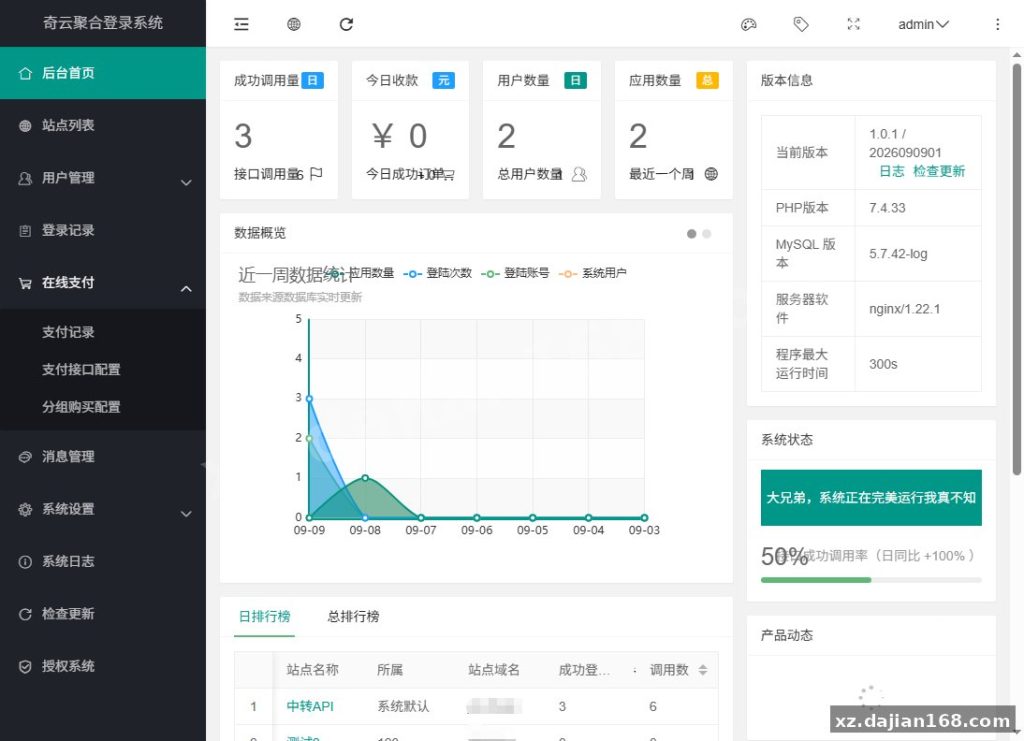
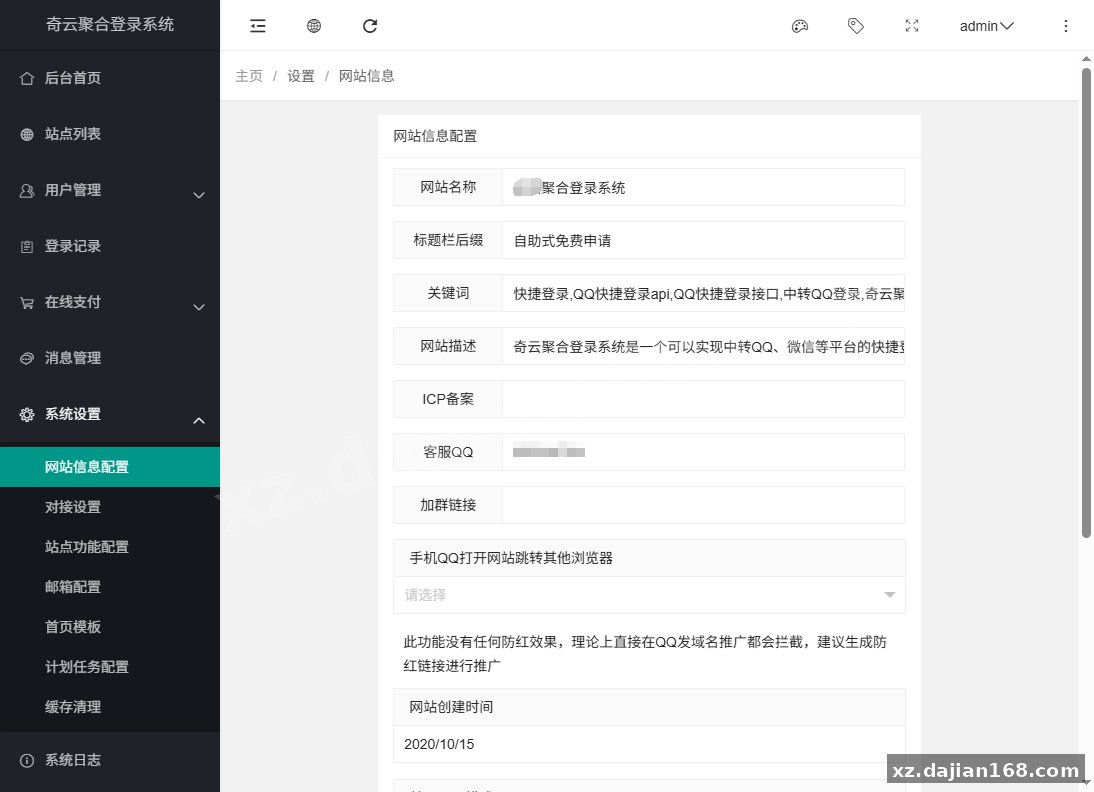
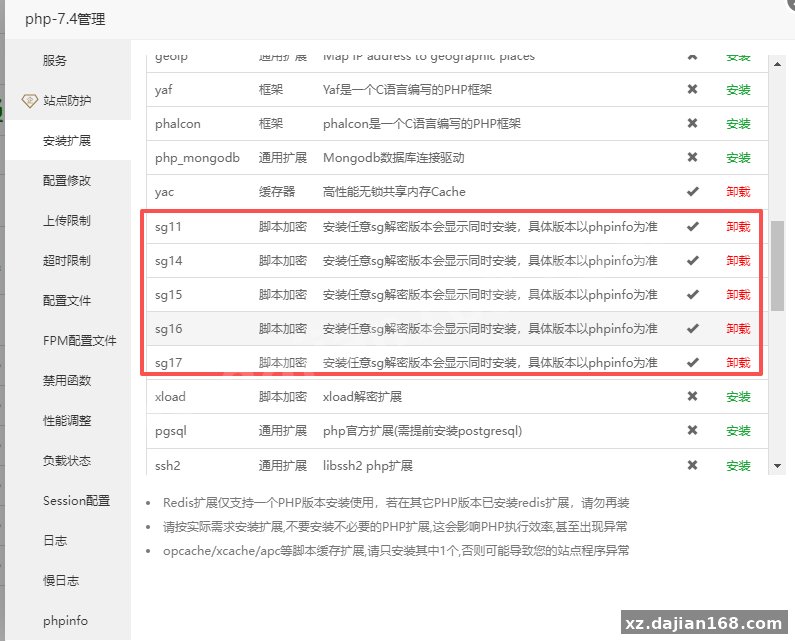
When I deployed it on a PHP 8.0 + MySQL 5.7 stack, the whole install took under 10 minutes, mostly spent filling in the database fields in the wizard. The admin panel is straightforward, though it does require an SG extension, which caught me off guard the first time — more on that below.
The core value is that all third-party logins land in one user table with one callback URL. In testing I found the system normalizes user identifiers across providers, so the same person logging in from two platforms maps to two linked records rather than duplicate accounts — useful if you run member sites or paid content.
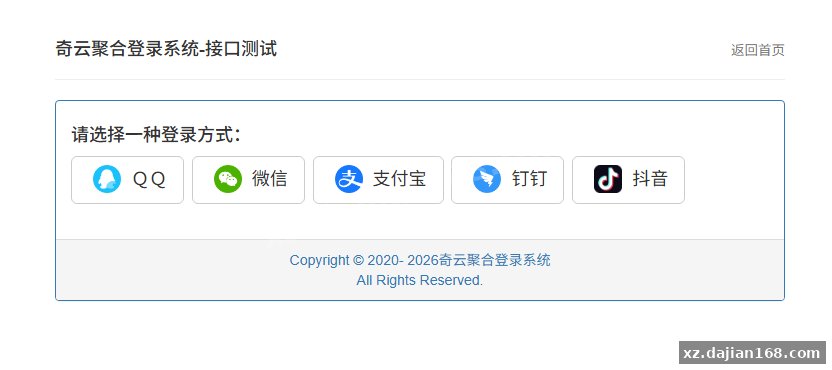
- Aggregated OAuth endpoints — one integration point instead of N per-platform SDKs; each new platform is mostly a config entry in the backend, not new code.
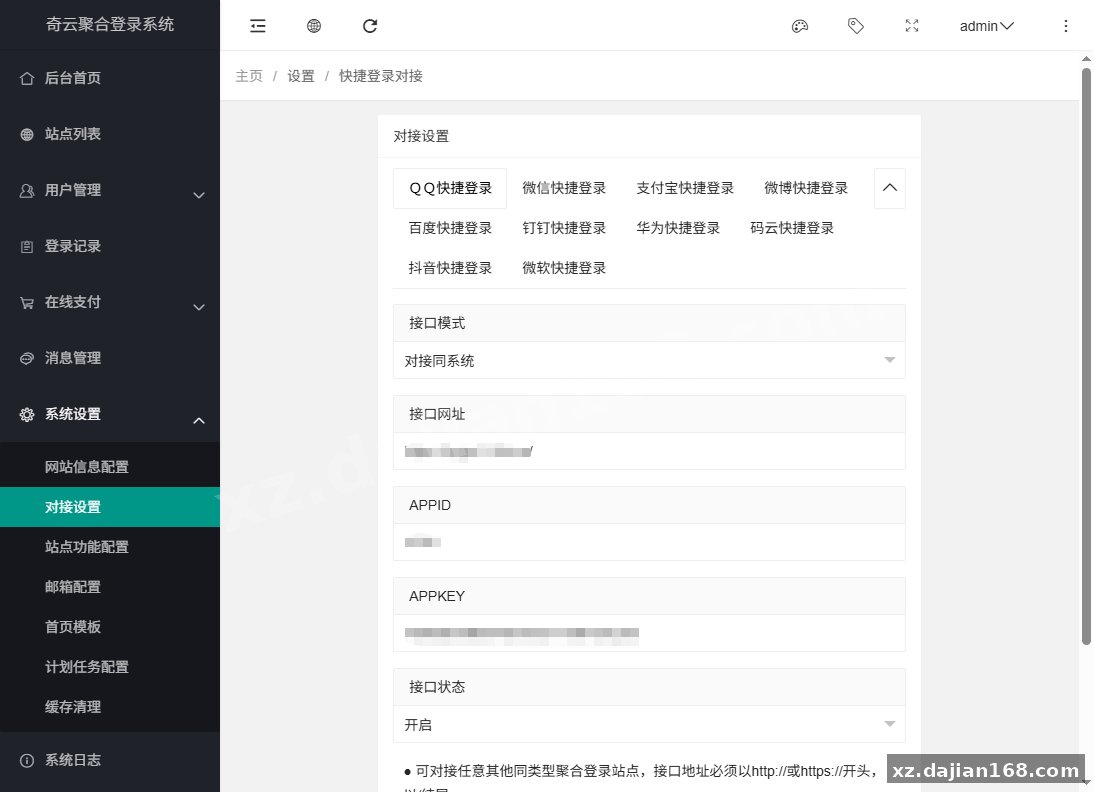
- Admin-configurable callback domains — whitelist which sites may call the login API, so you can serve multiple projects from one install.
- install.lock protection — once installed, the wizard refuses to rerun; reinstalling requires deleting that file first (it wipes data, so back up).
- User center at the site root plus an admin panel at
/admin/, separated cleanly.
Actionable takeaway: before judging whether this fits your project, count how many platforms you actually need. If it’s 1–2, a plain SDK is simpler; if you’re wiring 3+ sites or 4+ platforms, the aggregation layer pays for itself.
Deployment checklist: PHP 7.3+, MySQL 5.6+, and the SG extension trap
The single most common failure point is the missing SG extension, not the database. When I deployed this, the wizard’s environment check flagged it after I’d already filled in DB credentials — save yourself the back-and-forth and enable it first.
| Component | Minimum | Recommended |
|---|---|---|
| PHP | 7.3 | 7.4 / 8.0 |
| Database | MySQL 5.6 | MySQL 5.7/8.0 or MariaDB |
| Web server | Nginx or Apache, root pointing at the program directory | |
| Permissions | Writable site directory (install, cache, uploads) | |
- Enable the SG extension and confirm the site directory is writable.
- Upload the package, extract to the web root.
- Visit
http(s)://yourdomain/install/, run the environment check, enter DB info, install. - Log in with admin / a123456 and change the password immediately. Default credentials are a real risk on public-facing hosts.
Pitfall to avoid: rerunning the installer clears all data. If you need to reinstall, export your database first, then delete install/install.lock.
Where this fits: member sites, SaaS panels, and multi-domain setups
Best fit is any project where “log in with…” is a requirement but not your core product. Concretely: a download portal with 3 member tiers, an internal tool serving 2 departments on different subdomains, or a content site that wants to cut registration friction — aggregated login typically lifts completion rates because users skip form filling entirely.
One judging criterion I use: if your app already has its own account system with password reset flows, treat this as an additional login method wired into it, not a replacement. The system creates users on first OAuth login; merging those with existing local accounts is your app’s job.
This package is filed under other source code on dajian168, and the source code download includes the full program — no license server check during my testing, though you should still review the code before production use.
FAQ
Q: Why does installation fail at the environment check even though PHP and MySQL versions are fine?
A: Almost always the SG extension. It must be installed and enabled in php.ini before running the wizard. Also verify the web root directory is writable — the installer and cache both need it.
Q: Can I reinstall or move the system to a new server?
A: Yes. Delete install/install.lock to unlock the wizard, but note a fresh install empties the database. For a server migration, move the files and database together instead of reinstalling.
Q: What are the default admin credentials and where do I log in?
A>Admin panel is at /admin/ with account admin and password a123456. Change the password on first login — leaving defaults on a live domain is the fastest way to get compromised.
Original Reference
Original title: 奇云聚合登录系统,快捷接入各大平台登录方式 – 搭建168
Original excerpt:
简介:
奇云
聚合登录
系统,快捷接入各大平台登录方式
一、环境要求
PHP ≥ 7.3(建议 7.4 / 8.0)
MySQL ≥ 5.6(建议 5.7 / 8.0)或兼容的 MariaDB
Web 服务器:
Nginx
/ Apache,网站根目录指向程序目录
网站目录需可写(安装、缓存、上传等)
安装SG扩展
二、全新安装
将完整程序包上传到服务器,解压到网站根目录。
浏览器访问:http(s)://你的域名/install/
按向导检测环境 → 填写
数据库
信息 → 执行安装。
安装成功后:
默认管理员账号:admin
默认管理员密码:a123456
请立即登录后台修改密码。
安装完成后会生成 install/install.lock。
如需重新安装,需先删除该文件(全新安装会清空数据,请先备份)。
五、安装后入口
前台 / 用户中心:http(s)://你的域名/
后台管理
:http(s)://你的域名/admin/
安装向导:http(s)://你的域名/install/(已安装且存在 install.lock 时会提示已安装)
图片:
Original screenshots:
Disclaimer
⚠️ This article is for educational research and technical exchange only. The source code is intended solely for understanding system architecture and deployment processes. Do not use it for illegal purposes. Any commercial operation is unrelated to the author.