Multi-Language Demo Trading Interface Setup: Vue + Java Frontend-Backend Separation and Market Data Visualization Guide
Disclaimer: This article is for technical education and demonstration purposes only. It is not investment advice, and no returns or profits are guaranteed. Any real-world trading platform must obtain the required financial licenses and comply with all applicable local laws and regulations.
I’ve built quite a few demo trading front-ends for teams that want to explore fintech concepts, and honestly this type of system has its complexities. You need to think about multilingual support, market data visualization, and realistic risk-control simulations. Last month I helped a client set up a complete multi-language demo trading interface using the new UI version, and the experience was really good. Today I’m sharing the full process, including the pitfalls I ran into and the customization options that matter most.
Multi-Language Demo Trading Interface Setup: Vue + Java Frontend-Backend Separation and Market Data Visualization Guide
To be honest, when I first received this requirement, the client specifically asked for demo trading pairs, scheduled settlement pairs, and flexible market data visualization. I wasn’t sure whether the system could handle it smoothly, but after deployment and running it for a while, the stability exceeded expectations. Today I’ll walk through the entire process from scratch, including the mistakes I made and the customizations that saved time, all based on real hands-on experience.
I. Core System Features
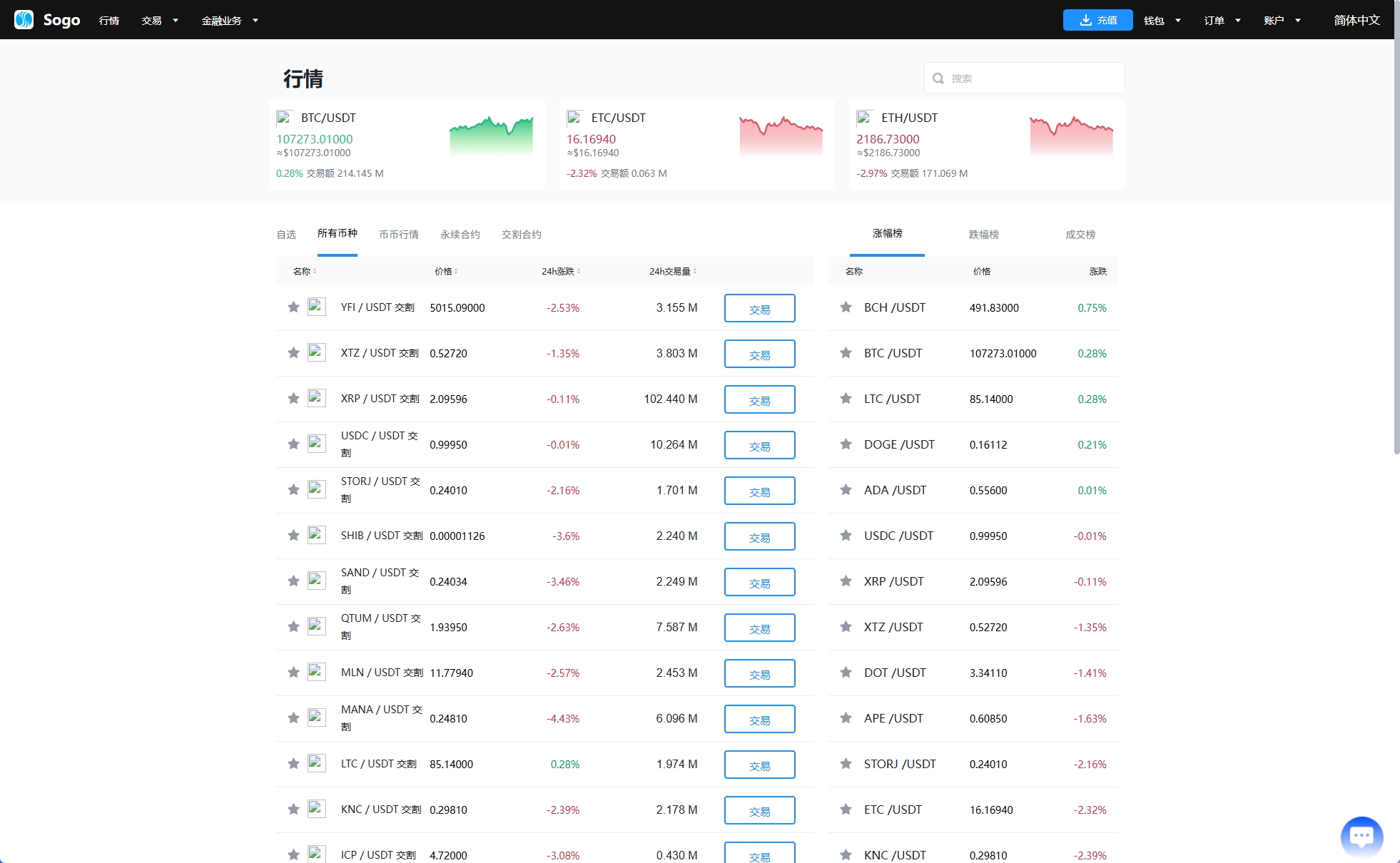
This multi-language demo trading interface uses a brand new UI design. The frontend is built with the Vue framework, while the server side is fully open-source Java. Deployment is much more flexible than closed-source alternatives, and later secondary development is convenient because you are not locked in by a vendor.
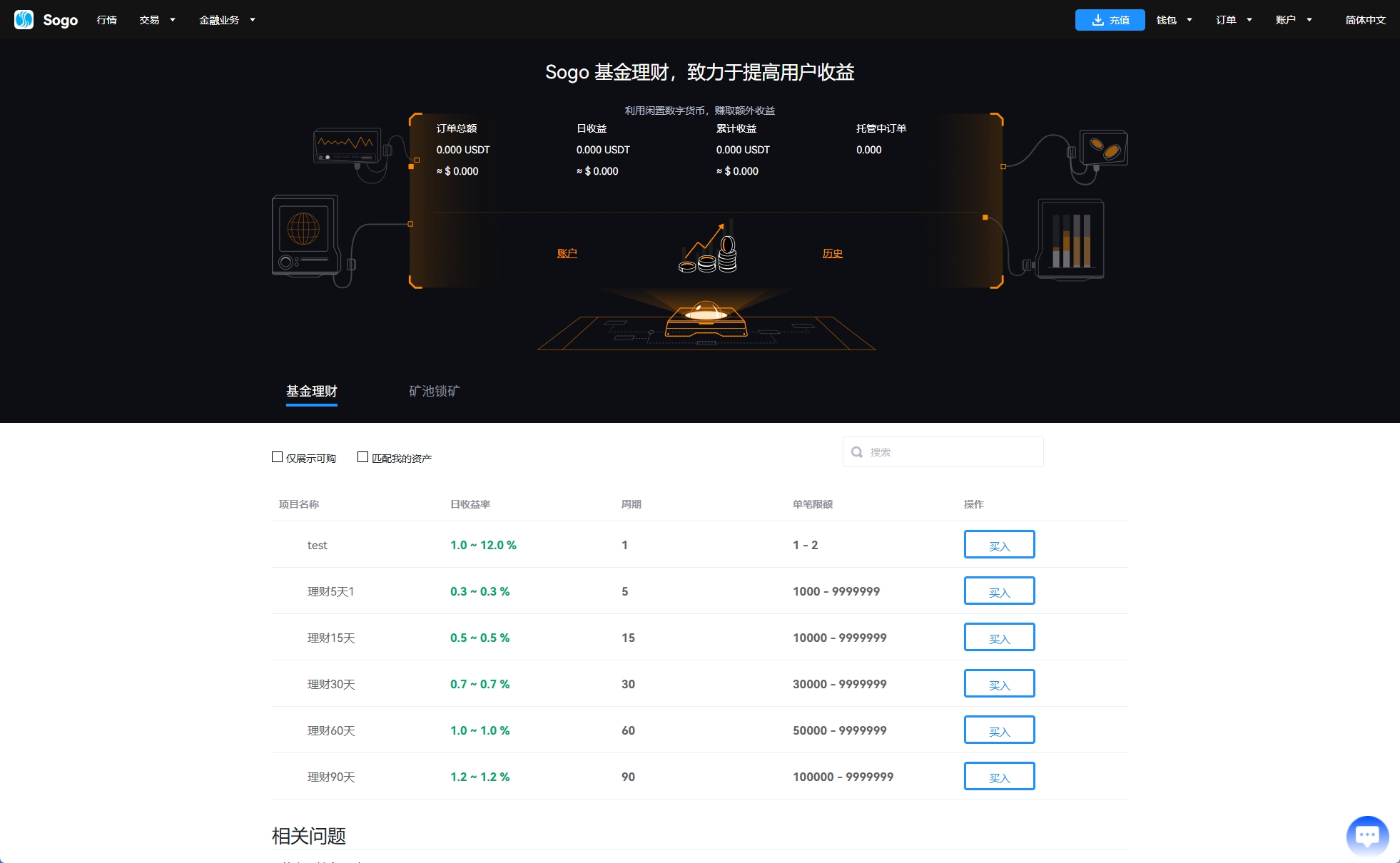
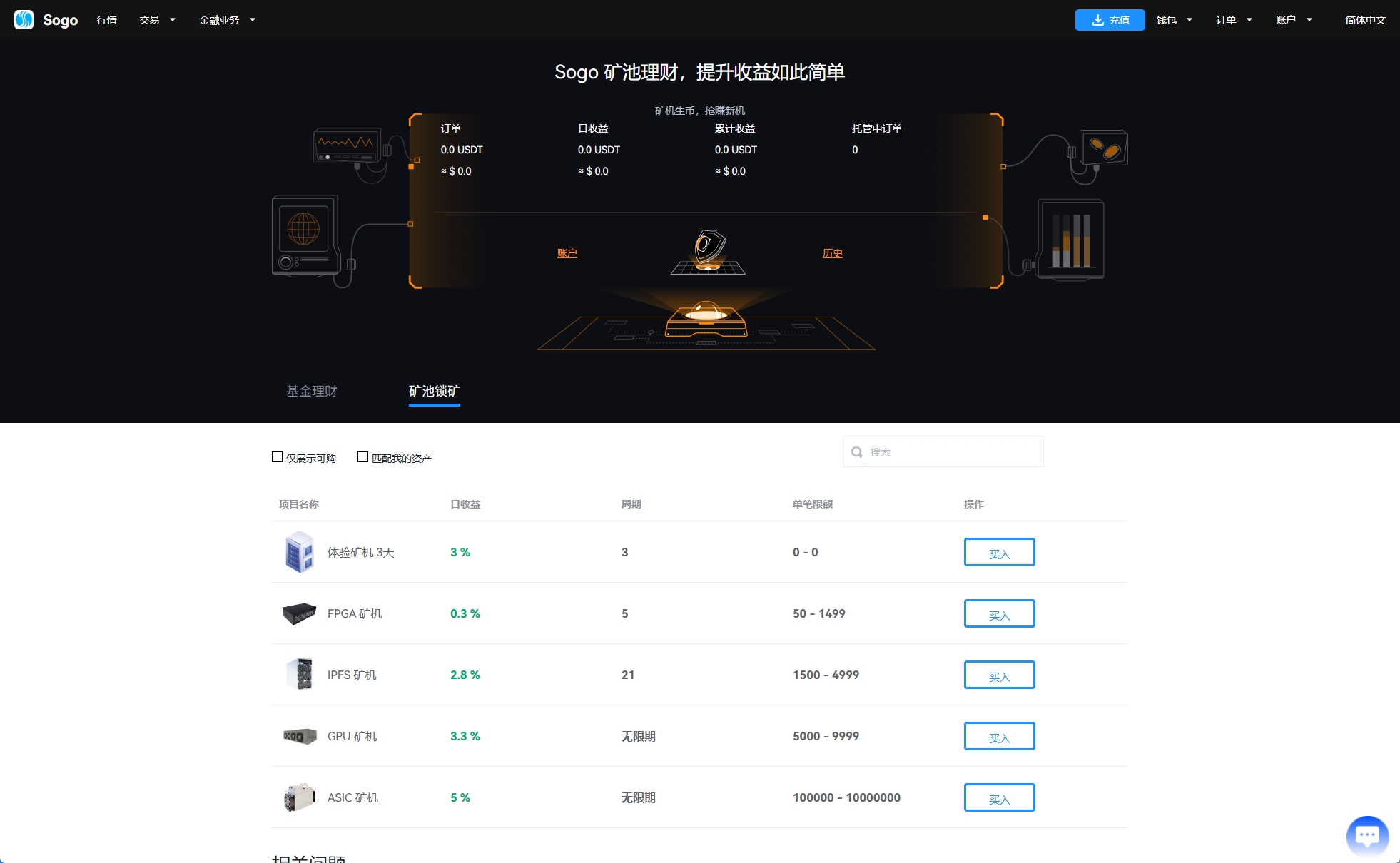
The system supports a comprehensive set of demonstration modules, covering mainstream cryptocurrency education scenarios. Demo trading pairs and scheduled settlement demo pairs both have complete frontend and backend support, and simulated market data can be replayed or adjusted for training purposes. Demo staking finance, mining pools, and lending functions are integrated in the same system, so no additional third-party modules are needed just to get started.
Frontend Features
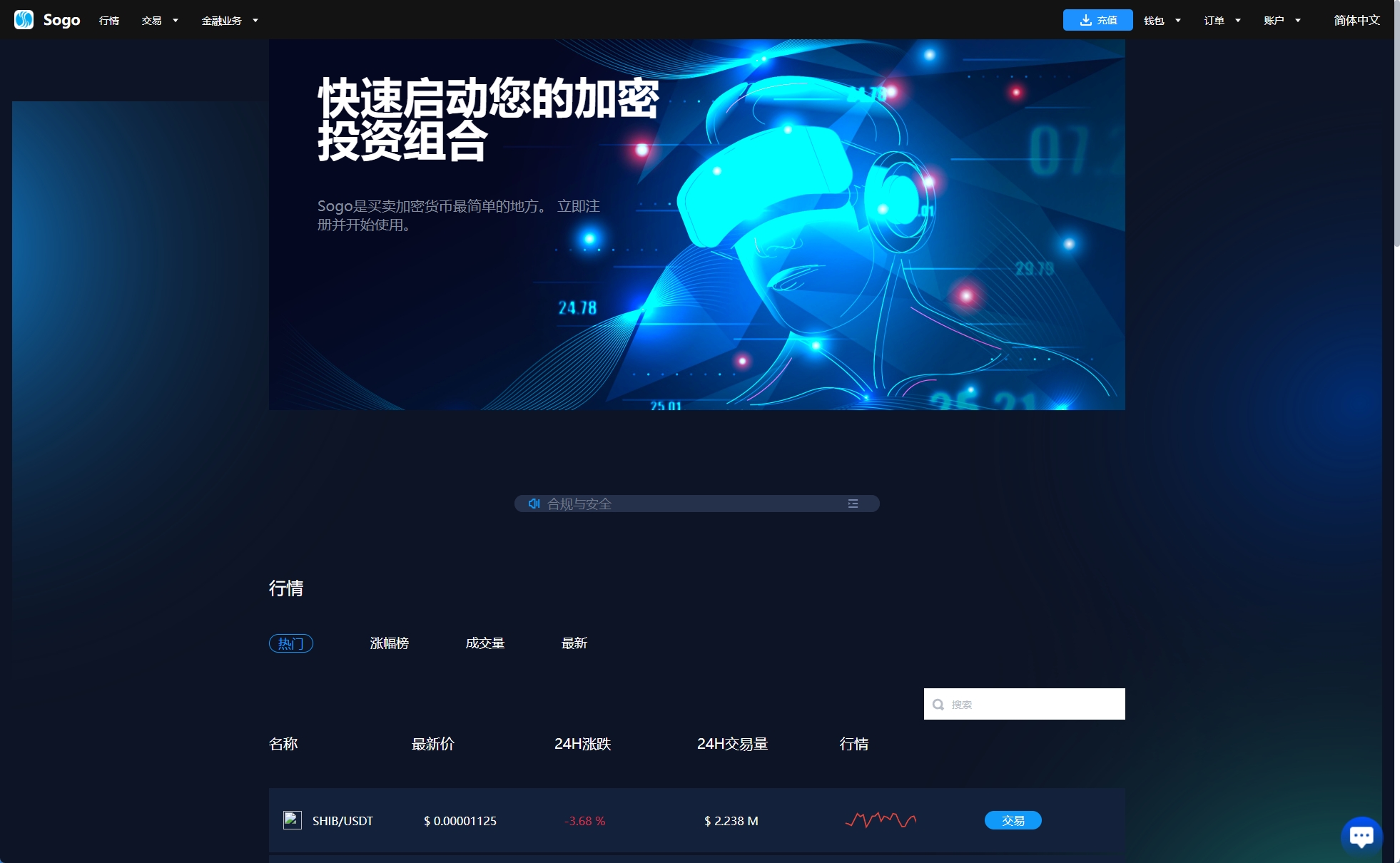
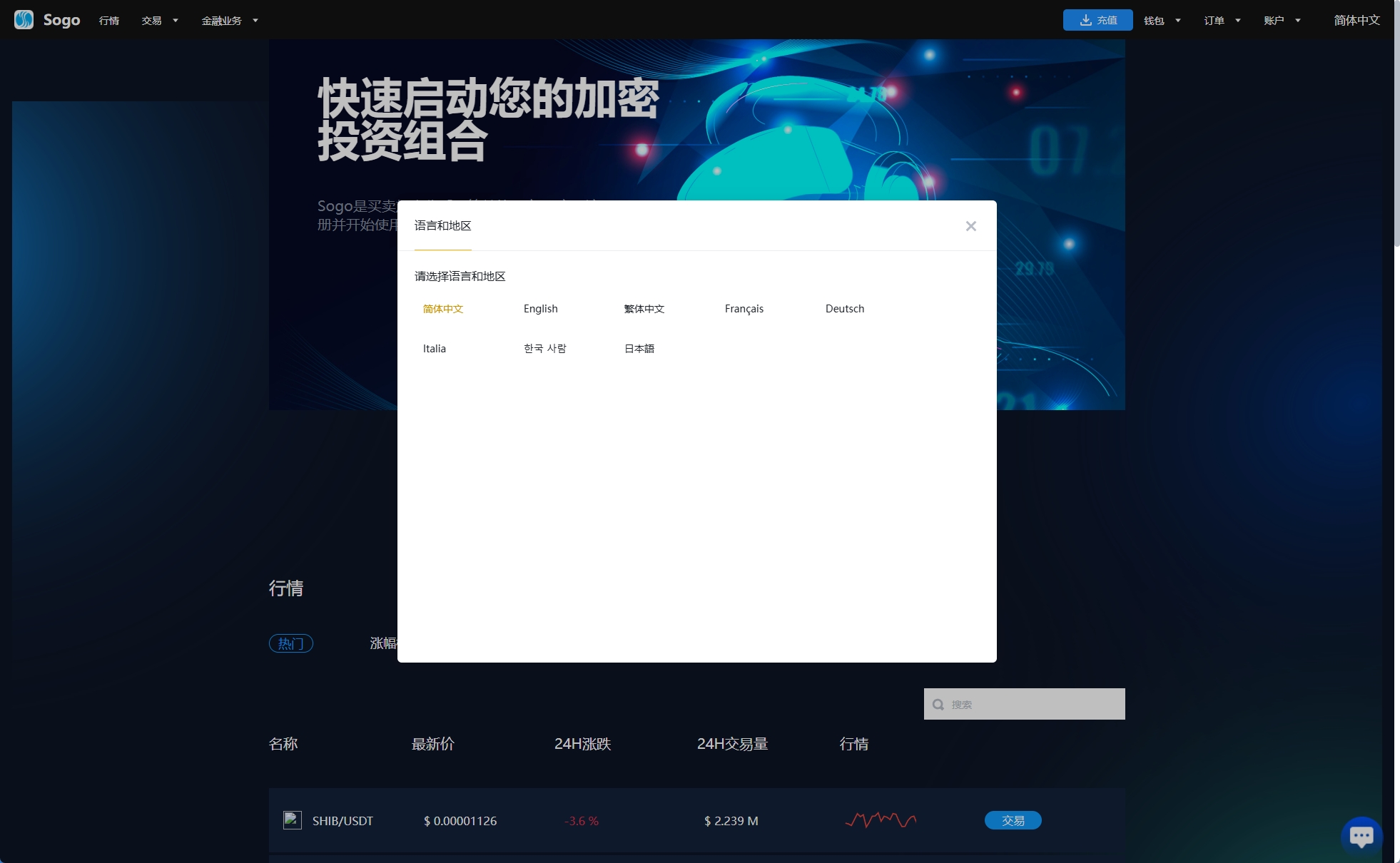
Mobile adaptation is well done, working smoothly on both phones and computers. The frontend also supports light and dark theme switching out of the box, which overseas users appreciate. Multilingual support is standard, with English available by default and no extra development required to switch languages.
Demo Trading Module
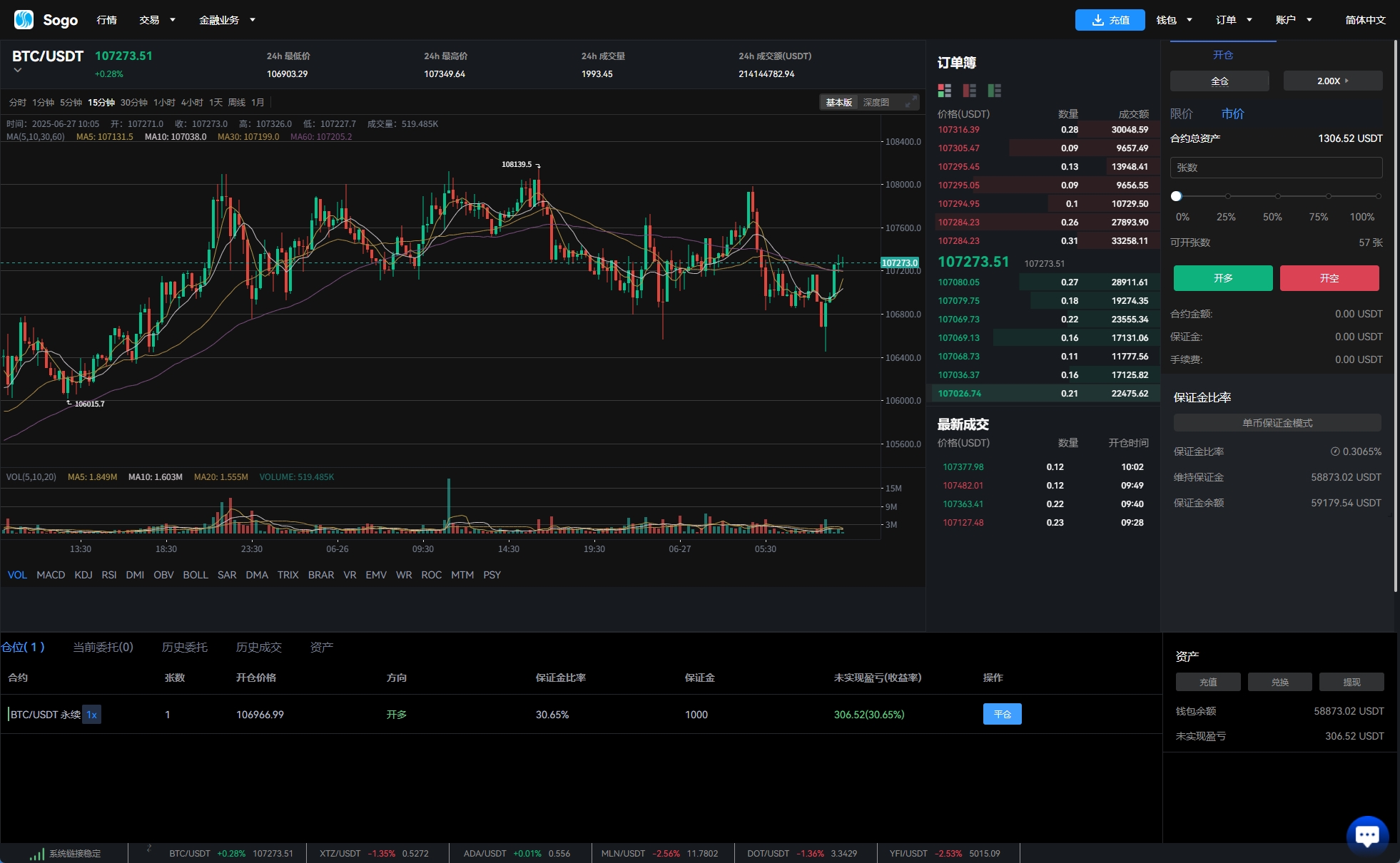
For demo trading pairs, the module supports two-way practice orders, adjustable practice leverage settings, and margin call simulation. Scheduled settlement demo pairs can be controlled individually for single users or single positions, which is very practical when you want to run different training scenarios. Simulated market data can be visualized and replayed, making it useful for operators who need to demonstrate market behavior in a safe environment.
II. Pre-Setup Preparation
Before formal deployment, there are several key aspects to confirm. Skipping them usually creates extra work later.
Server Environment Requirements
The Java server side has certain performance requirements. I recommend a CPU with at least 8 cores and 16 GB of RAM or more. The database can run on MySQL 5.7 or 8.0, and an SSD is necessary because IO performance directly affects demo order processing speed. The Vue frontend needs a Node.js environment, preferably version 16 or above.
Domain and SSL Configuration
HTTPS is mandatory for any overseas-facing demo. I recommend Let’s Encrypt free certificates or paid certificates from providers such as Alibaba Cloud or Tencent Cloud. Prepare domain names in advance, and English domains are usually easier for overseas users to remember.
Third-Party Service Integration
The system needs to integrate some basic services: market data sources, SMS channels, email services, and optionally sandbox payment providers. For overseas projects, investigate payment channels in advance because cross-border fund flow involves compliance issues that must be considered before any production launch. In a pure demo environment, you can often use simulated data and sandbox credentials instead of live payment gateways.
III. Common Issues and Pitfalls
Market Chart Not Displaying
This is the most common issue. Ninety percent of the time it happens because the Java backend service did not start properly, or the market data source configuration is wrong. My usual check sequence is: first look at the Java logs for errors, then confirm whether the WebSocket connection is normal, and finally verify that the market data source response format matches what the frontend expects.
High Demo Order Latency
High latency usually has two causes: unstable server network or unoptimized database queries. I recommend adding indexes to order-related tables and checking the network latency between the server and the market data source. During deployment, choose servers close to your target audience, for example Singapore servers for Southeast Asian users and US servers for European and American users.
Multilingual Switching Fails
The Vue multilingual configuration lives in the locales directory, with each language in its own JSON file. If switching does not take effect after changes, it is usually due to a language pack loading sequence issue, or because some key values have not been translated yet.
Important Note: Real trading platforms are regulated financial businesses. Before deploying any system that will handle real user funds, confirm the licensing and legal requirements of the target country. This demo setup is intended for learning and testing only.
IV. Customization Options
The standard feature set is already quite comprehensive, but every project has different needs. Here are the most common customization directions I encounter.
UI Customization
If you need a fully custom brand style, you can modify the style files in the Vue source code. Theme colors can usually be changed by editing a few variables in assets/theme.scss without touching business logic.
Demo Trading Pair Customization
Adding new demo trading pairs requires configuring pair information in the backend, including price precision, fee rates, and practice leverage limits. Before adding new tokens, I recommend running them in a test environment for several days and only switching to a production-like environment after confirming everything is stable.
Risk-Control Simulation Customization
If the standard position limits and margin call simulation do not meet your training needs, you can perform secondary development based on the Java source code. The core logic is in the service layer’s RiskControlService. Always verify changes thoroughly in a test environment before applying them anywhere real users might be affected.
FAQ
Q1: How many languages does the system support?
By default it supports English, Chinese, Vietnamese, and Thai. If you need more languages, expand the language pack in the locales directory. The format is standard i18n JSON.
Q2: How are leverage settings handled in the demo?
The backend supports adjustable practice leverage settings, and the default range can be configured per demo trading pair. For learning environments I recommend keeping modest multipliers and clearly labeling them as simulation-only.
Q3: How stable is the system?
In the deployments I’ve worked on, the busiest demo environment handled thousands of simulated orders per day without downtime. Of course, this requires adequate server resources and proper database optimization.
Q4: What is the data storage solution?
Orders and market chart data are stored in MySQL, while Redis is used for caching. User sessions and real-time simulated market data are kept in memory for faster response times.
Q5: How do you ensure simulated market data accuracy?
The system has a built-in data verification mechanism that cross-checks multiple market sources. If an abnormal data source is detected, the system can switch to a backup source to keep the demo market data continuous and consistent.
Disclaimer: This article is for technical education and demonstration purposes only. It is not investment advice, and no returns or profits are guaranteed. Any real-world trading platform must obtain the required financial licenses and comply with all applicable local laws and regulations.