Building a Financial Data Visualization System: Multi-language Market Demo Backend with uniapp and PHP
Building a Financial Data Visualization System: Multi-language Market Demo Backend Deployment
Disclaimer: This article is for technical education and demonstration only. It is not professional or financial advice. Any real-world deployment must comply with applicable laws and regulations.
I recently helped a client deploy a financial data visualization system — uniapp on the frontend, PHP on the backend. The requirements were clear: a multi-language market display admin panel with a few built-in demo business modules, such as bulk transaction records, IPO subscription pages, and product demo showcases. No real trading logic, just data display and workflow demonstration. Bottom line up front: the source code is reasonably structured and follows a front-end/back-end separation pattern, but it comes with its fair share of quirks. Below is my deployment log in chronological order.
Feature Walkthrough: What’s Actually Usable
After installing the source, I spent roughly an afternoon clicking through both the admin panel and the frontend. Here are the main modules:
Multi-language Support: Add Entries in Admin, Instantly Live on Frontend
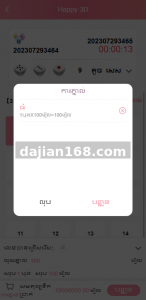
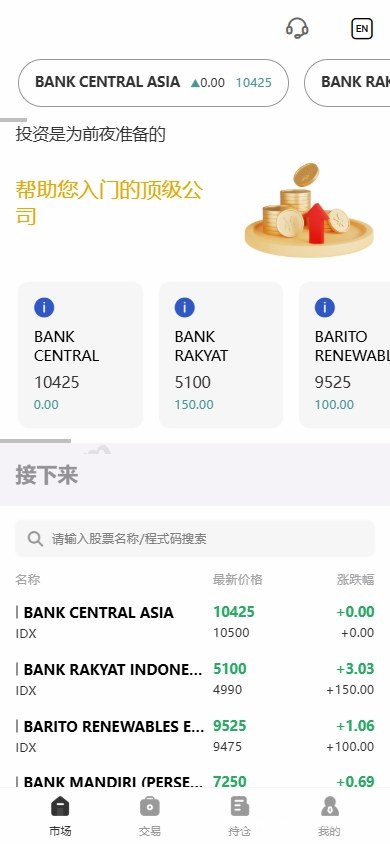
The i18n setup is not hard-coded — language packs are managed directly from the backend. I logged into the admin panel, added a new language identifier under “Language Management,” and maintained the translation entries one by one. After refreshing, the frontend’s homepage, menus, and button labels switched immediately. I tested Chinese, English, and Japanese — no garbled text, and form submissions worked fine.
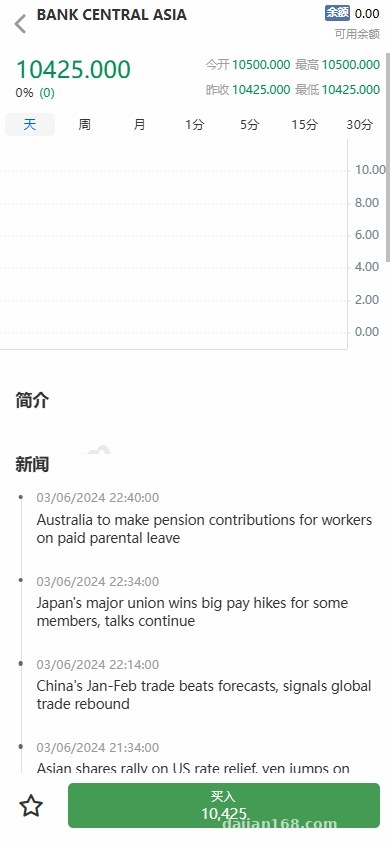
Market Display Module: K-line Data API Needs Manual Integration
The source ships without K-line (candlestick) data — it only leaves a placeholder for an API hookup. Initially I tried saving time by feeding random numbers as mock data to test the frontend. Turns out the chart component has strict format requirements: timestamp, open, high, low, close, and volume. If even one field is missing, the chart goes blank. I ended up writing a simple mock data endpoint that matched the expected schema, and only then did the charts render properly. If you’re doing secondary development, lock down this interface’s data structure first.
Watchlist and Multi-Instrument Switching
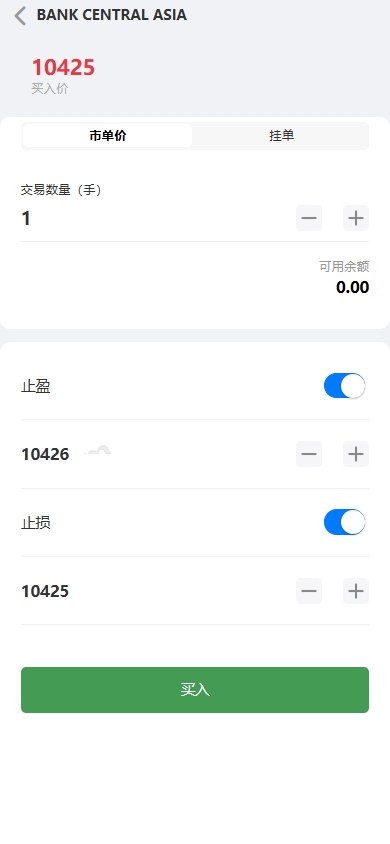
The frontend supports adding stocks to a watchlist, and the admin can manage the symbol list with basic fields like code, name, current price, and change percentage. One thing to note: the default “stock” field labels in the source are actually generic enough to work for forex or commodity futures symbols too. The key is to avoid hard-coding anything.
Product Demo Entry: Simulated Subscription and Maturity Display
This module is essentially a form plus a state machine. A user submits a subscription request, the admin reviews and updates the status, and the frontend displays holdings and simulated maturity amounts. The source doesn’t integrate any real payment gateway, and neither did I — I just used “demo amounts” to walk through the full flow. If you need real payments, you’ll have to write the callback logic in PHP yourself. The source has placeholder hooks, but they’re not fully fleshed out.
Side note: when deploying, I’d recommend positioning this module as a “product return simulator” or “demo scheme showcase” — avoid any wording that implies guaranteed returns. Compliance comes first.
IPO Subscription and Bulk Transaction Record Pages
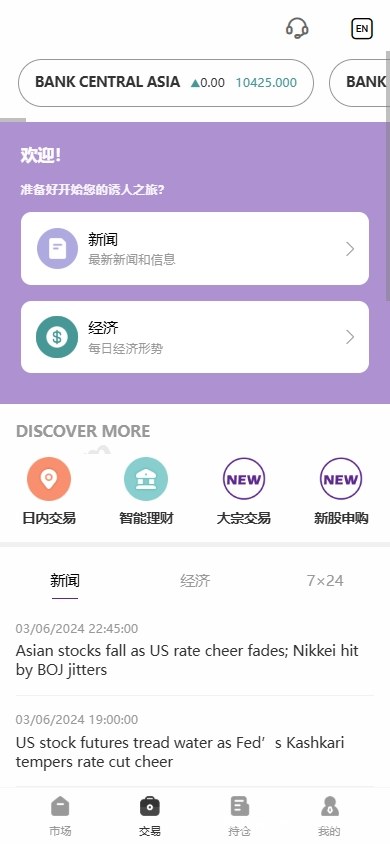
Both modules are basically list pages plus detail pages. Add a subscription record in the admin and the frontend will show cutoff dates, simulated issue prices, allocation rates, and similar info. The bulk transaction section is just record listings with filter conditions. The source doesn’t include file upload support, so if you want image display, you’ll need to add that yourself.
Highlight: The admin’s language packs are stored in the database, so switching languages doesn’t require recompiling the frontend. The uniapp codebase can be packaged as H5, mini-programs, and Android apps from a single source.
Deployment Essentials: PHP Environment and Frontend Packaging
The backend runs on PHP — my local test stack was LNMP (Linux + Nginx + MySQL + PHP 7.4). I didn’t try PHP 8.0 or above, but some older functions might trigger deprecation warnings, so I’d suggest sticking with PHP 7.4 to keep things simple.
Backend Deployment Steps
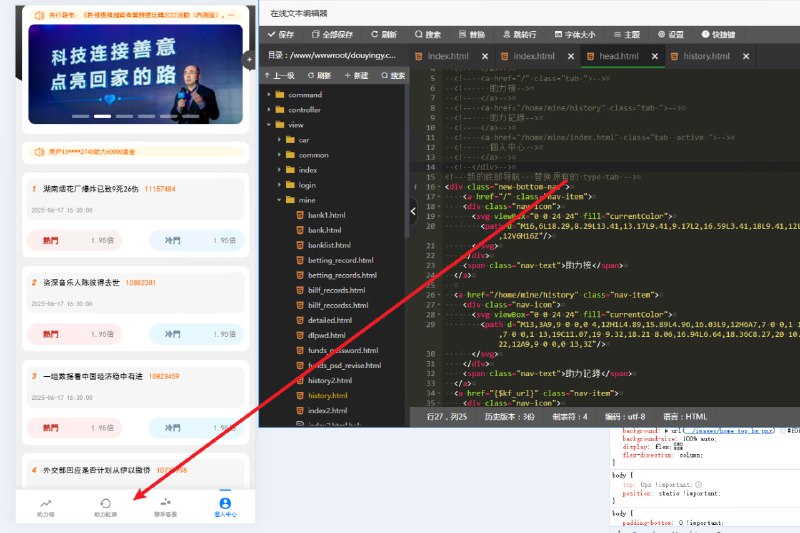
Upload the source to your web root, then configure URL rewriting. Nginx rewrite rules are mandatory — without them every route 404s. Import the SQL dump, then update the database credentials in the config directory (database name, username, password). The default admin entry is /admin — change the default password immediately on first login. Make sure PHP has fileinfo, pdo_mysql, and curl extensions enabled.
Frontend Packaging: Handling the uniapp Project
The frontend is built with uniapp and opened in HBuilderX. First, replace the appid in manifest.json with your own, then update the API base URL. If you’re only testing the H5 build, just point it to your backend domain. For Android packaging, watch the transport security config — I noticed Android 9 and above blocks plain HTTP requests by default, so you’ll need to modify network_security_config.xml or API calls will silently fail.
Multi-language Pitfall: Don’t Invent Language Identifiers
When adding a new language in the admin, the language identifier must match what’s predefined in the frontend code. I once created a custom identifier and got errors about missing language pack files. After digging in, I realized the frontend has hard-coded language directory names like zh-cn and en. If you want to add a new language, you have to add the matching directory in the source as well.
Who Should Deploy This System
Based on this deployment experience, I see three types of users who’d benefit most from this source.
Type 1: Developers Building Financial Data Display Projects
If you need a ready-made multi-language market display shell and don’t want to build the frontend and basic admin functions from scratch, this source saves a lot of time. The uniapp frontend in particular packages cleanly into apps and mini-programs.
Type 2: Technical Demonstrations or Teaching Projects
Features like K-line charts, subscription workflows, and bulk transaction lists work great for teaching demos or technical talks. Swap in simulated data and run it live for your audience — way more convincing than slides.
Type 3: Solo Developers with Secondary Development Skills
The codebase isn’t complex, so modifications are straightforward. I added a currency conversion API on the backend and displayed it on the market page — the whole process took about one evening. There’s no payment integration out of the box, so if you need that, secondary development is unavoidable, but the PHP framework is lightweight and the routes and controllers are easy to locate.
Frequently Asked Questions
Q: How do I hook up the K-line data API?
A: Start by using mock data to validate the chart’s expected field format, then write a scheduled task that pulls K-line data from your chosen source into MySQL. The frontend endpoint reads from the database and returns it to the chart. Strict field matching is essential — otherwise the chart won’t render.
Q: Which languages are supported?
A: Chinese and English come built-in, and you can add entries via the admin. However, adding a brand-new language requires creating a matching identifier directory in the frontend code, or the lookup will fail. I’d recommend translating all entries in the admin first, then updating the frontend code.
Q: Can this be used for actual securities market simulation?
A: No. This system is positioned as a market data visualization and business workflow demo — it contains no real trading channels. Any operation involving real funds requires proper licensing and complete broker/payment integration, which the source cannot provide. It is intended solely for technical learning, feature demonstration, or simulated teaching purposes.
Q: Can the market volatility effects be adjusted?
A: Yes. I built a custom mock market generator that lets you configure volatility and refresh frequency to control the swing amplitude. Note that this is for demonstration only and should not be presented as a tool for any financial activity or decision-making.
Disclaimer: This article is intended for technical education and system-building discussion only. Please comply with applicable laws and regulations, and do not use the source code for any unlawful purpose.
Disclaimer: This article is for technical education and demonstration only. It is not professional or financial advice. Any real-world deployment must comply with applicable laws and regulations.
#financial data visualization #uniapp #PHP #multi-language #market demo