Building a Data Collection Platform: Web Scraper Architecture and Data Cleaning Deployment Guide
Building a Data Collection Platform: Web Scraper Architecture and Data Cleaning Deployment Guide
Disclaimer: This article is for technical education and demonstration only. It is not professional or financial advice. Any real-world deployment must comply with applicable laws and regulations.
Recently I helped a client deploy a data collection and processing platform. The frontend uses uniapp and the backend is built on the fully open-source FastAdmin framework. After running the whole thing end to end, my biggest takeaway was: designing the collection endpoints takes more thought than I expected. This post is purely a record of my deployment process — no fluff, straight to the practical stuff.
The core of the system revolves around collecting from public data sources — scheduled scraping, regex-based cleaning, database storage, and display — plus a user message board module. These kinds of projects usually have the word “demo” in the title, but at heart it’s just a data aggregation + display + interaction system. During deployment, I routed all data sources to legitimate, compliant public endpoints — weather data, public indices, news feeds, that sort of thing. If you want to customize it, you can swap the source for sites relevant to your own business, but make sure you respect the target site’s robots.txt rules.
1. Feature Walkthrough: What This System Actually Does
Bottom line up front: the features aren’t complex, but the modules are cleanly separated. Backend admin, frontend display, data collection, and user feedback — four blocks that work well for information aggregation mini-programs or H5 projects.
1.1 Collection Task Management
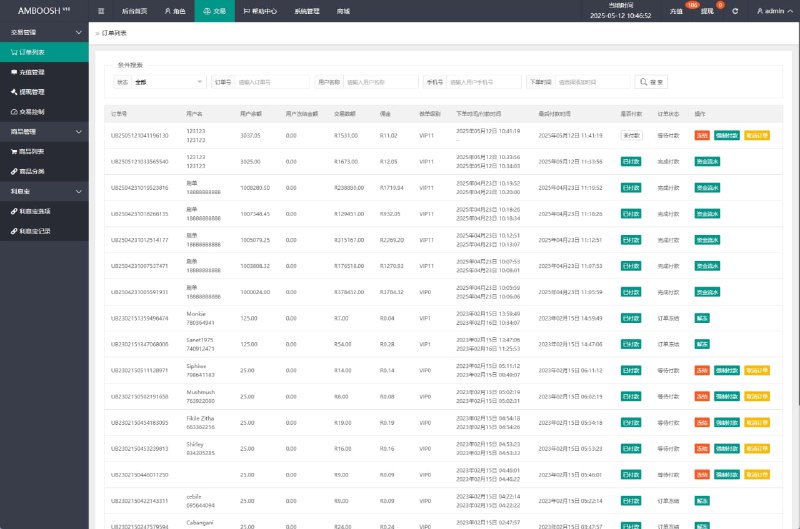
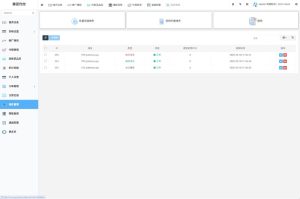
The backend controls scraping frequency through FastAdmin’s scheduled task plugin — I set mine to run every hour. You need to register the endpoint URL in the backend first, with support for both GET and POST methods. I usually work with JSON responses, but the system also has an XML parsing extension reel simulation reserved. Note: you must do field mapping on the scraped data, otherwise you’ll find field names don’t line up when writing to the database, and debugging that is a real headache.

1.2 Data Cleaning and Formatting
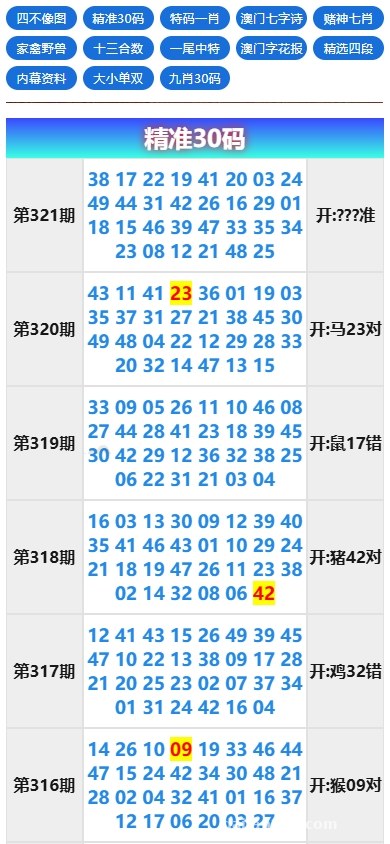
This is where secondary development eats the most time. Raw data often comes mixed with HTML tags, extra whitespace, and garbled characters. My approach is to add a regex replacement layer inside the collection task’s callback function to strip out non-critical content. The built-in deduplication logic is solid — it uses an MD5 fingerprint on the title field to check if a record already exists, so you don’t end up with piles of duplicates after each run.
1.3 Frontend uniapp Display Layer
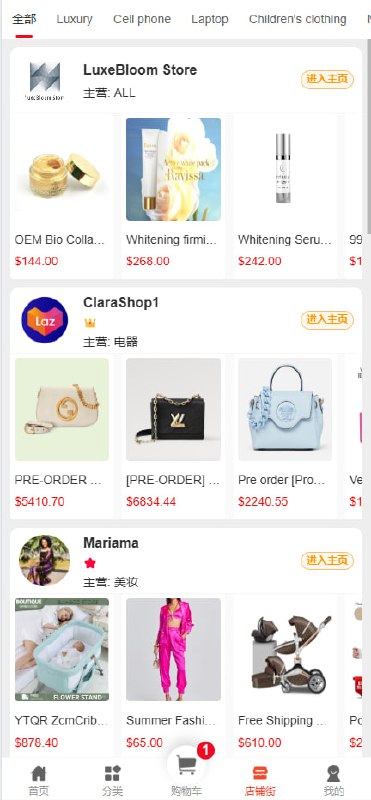
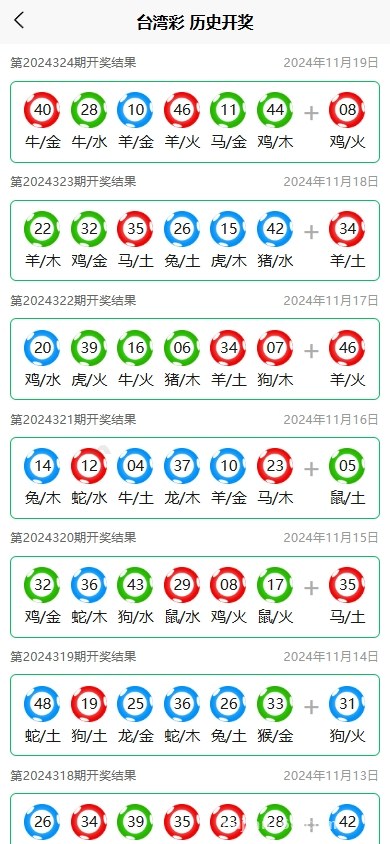
The frontend uses uniapp, which compiles to both H5 and mini-program versions from a single codebase. The homepage has a two-level list + detail view, with data pulled from the backend API. I added a formatting layer on the API response fields, converting timestamps to YYYY-MM-DD HH:mm:ss format, which reads much better on mobile. The message board module calls the backend’s comment endpoint directly and supports three required fields: avatar, nickname, and content. I added a simple keyword filter to prevent spam submissions.
2. Deployment Highlights: Don’t Step on My Landmines
The overall deployment isn’t difficult, but there are a few details that can trip you up. Let me go through them one by one.
2.1 Environment Requirements
I recommend PHP 7.4 or higher for the backend — I’m running 8.0 and FastAdmin is rock solid. The database is MySQL 5.7; remember to set the connection charset to utf8mb4, otherwise Chinese characters will turn into question marks when stored. Nginx’s rewrite rules need to follow the FastAdmin official documentation, otherwise routing will break.
2.2 Collection Endpoint Adaptation
The pre-configured collection endpoint in the source code is no longer valid — you’ll have to change it yourself. I replaced the URL in the backend config with a public API data source. During testing, I found the response data was nested three array levels deep, so I ended up writing a recursive parsing function in the collection logic to flatten the nested structure. I’d suggest printing the raw response first before modifying collection endpoints — understand the structure before making any changes.
2.3 Message Board Module Adjustments
The message board’s comment review is off by default. I switched it to “review before publishing” before going live, adding an audit status column in the backend comment management. The message board API also returns user IDs by default — I masked them by replacing the ID with an anonymous number. User privacy can’t be sloppy these days.
Highlight: there’s plenty of room for customization — collection tasks, data cleaning, frontend display, and message interaction are all open source end to end. FastAdmin’s backend plugin mechanism also makes secondary development smooth. I’d suggest reserving a field mapping table during deployment so you can swap data sources later without touching the core logic.
3. Target Users and Practical Use Cases
Honestly, this system isn’t built for non-technical users. It’s a better fit for developers with a PHP background who want to quickly spin up a data aggregation platform. Once you have the source code, you only need to swap the collection source, tweak the styling, and configure backend permissions — you can have it running within a day.
A few practical scenarios:
– Weather forecast aggregation display platform
– Simple publishing system for public news and information
– Visualization dashboard for internal data reports
– Project information pages with a user feedback channel
3.1 Backend Permission Control
FastAdmin comes with built-in RBAC permission management. I set up three roles: administrator, collection maintainer, and customer service. Collection maintainers can only view collection tasks and logs; customer service can only manage the message board. Assign by need to avoid accidental operations.
3.2 Multi-language Support
The frontend uses uniapp’s internationalization scheme. I added Simplified Chinese and English language packs. The backend FastAdmin validator prompts also need corresponding translations — otherwise form submissions will show hardcoded Chinese messages, which hurts the user experience.
4. Frequently Asked Questions
Q: The collection endpoint changed and I need to modify it myself — how exactly?
A: Find the “Endpoint URL” field in the backend collection task config and replace it with your new endpoint. After the change, manually trigger a collection run first and check the logs for errors. The most common issue is inconsistent response structure — you’ll need to update the field mapping to align the raw field names with the system’s table columns.
Q: Any caveats when compiling the uniapp frontend to a mini-program?
A: Yes. Mini-programs require HTTPS for request domains, and the domain must be added to the whitelist in the mini-program backend. For local development, you can check “do not verify legal domain”. Also, uniapp’s v-html isn’t supported on the mini-program side — I switched all detail page content to use the rich-text component, which gives a similar result.
Q: How do I schedule backend collection tasks?
A: FastAdmin comes with a cron plugin. After enabling it in plugin management, go to “Scheduled Tasks” in the backend and set the cron expression, like 0 * * * * for every hour. Pay attention to the server’s timezone setting — if the server is on UTC, scheduled tasks will run 8 hours off from your local time.
Disclaimer: This article is for technical education and demonstration only. It is not professional or financial advice. Any real-world deployment must comply with applicable laws and regulations.
#Data Collection #Web Scraper Deployment #FastAdmin #uniapp #Data Cleaning