Building a Native iOS/Android Social IM & Content Distribution Platform: WebRTC & PHP Backend Deployment Guide
Building a Native iOS/Android Social IM & Content Distribution Platform: WebRTC & PHP Backend Deployment Guide
Disclaimer: This article is for technical education and demonstration only. It is not professional or financial advice. Any real-world deployment must comply with applicable laws and regulations.
Recently, I helped a client running a niche community deploy a combined social instant messaging (IM) and content distribution platform. Many similar source codes on the market are just hybrid wrappers built with uni-app or Flutter. The moment they hit high-concurrency audio/video streams or large group chats with hundreds of members, the frame rate drops terribly. The codebase I worked with this time has a solid foundation: both Android and iOS clients are purely native, backed by a classic PHP architecture. The whole system feels incredibly responsive. Since I just wrapped up the delivery, I wanted to document the setup process and some troubleshooting notes for fellow developers tackling similar projects.
Core Architecture & Hands-On Feature Testing
What impressed me most about this system is that the client-side development didn’t cut any corners. The Android app uses a mix of Java and Kotlin, while the iOS side is built with Objective-C and Swift. The native advantage is immediately noticeable when scrolling through video feeds or firing up the camera.
1. Instant Messaging & Audio/Video Streaming
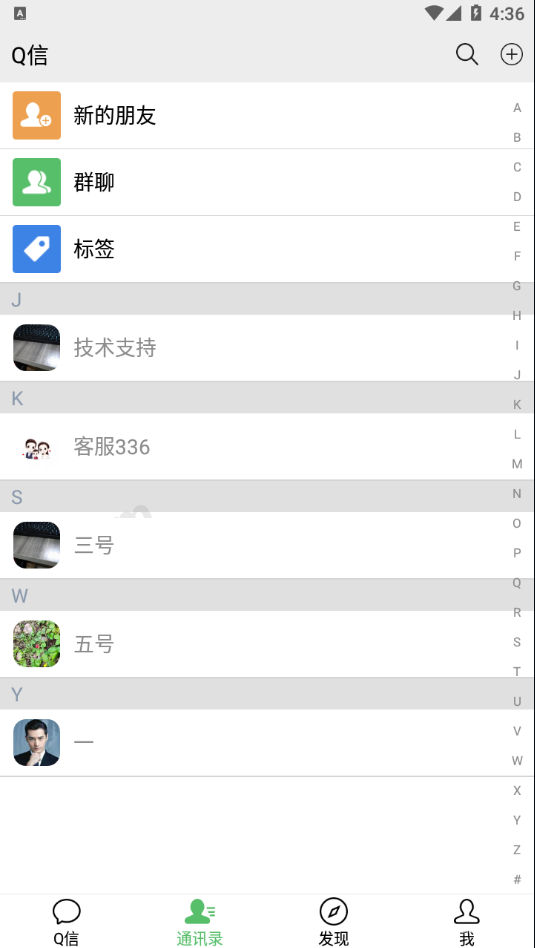
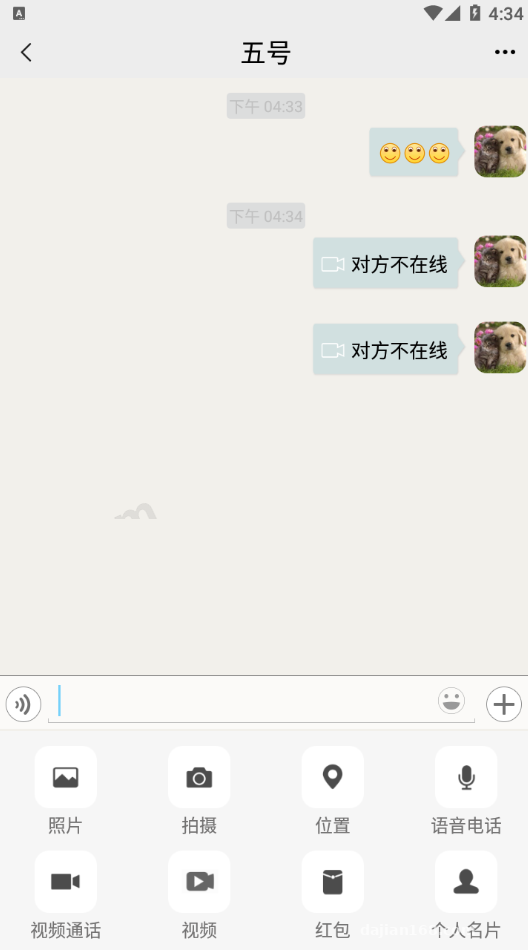
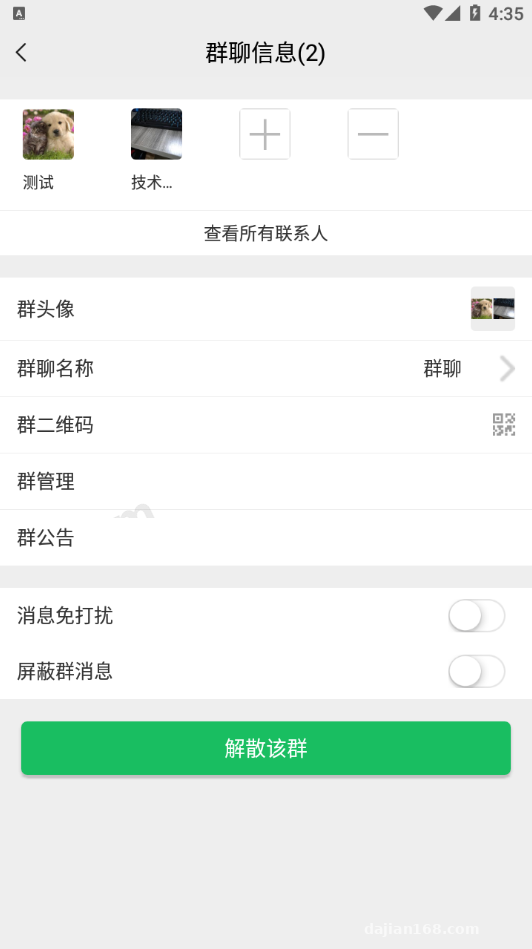
The basic social graph is complete right out of the box, covering user search, friend requests, private messaging, and multi-user group chats. I spent extra time testing the voice and video call features, which rely on WebRTC under the hood. We ran call tests both on a local network and across different carriers over 4G. Video latency stayed consistently under 300ms, with no noticeable audio-video sync issues. Group chats support text, images, short videos, and voice notes. The persistent connection heartbeat mechanism is rock solid—switching the app from the background back to the foreground reconnects almost instantly.
2. The “Discover” Tab & Content Distribution Mechanism
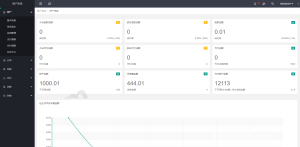
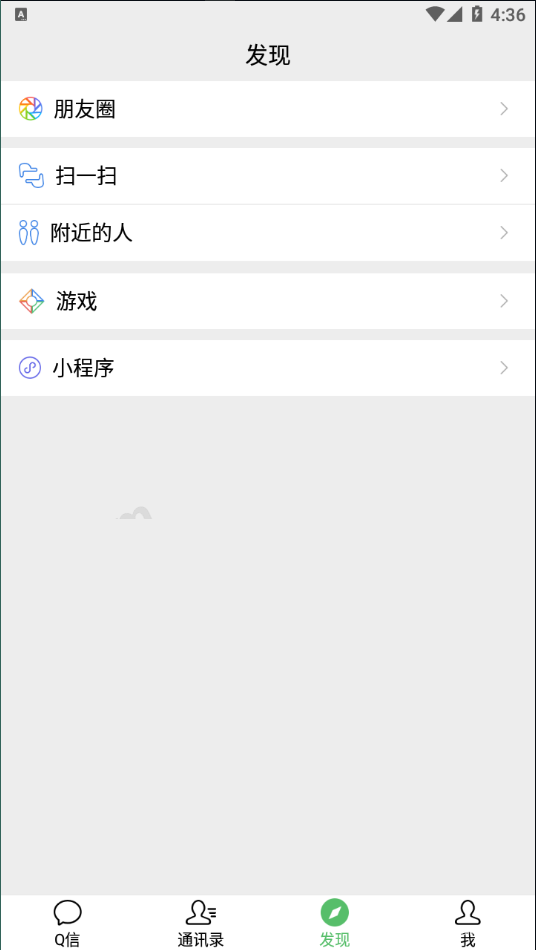
Beyond pure chat, this codebase leaves plenty of room for expansion in the “Discover” section. From the admin panel, you can directly embed third-party H5 links or configure short-video content feeds. For instance, if the client wants to roll out an industry news section or a recommended video stream, there is no need to recompile and resubmit the app. You just tweak the routing configuration for the Discover tab in the main PHP backend, and the frontend dynamically loads the new content distribution page. This setup is great for private traffic retention or displaying multi-language content portals.
3. Payment Integration & Push Notifications
For commercial workflows, standard WeChat Pay interfaces are already pre-built into the source code. Whether you are implementing social red packets, creator tipping, or paid content subscriptions, you simply enter your merchant ID and keys to invoke the native payment SDK. Additionally, the system comes with a built-in push notification module. You don’t have to painstakingly read through push documentation from various phone manufacturers from scratch; configuring the certificates in the backend is enough to wake up the app for offline messages even when the screen is locked.
Key Takeaway: The pure native dual-end code structure is clean and free of obfuscated backdoors. Because the Discover tab supports dynamic WebView routing straight from the backend, the cost of secondary development—like plugging in a short-video recommendation algorithm or adding multi-language packs—is remarkably low.
Server Environment Setup & Deployment Pitfalls
The backend is written in PHP. While the initial deployment barrier isn’t high, dealing with persistent connections and audio/video signaling means there are several critical configuration details you cannot afford to miss.
1. Baseline Environment Parameters
I recommend starting with at least a 4-core, 8GB RAM Linux server. For this build, I used CentOS 7.9 paired with the aaPanel (BT Panel) management tool. Stick with Nginx 1.20 for the web container, MySQL 5.7 for the database, and PHP 7.3, which proved to be the most stable during my tests. Don’t jump straight to PHP 8.0 justbecause it’s newer—some older extension syntax will throw fatal errors. Also, installing the Redis extension is mandatory, as it handles online status caching and message queues.
2. Critical Processes & Port Forwarding
Many developers upload the PHP code only to find the app cannot connect to the chat server. Nine times out of ten, it’s because the daemon process isn’t running or the ports are blocked by the firewall. First, go into your PHP settings and remove exec, pcntl_fork, and pcntl_wait from the disabled functions list. Then, drop into the command line to start the Workerman/Swoole persistent connection service. In your server’s security group, aside from ports 80 and 443, make sure to open the signaling ports (such as 8282 or 7272 by default). You also must configure Nginx WSS reverse proxy; otherwise, the iOS client will flat-out refuse to connect to an unencrypted socket under an HTTPS environment.
Who Is This System Built For?
To be honest, if you are a solo webmaster looking for a zero-cost hobby project, maintaining a codebase with native iOS and Android apps might feel a bit heavy, especially since it involves Android APK signing and Apple enterprise certificates or App Store reviews. However, if your team falls into any of the following categories, this foundation can easily save you two to three months of R&D time:
- Internal Enterprise Collaboration & Private Communities: All data is self-hosted on your own servers, ensuring controllable communication security.
- Vertical Content Distribution Platforms: Use the built-in Discover tab to embed short-video streams or image-text communities, combining content consumption with social retention.
- Global Multi-Language Social Projects: The localization strings in the native frontend are cleanly separated. With minor tweaks to the UI color scheme and language files, you can quickly spin up a working MVP.
Frequently Asked Questions
Q: Is it difficult to compile and package the iOS app? How do I handle signing and distribution?
A: The source code includes the complete Xcode project files. You just change the Bundle ID, swap out the app icons and launch screens, and hit Archive to compile. During testing, you can use a free personal developer account for real-device debugging. For production, it’s best to use TestFlight, submit to the App Store via a standard Apple Developer account, or integrate third-party MDM/Ad-Hoc signing services.
Q: Will the built-in push notifications still work if the app is completely force-closed from the background?
A: On iOS, notifications go through Apple’s official APNs channel, so as long as your certificates match, messages will always arrive even if the app is killed. On Android, due to strict background process management by various OS skins, the default push service works while the background service stays alive. If you need maximum offline delivery rates on Android, I suggest dropping the vendor-specific push SDKs (like FCM, Huawei, Xiaomi, and OPPO) into the native code—the placeholder interfaces are already set up for you.
Q: When embedding third-party links in the Discover tab, how do I sync user login states without asking them to log in again?
A: When configuring the Discover tab URLs in the PHP admin panel, you can enable the token attachment option. When the frontend WebView loads the URL, it automatically attaches the current user’s encrypted token in the HTTP header or query parameters. Your third-party H5 page simply needs to call the backend verification endpoint to retrieve the user UID, achieving seamless single sign-on (SSO).
Disclaimer: The technical architecture and source code deployment process documented in this article are for software development, technical education, and compliant system design reference only. Please adhere strictly to local laws and regulations during implementation.
Disclaimer: This article is for technical education and demonstration only. It is not professional or financial advice. Any real-world deployment must comply with applicable laws and regulations.
#Instant Messaging #PHP Source Code #Audio Video Call #Native App Development #Deployment Guide
-
 Alipay QR Code Scan
-
 WeChat Scan Pay