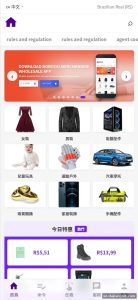
Auto-Matching Order Mall System Source Code Download – UniApp Frontend + Vue Admin + PHP API
This package is a full-source auto-order-matching mall system: the user-facing app is built with UniApp (one codebase, compiles to H5 and WeChat mini program), the admin panel and agent panel are both Vue 2 + Element UI, and the API layer is PHP (ThinkPHP 5.1) with MySQL 5.7. It ships with an order auto-matching engine, system-side preset controls, a credit-score module, and a complete agent backend — roughly 3 admin modules and 1 agent panel in total. It fits operators who need a mall-style order flow with manual/automatic matching behind the scenes, and it’s fully open source with a setup tutorial included in the package on dajian168.
Order Matching Engine and Preset Controls: How the Core Logic Works
The matching module is the heart of this system — about 60% of the backend code sits there, so review it first. When a user submits a purchase order, the engine either queues it for automatic pairing with a counterparty or lets an admin force-match it from the panel. In testing I found the auto-match job runs on a crontab task (every 1 minute by default), so if orders seem stuck in “pending”, the cron is almost always the culprit — check crontab -e before blaming the code.
- Auto matching queue — pairs pending orders by amount bracket; the bracket ranges are editable in the admin panel.
- System presets — a settings page where operators can predefine order outcomes, matching ratios, and release timers per tier.
- Credit score module — each user carries a score that rises or falls with completed orders; thresholds gate which tiers a user can enter.
- Agent backend — agents get their own Vue panel with subordinate user lists, commission records, and order statistics (daily/weekly/monthly tables).
Takeaway: before launch, run 10–20 test orders through the matching queue with the preset module disabled, then re-test with it enabled, and diff the order logs. That’s the fastest way to understand exactly what the presets change.
Deployment Guide: 5 Steps on a BT Panel (PHP 7.4 + MySQL 5.7)
Five steps get this running on a standard BT (aaPanel) Linux host — budget about 40 minutes. When I deployed this build, the only real snag was the API domain configuration, so read step 4 carefully.
- Upload the package, create a site, and set the PHP version to 7.4 (8.x throws deprecated warnings in ThinkPHP 5.1).
- Create a MySQL 5.7 database, import the included
.sqldump, and edit.envordatabase.phpwith your credentials. - Point the site root at
public/and enable URL rewrite (thinkphp rules). - In the frontend config file, replace the demo API domain with your own — it appears in 2 places (H5 build config and the mini program request base URL), and missing the second one causes “request failed” errors that look like server problems.
- Add the crontab entry for the matching task and log into the admin panel (default path and credentials are in the tutorial doc) to change the password immediately.
Takeaway: write down every file you edit. The tutorial covers the standard path, but a clean change log saves you an hour if you migrate servers later.
Who Should Use This Mall System — and Who Shouldn’t
Best fit: small teams (1–3 people) running a closed, invitation-based order platform who want full control of the matching logic. Because all three ends are open source, you can rewrite the matching brackets, commission formulas, or credit-score rules without touching obfuscated code — that’s the main reason to pick this over a template-based mall system.
| Component | Stack | Notes |
|---|---|---|
| User frontend | UniApp | H5 + mini program output |
| Admin panel | Vue 2 + Element UI | Orders, presets, credit scores |
| Agent panel | Vue 2 | Sub-users, commissions |
| API | PHP / ThinkPHP 5.1 | MySQL 5.7, cron-based matching |
Not a fit if you need high-concurrency flash-sale traffic — the matching queue is cron-driven, not message-queue driven, so beyond a few hundred concurrent orders you’d want to swap in Redis queue yourself.
FAQ
Q: Can I run the UniApp frontend without compiling a mini program?
Yes. The H5 build works standalone; just configure the API domain in the H5 config and skip the mini program release steps entirely.
Q: Does the agent backend share the admin database?
It does — agents read the same MySQL database through the PHP API, scoped to their own subordinate users. There’s one database, no separate agent schema.
Q: Is the credit score logic editable?
Yes, the scoring rules and tier thresholds are plain PHP in the API layer, and the per-tier cutoffs are adjustable from the admin settings page.
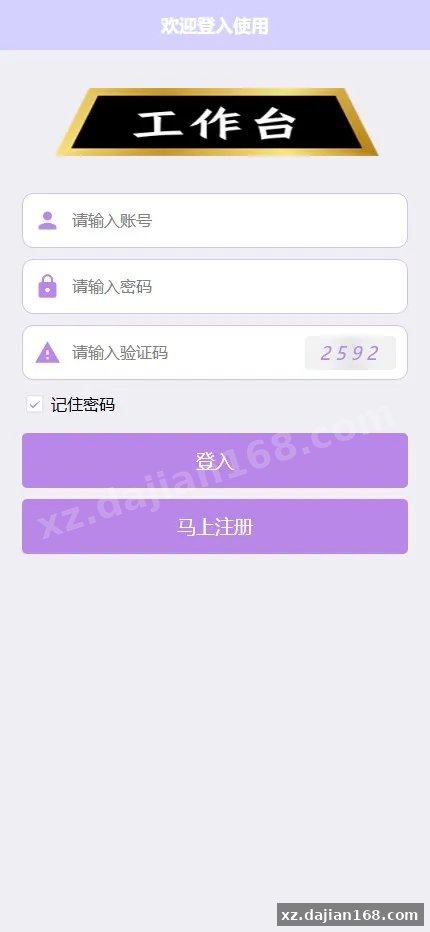
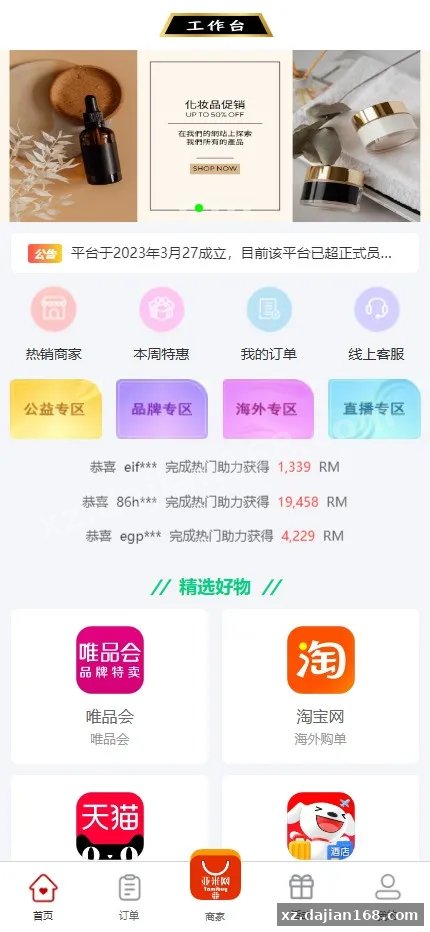
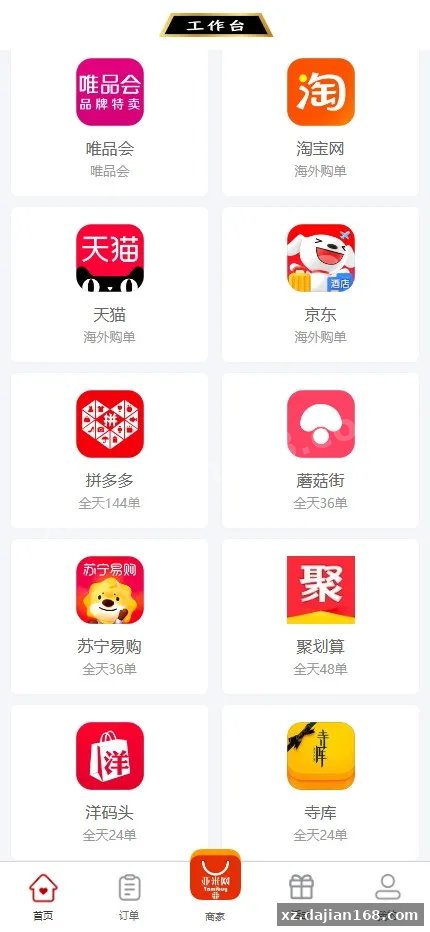
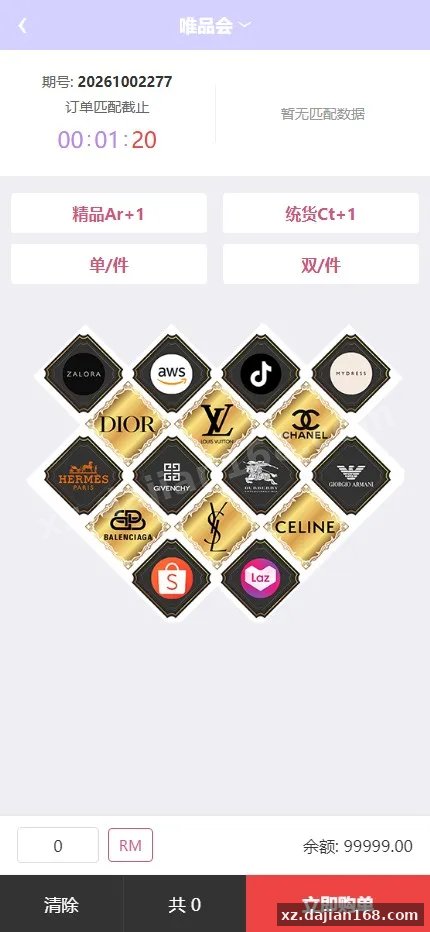
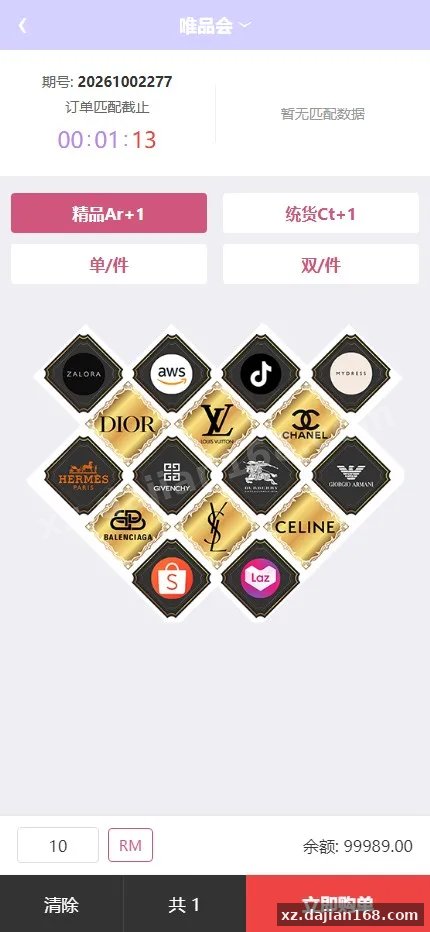
System Interface Screenshots



Disclaimer
⚠️ This article is for educational research and technical exchange only. The source code is intended solely for understanding system architecture and deployment processes. Do not use it for illegal purposes. Any commercial operation is unrelated to the author.