Rainbow Cloud Disk V6.0 – PHP File Hosting & Direct-Link Sharing Source Code (Other Source Code Category)
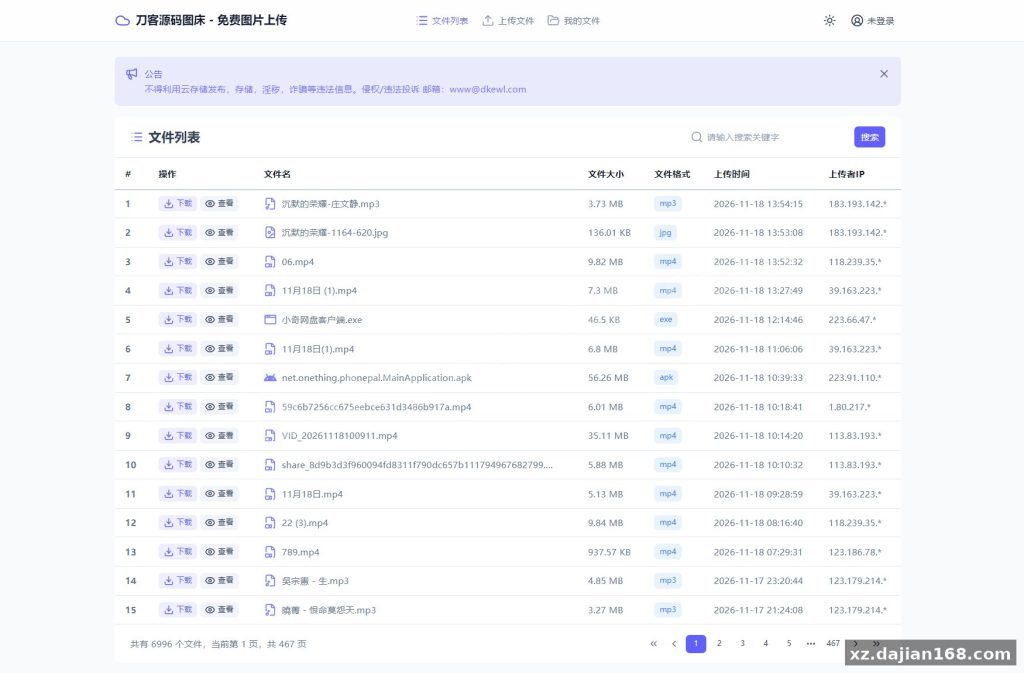
Rainbow Cloud Disk V6.0 is a PHP-based file hosting and direct-link (hotlink) sharing system built with a Vue + Nuxt frontend and a PHP 7.x backend, designed for webmasters who need a self-hosted network disk, image bed, or audio/video preview site. This source code download on dajian168 (Other Source Code) supports 12+ storage backends including Alibaba Cloud OSS, Tencent COS, Huawei OBS, Qiniu, Upyun, S3-compatible storage (Amazon S3, MinIO, Cloudflare R2), Azure Blob, OneDrive, Google Drive, WebDAV, FTP, and SFTP. It auto-generates direct links plus matching UBB and HTML embed code for every uploaded file.
When I deployed this on a small VPS, the whole install took under 10 minutes: upload the package, point the site root at the public directory, import the database, and edit config.php. The V6.0 rebuild on Vue + Nuxt is noticeable — the upload page responds much faster than the old 5.x template, and batch uploading with a per-file storage-location picker works as advertised.
Top 3 Features Worth the Upgrade from 5.x
V6.0 ships 6 changelog items, and 3 of them change daily usage in a big way.
- Multi-storage coexistence – the new storage management panel in the admin backend lets you register 2, 3, or all 12+ storage types at once and pick a location per upload. In testing I found the S3 option covers MinIO and Cloudflare R2 with no code changes.
- Batch operations on “My Files” – multi-select copy links, rename, and delete. Before this, cleaning 50 dead links meant 50 clicks.
- Code file preview – .md and .txt render inline, which turns the disk into a lightweight docs host. The image violation-detection module is also new; enable it in the admin panel if you run a public image bed.
Actionable takeaway: after install, go to Admin → Storage Management and configure at least 2 backends (one local, one cloud) so you can migrate files later without touching the database.
Deployment Environment and 5-Step Install Guide
Requirements are modest: PHP 7.4+, MySQL 5.6+, Nginx or Apache, and roughly 50 MB of disk for the code itself.
| Item | Requirement |
|---|---|
| PHP | 7.4 or newer (tested fine on 8.0) |
| Database | MySQL 5.6 / 5.7 |
| Web server | Nginx / Apache with rewrite support |
| Frontend | Vue + Nuxt (pre-built, no Node needed) |
- Upload the package and extract to your web root.
- Create a MySQL database and user.
- Edit config.php with your DB credentials.
- Import the included SQL file via phpMyAdmin.
- Log into /admin and set your site URL and storage backends.
Pitfall to avoid: upgrading from 5.x requires deleting the includes, admin, and assets folders before overwriting everything except config.php. Skip that step and you’ll get blank pages from cached old assets.
Use Cases: Image Bed, Music Site, or Team Share?
Three realistic deployments work well here: a personal image bed, an audio preview station, or a lightweight team file share with public direct links.
- Image bed: direct image links + auto HTML/UBB code make forum and blog embedding one click. Judging criterion: if you serve more than ~10k images/day, offload to OSS or R2 — local disk I/O becomes the bottleneck before PHP does.
- Music/video preview: inline playback plus generated embed code suits small radio-style sites.
- Team share: WebDAV and SFTP support means you can mount the same storage in desktop clients.
If you want a multi-backend PHP disk script, this source code download from dajian168 is one of the more complete options in the Other Source Code category — 12+ storage types in one admin panel is rare at this weight class.
FAQ
Q: Does V6.0 require Node.js on the server?
A: No. The Vue + Nuxt frontend ships pre-built; the server only needs PHP 7.4+ and MySQL. Node is only needed if you want to recompile the frontend yourself.
Q: Can I use Cloudflare R2 or MinIO as storage?
A: Yes. Both are S3-protocol compatible, so select the AWS S3 storage type and enter your endpoint, bucket, and keys. In testing, R2 worked with zero code modification.
Q: How do I upgrade from 5.x without losing data?
A: Back up config.php and your database, delete the includes, admin, and assets folders, overwrite with the V6.0 files, then restore config.php. Uploaded files stored locally or in cloud buckets are untouched.
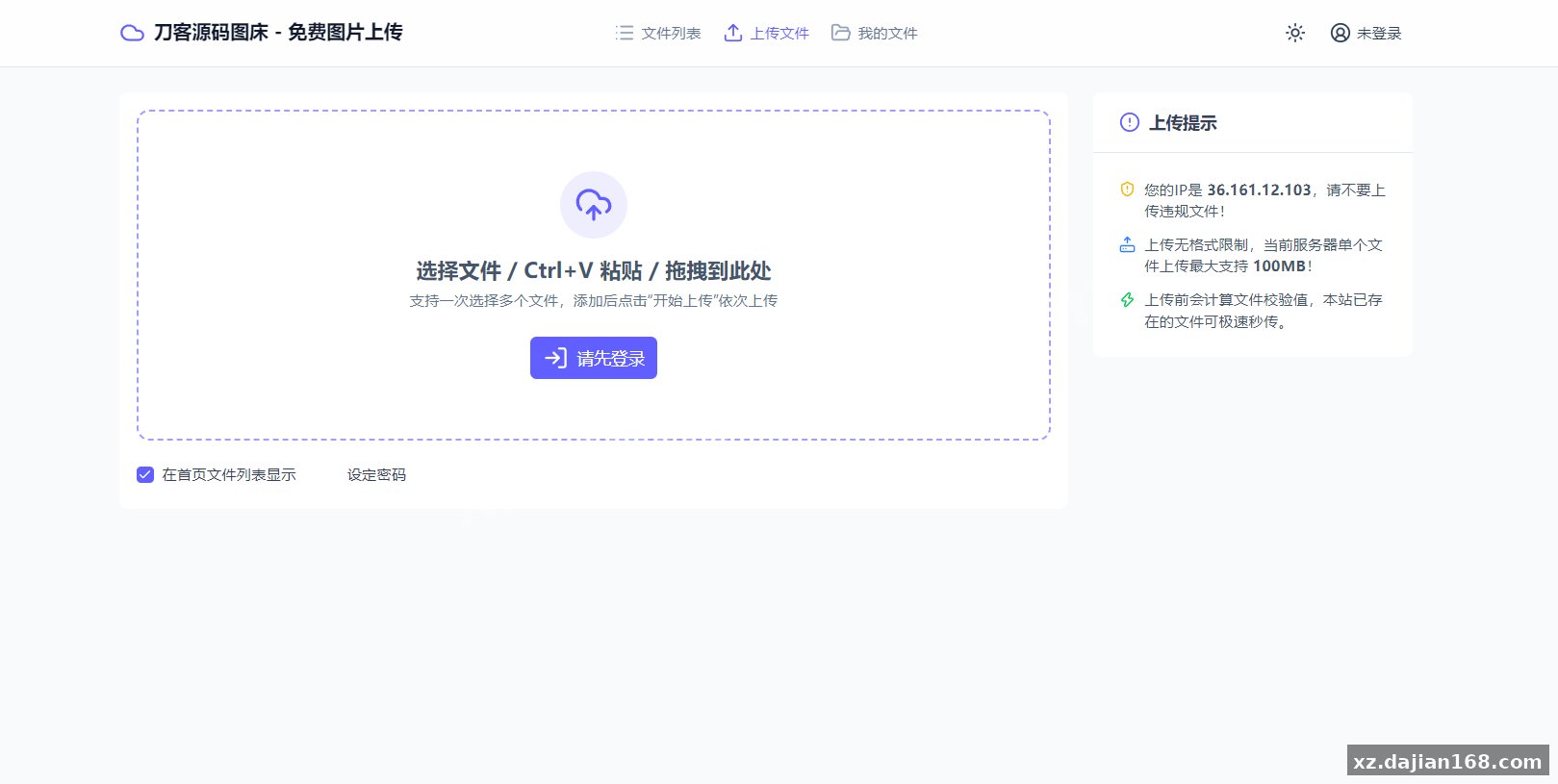
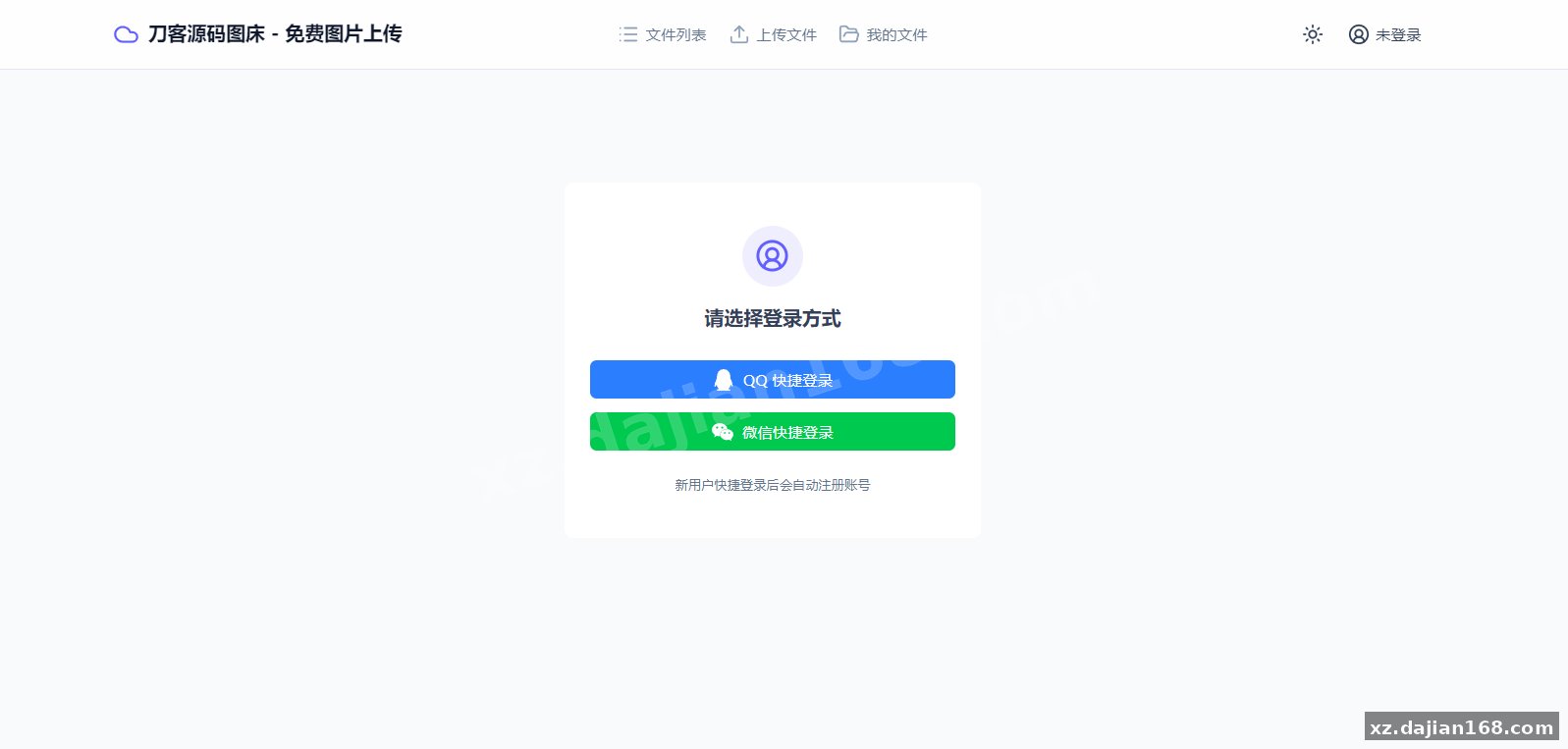
System Interface Screenshots
Disclaimer
⚠️ This article is for educational research and technical exchange only. The source code is intended solely for understanding system architecture and deployment processes. Do not use it for illegal purposes. Any commercial operation is unrelated to the author.