Other Source Code: Qianxun Sports Assistant v3.1 Open-Source System & Mini-Program
The Qianxun Sports Assistant v3.1 is a fully unencrypted fitness step synchronization and task scheduling system built on PHP 7.4, MySQL 5.7, and a native WeChat Mini-Program frontend. Designed for solo developers and mini-program operators looking to build traffic-monetized utility tools, this release on dajian168 includes both the backend admin dashboard and the frontend client package. It enables automated step count updates, VIP membership tiers, points rewards, and activation code redemption without encrypted core files.
Core Functional Modules and v3.1 Architecture Upgrades
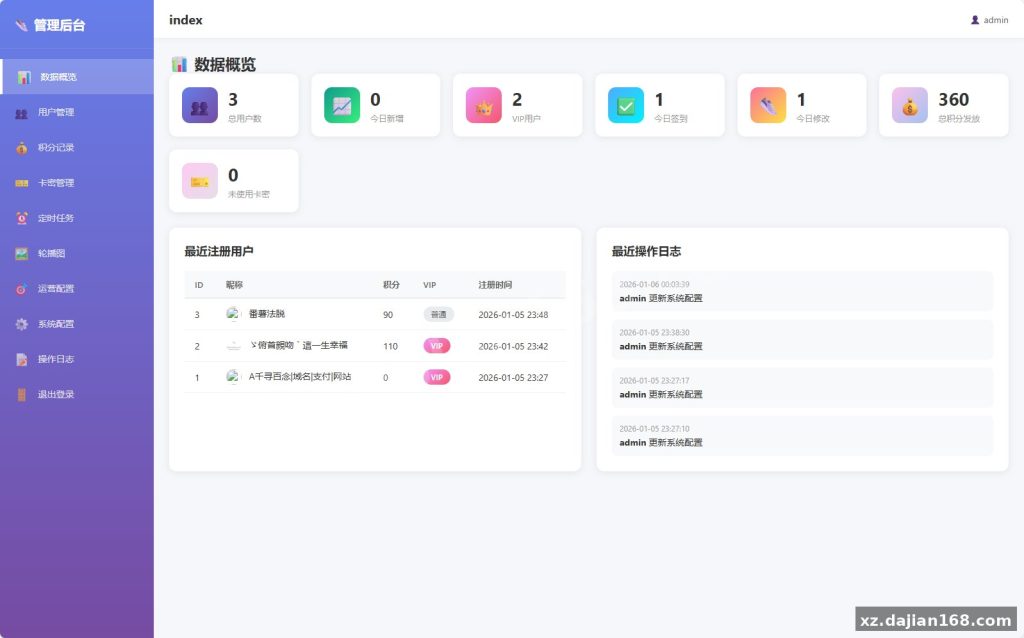
Version 3.1 introduces 4 major administrative upgrades, turning a basic script into a commercial-ready mini-program backend with automated cron scheduling. When I inspected the codebase after grabbing the source code download from dajian168, I noticed the separation between the admin/ and api/ directories is clean and avoids bloated framework overhead. If you plan to customize the VIP logic, check how the points deduction hooks into the task queue before altering the database schema.
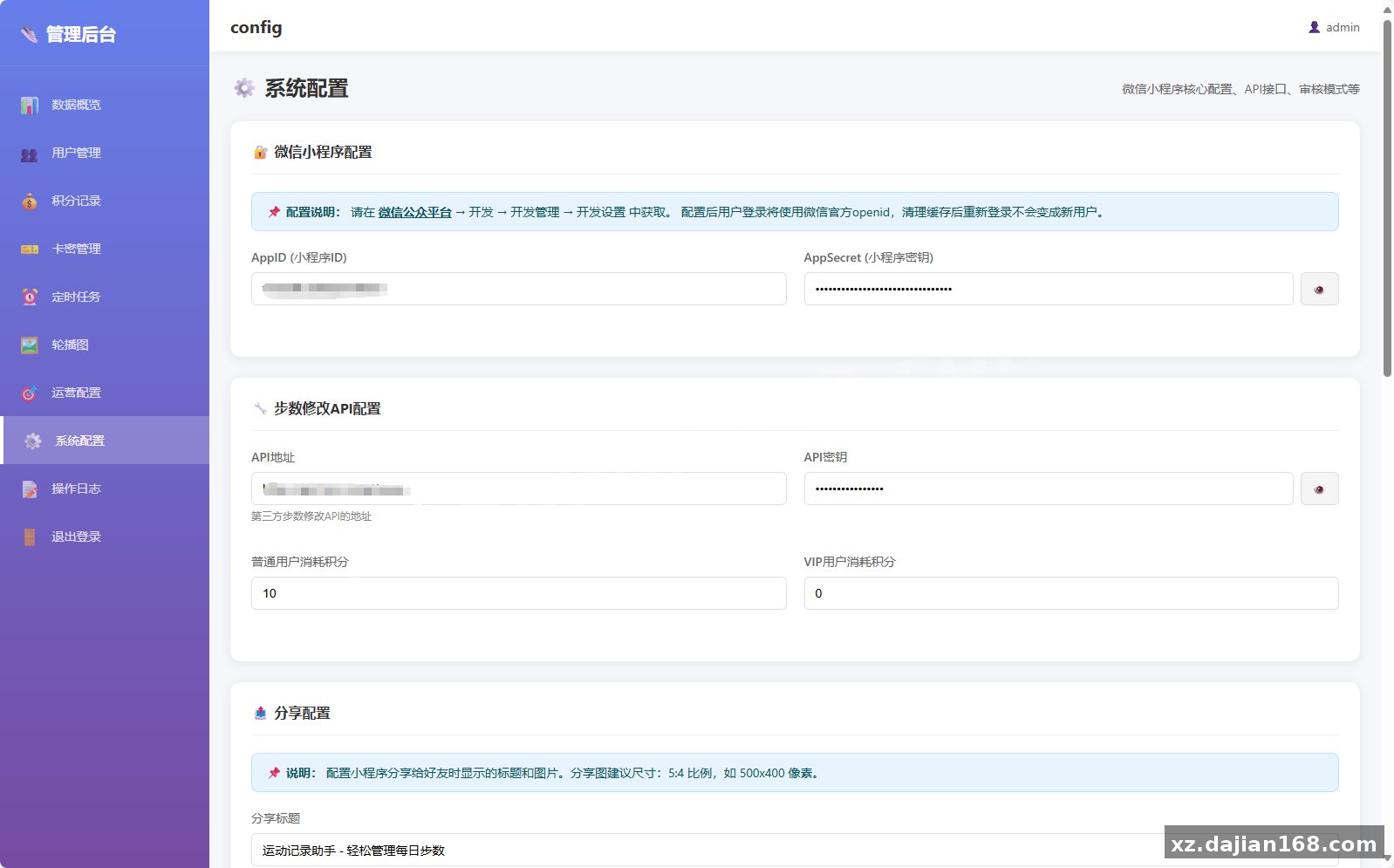
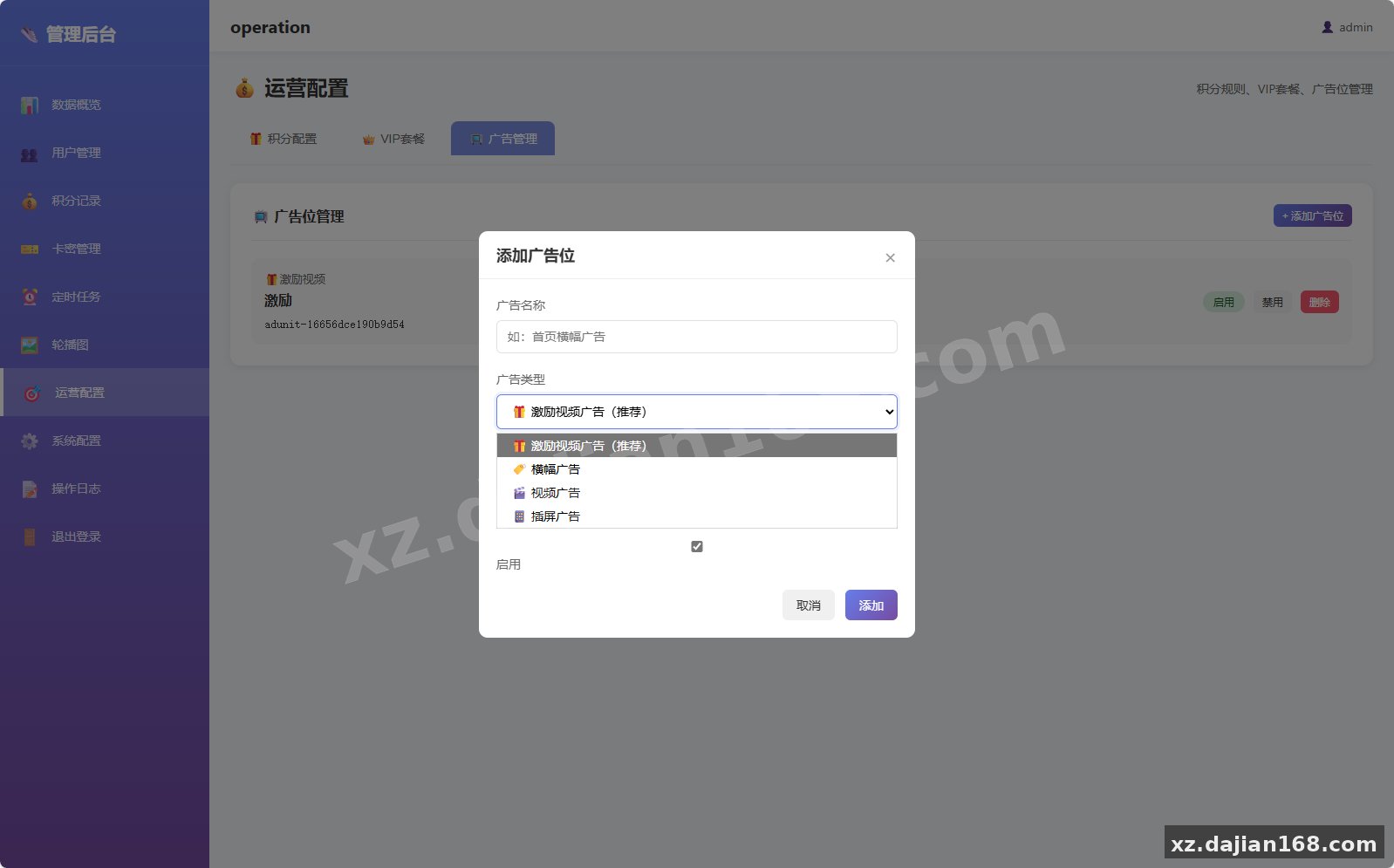
- Visual & Ad Configuration: Direct backend toggles for frontend banner carousels, system announcements, and WeChat Traffic Master ad unit IDs.
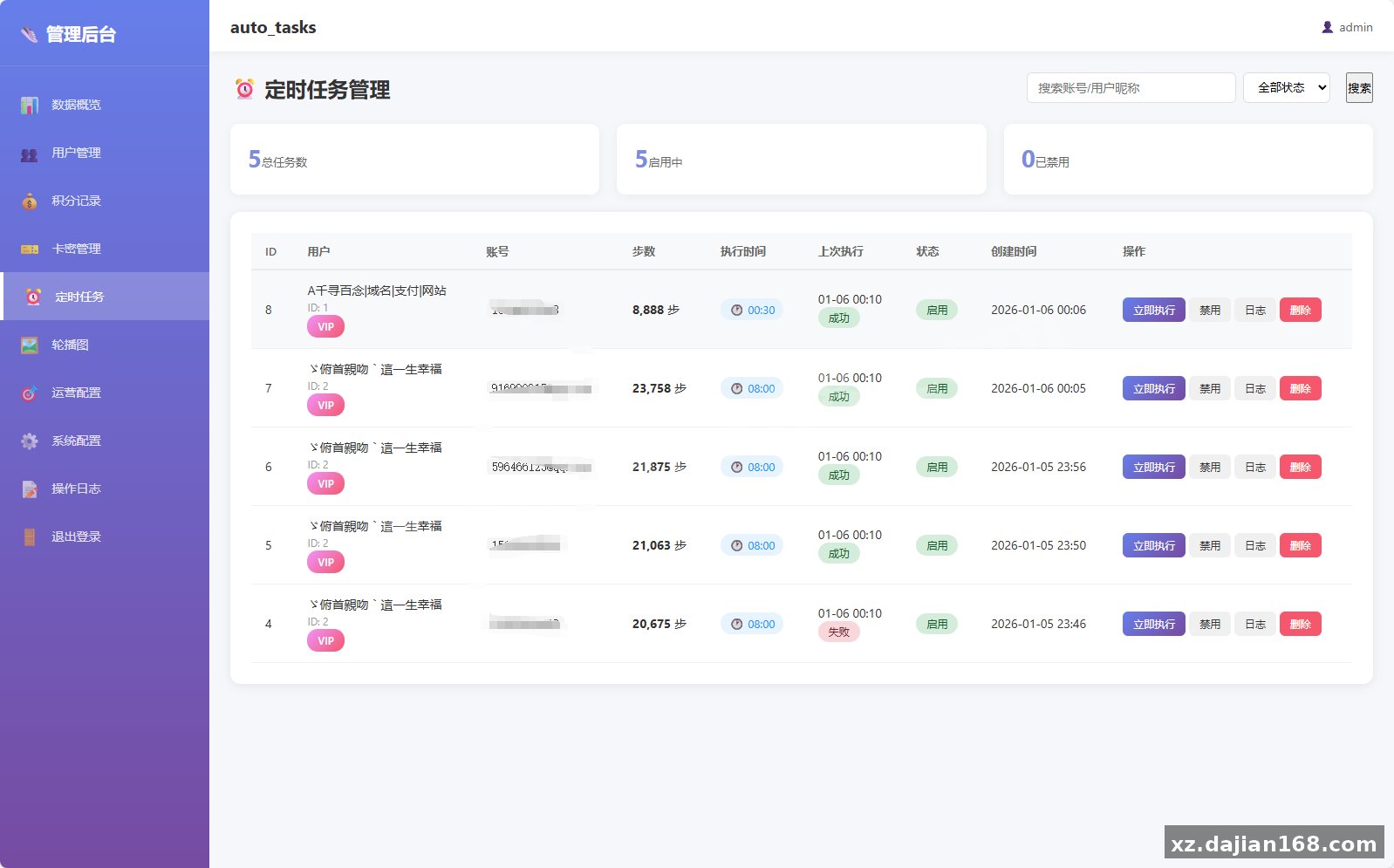
- Asynchronous VIP Task Queue: Standard users trigger manual updates, while VIP members submit tasks into a background queue executed every 5 minutes via server cron jobs.
- Completed Card-Key (CDKey) Module: Fully implemented in v3.1 (previously marked pending in earlier builds), allowing admins to batch-generate redemption codes for VIP durations or point top-ups.
- Device & Referral Optimization: Improved CSS layout responsiveness across different mobile screen sizes and a refactored invitation list rendering query.
Server Environment Specifications and Pre-Install Checklist
Running the task scheduler smoothly under concurrent user loads requires at least a 2-core CPU and 2GB RAM VPS environment. During my test run on a 1-core 1GB box, overlapping cron executions caused noticeable PHP-FPM congestion once queued VIP tasks exceeded 150 entries. Stick to the exact software versions below to avoid deprecated function warnings during the automated setup wizard.
| Component | Required Specification | Configuration Note |
|---|---|---|
| Server OS | Linux (CentOS 7+ / Ubuntu 20.04+) | Baota (aaPanel) recommended for cron management |
| CPU / RAM | 2 Cores / 2GB RAM minimum | Prevents bottlenecking during 5-minute batch cron runs |
| PHP Version | PHP 7.4 | Ensure curl, pdo_mysql, and json extensions are enabled |
| Database | MySQL 5.7 | UTF8mb4 character set required for WeChat nicknames |
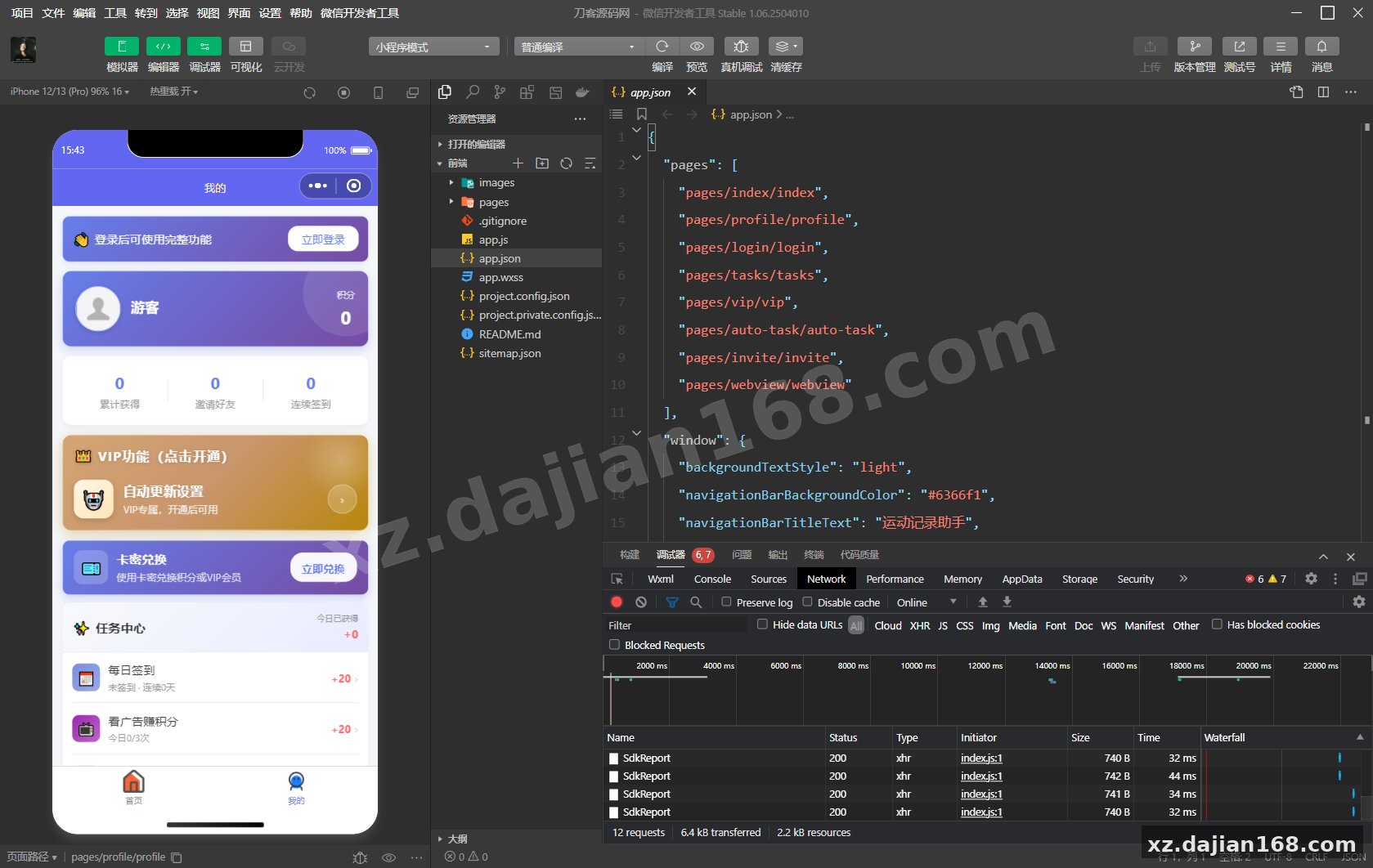
| Frontend | WeChat DevTools | HTTPS domain required for live mini-program API requests |
4-Step Deployment Workflow and Pitfalls to Avoid
Deploying the backend and connecting the mini-program takes 4 sequential steps, provided you let the installer generate the configuration file automatically. In testing I found that manually uploading an old api/config.php file breaks the setup script permission check. Always omit that specific file when transferring your package from the other source code archive on dajian168.
- Upload Directory Structure: Upload the
admin/andapi/folders to your web root. Do not manually create or uploadapi/config.php, as the web installer writes this file dynamically. - Assign Directory Permissions: Run chmod commands via SSH or your panel file manager to set
admin/,admin/config/, andapi/to755. If permissions remain too restrictive, step 4 of the web setup will silently fail to write database credentials. - Execute Web Setup Wizard: Navigate to
https://yourdomain.com/admin/setup.php. Complete the 4-stage wizard (environment check, MySQL connection test, admin credential creation, and automatic table generation). Afterward, log into/admin/login.phpand set the backend API secret key to2e1ea3f60e06d0c5. - Configure Cron Job & Frontend API: In Baota Panel under Scheduled Tasks, add a Shell Script running every 5 minutes with the command
curl -s https://yourdomain.com/api/cron_execute_tasks.php > /dev/null 2>&1. Finally, open the mini-program folder, editapp.js, and updateglobalData.apiBasetohttps://yourdomain.com/api/.
Before publishing the mini-program, verify all 6 launch checkpoints: access /admin/login.php, verify dashboard overview metrics load, hit /api/test.php in your browser to confirm a JSON success response, test WeChat auth login in the simulator, confirm banner and VIP package configs pull through, and verify a test VIP task triggers on the 5-minute mark.
FAQ
Q: Why does the setup wizard fail at step 4 when creating the configuration file?
A: This happens for two reasons: either admin/config/ and api/ are not set to chmod 755 (owned by the www user), or you accidentally uploaded an existing api/config.php file before running /admin/setup.php. Delete any pre-existing api/config.php and re-run the installer.
Q: Why are VIP users’ scheduled step tasks sitting in pending status without executing?
A: The system relies on an external cron trigger rather than an internal daemon. Verify your panel scheduled task runs curl -s https://yourdomain.com/api/cron_execute_tasks.php > /dev/null 2>&1 every 5 minutes, and check that your SSL certificate is valid so curl does not abort the HTTPS handshake.
Q: Is the card-key (CDKey) redemption feature functional in this dajian168 release?
A: Yes. While earlier documentation listed the card-key system as pending development, the v3.1 update included in this source code download completes both the backend key generation module and the backend API key validation logic (`2e1ea3f60e06d0c5`).
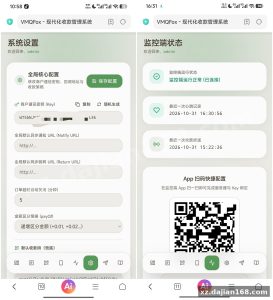
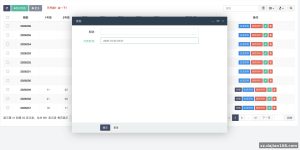
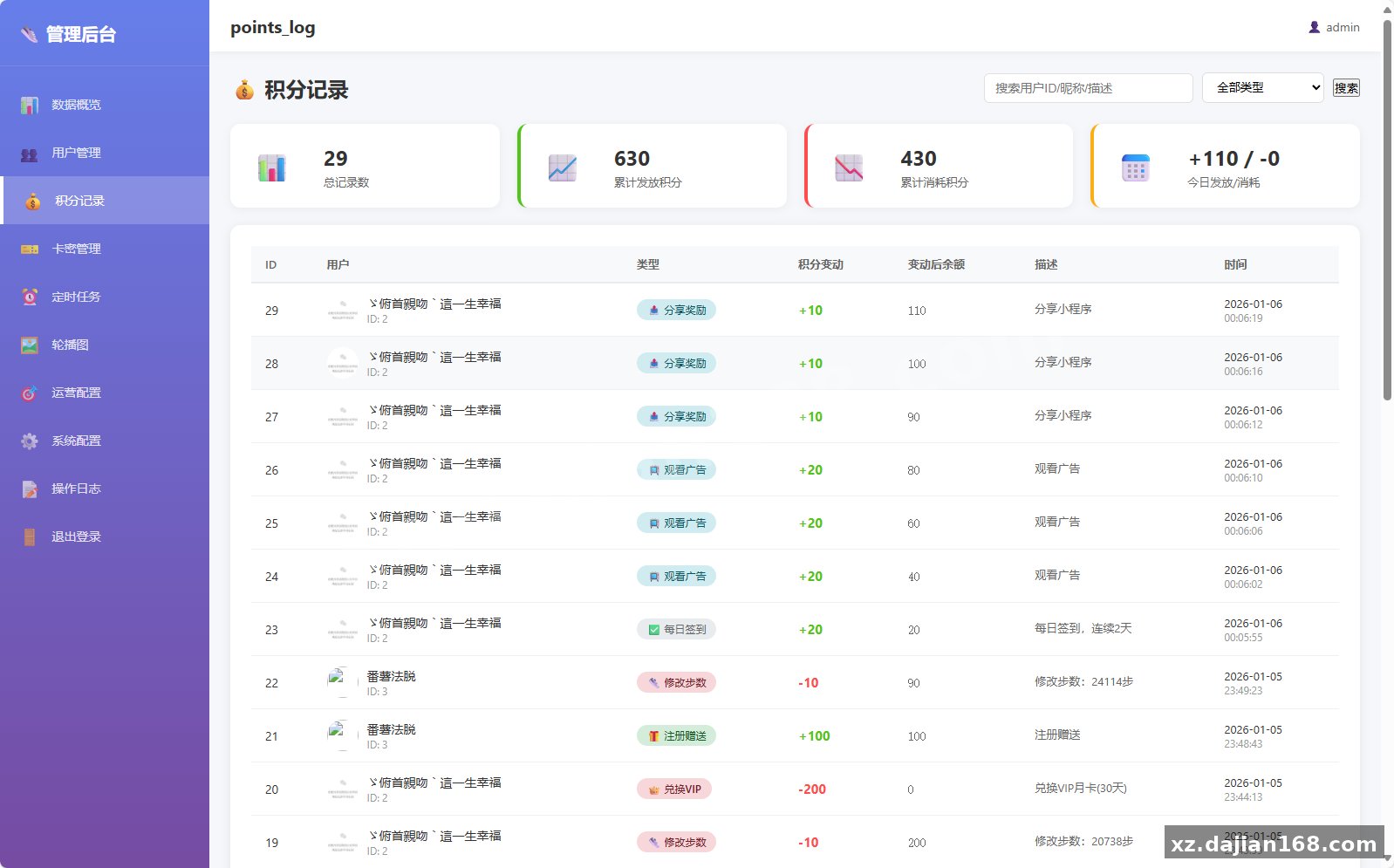
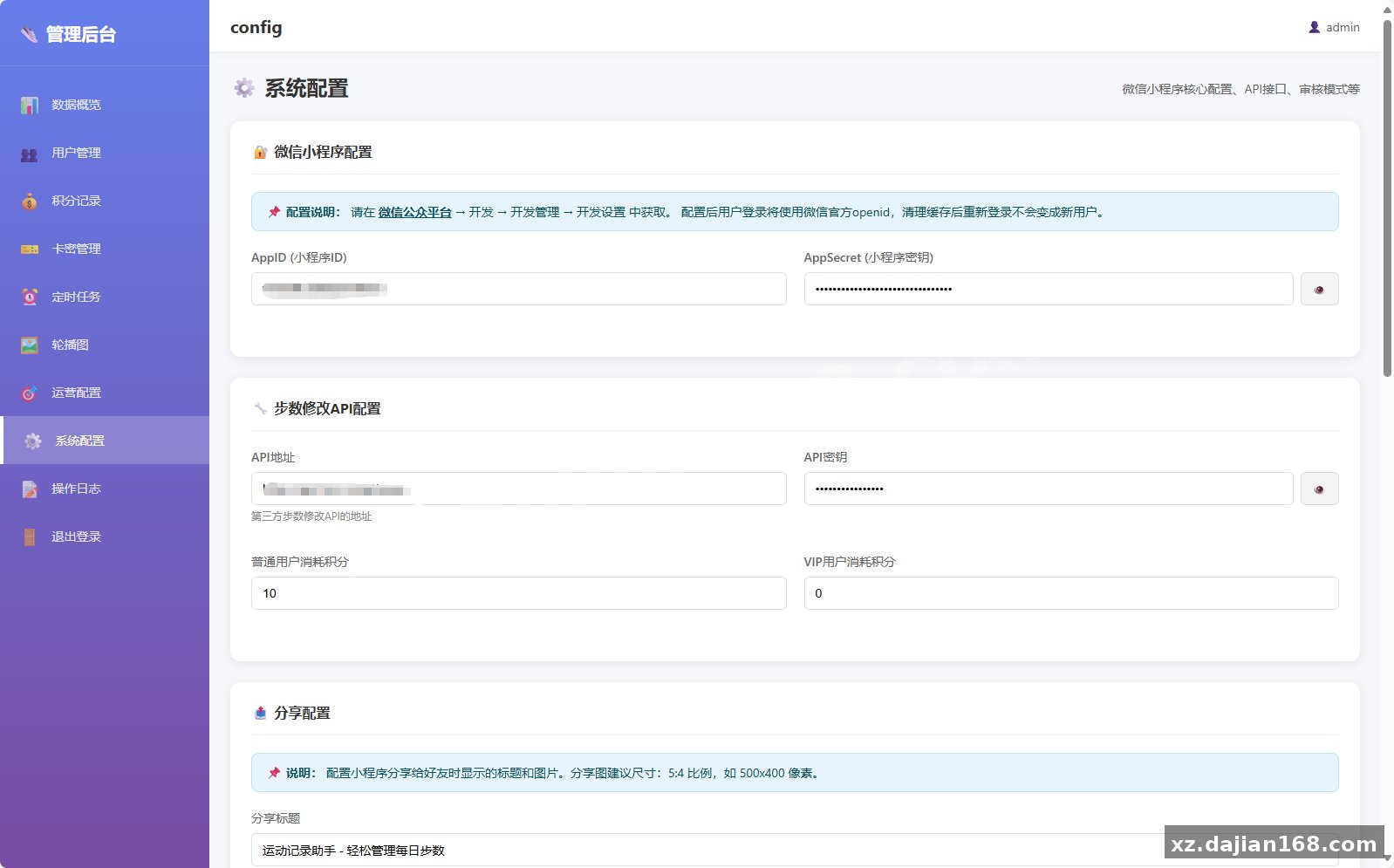
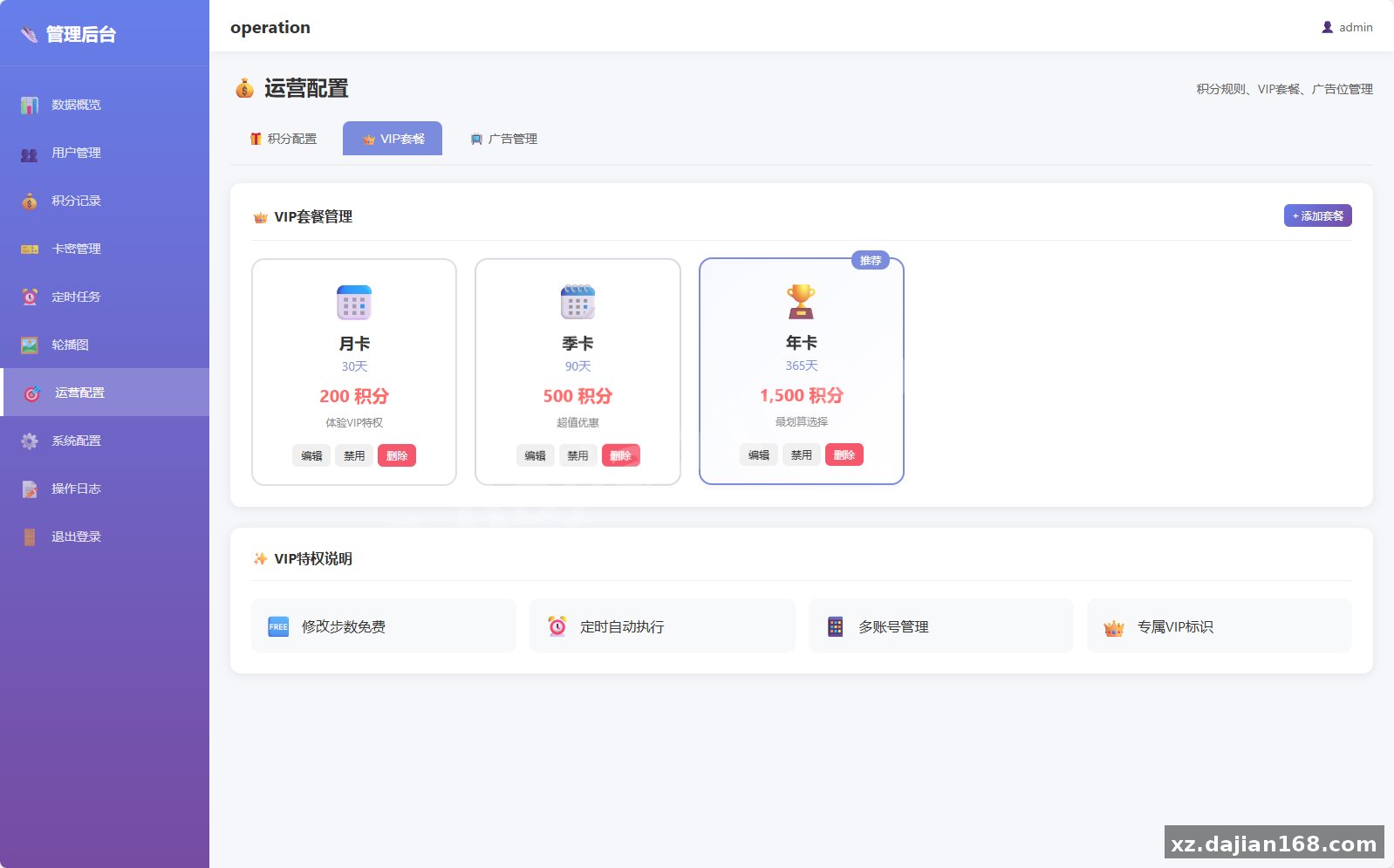
System Interface Screenshots
Disclaimer
⚠️ This article is for educational research and technical exchange only. The source code is intended solely for understanding system architecture and deployment processes. Do not use it for illegal purposes. Any commercial operation is unrelated to the author.